
iOS Incoming Call Meme Generator
Create Your iOS Incoming Call Meme

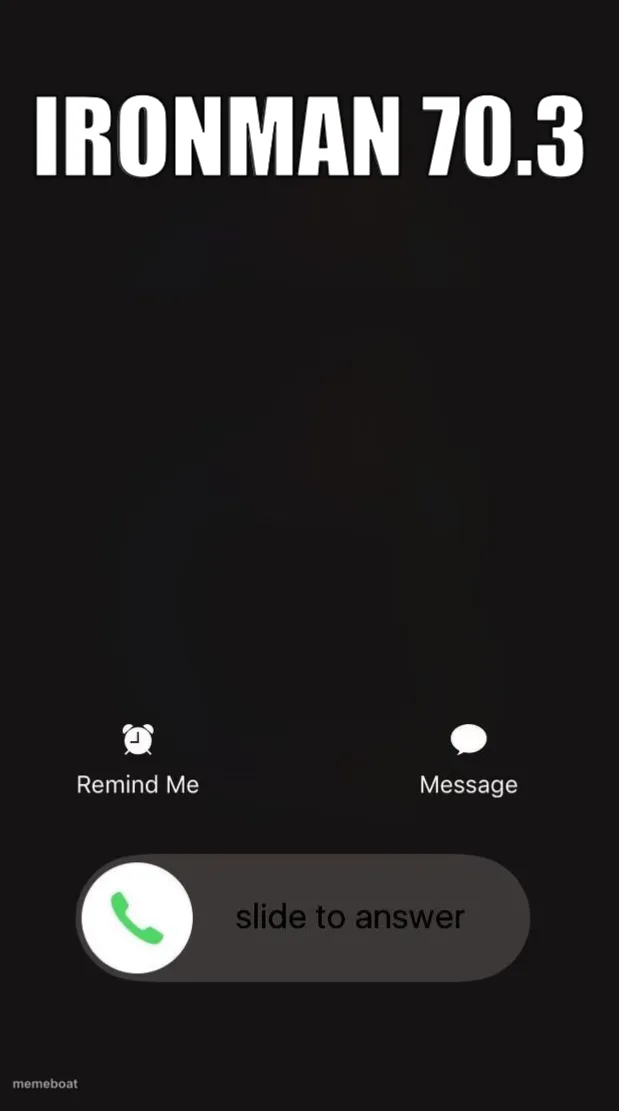
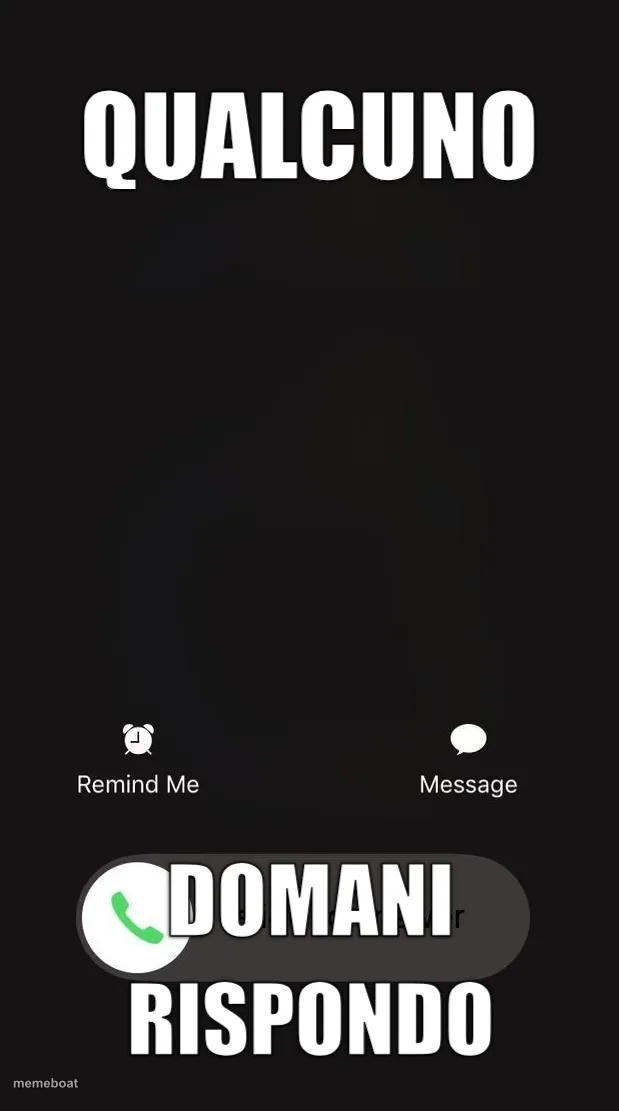
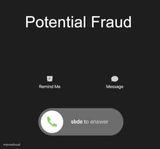
The classic iPhone incoming call screen with slide to answer. Perfect for dread-inducing calls and phone-related panic jokes. Free to caption.
Blank iOS Incoming Call meme template
Download the blank iOS Incoming Call template to caption it yourself, or add your text right here in the editor above and download the finished meme.
When to use the iOS Incoming Call meme
- Your mom calling instead of texting, which means it's serious
- An unknown number at 2am
- Your boss calling on a day off
- Seeing your ex's name pop up years later
iOS Incoming Call template facts
- Featuring
- iOS Lock Screen (iPhone)
- Dimensions
- 619 × 1111 px
- Format
- PNG
- Text boxes
- 2
- Added
- 2025
- Memes made
- 2
About the iOS Incoming Call meme template
That specific stomach-drop feeling when the phone lights up and you have to decide, in real time, whether to slide to answer or let it ring into oblivion. This template is basically a blank canvas for "who's calling" dread.
Use it for mom calling at a suspicious hour, your boss calling on a weekend, a number you don't recognize, or anything where answering feels like a gamble. Universally understood, zero explanation needed.
Popular iOS Incoming Call caption ideas
Mom calling · you know it's serious
Unknown number · at 3am
Your boss · "just a quick call"
Templates similar to iOS Incoming Call




iOS Incoming Call meme FAQ
How do I make a iOS Incoming Call meme?
Scroll up to the iOS Incoming Call template, type your caption into the 2 text boxes in the editor above, adjust the font, size and color if you like, then click download. Your finished iOS Incoming Call meme is ready to share in seconds.
Can I use the iOS Incoming Call template for free?
Yes. The iOS Incoming Call template is completely free to use — no signup and no limits on how many memes you create or where you share them.
How do I download my iOS Incoming Call meme?
Click the download button under the editor once your iOS Incoming Call meme looks right. It saves straight to your device as a high-quality PNG or JPEG image.
How do I download the blank iOS Incoming Call template?
Use the "Download blank template" button in the blank iOS Incoming Call template section above to save the original, un-captioned image — handy if you'd rather caption it in another app or keep a copy.