Speech Bubble Meme Maker
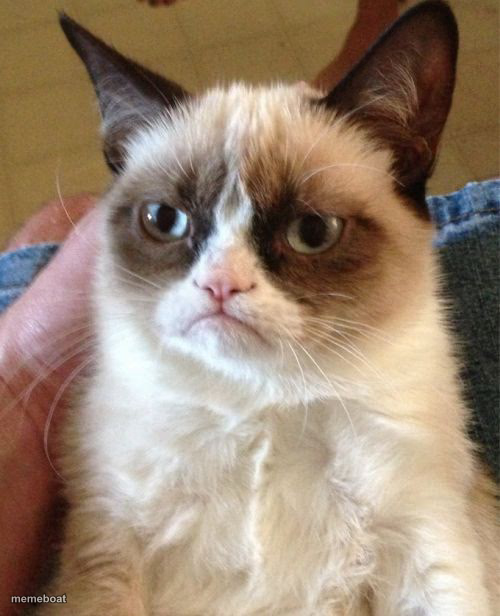
The picture opens with a round speech bubble in the middle. Type what it says in the last text box in the list, and the text appears inside the bubble. Drag the bubble on the picture to move or resize it. Stickers lists four more bubble shapes: top, rounded, thought and shout.
Loading...
How to use it
- Type your line in the last text box in the list, the one that shows inside the bubble.
- Drag the bubble where you want it, or resize it.
- To change the shape, open Stickers and pick a bubble under Speech bubbles.
- To use your own picture, press Use your image under Template.
- Press Generate meme, then download it.