
Shakespeare writing a message Meme Generator
Create Your Shakespeare writing a message Meme

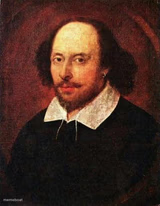
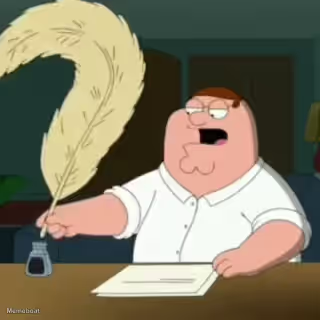
A classic engraving of Shakespeare seated at a desk, quill in hand, composing something (probably a sonnet, possibly a diss track). Free to caption.
Blank Shakespeare writing a message meme template
Download the blank Shakespeare writing a message template to caption it yourself, or add your text right here in the editor above and download the finished meme.
When to use the Shakespeare writing a message meme
- Writing a 4-paragraph text explaining why you're 5 minutes late
- Drafting the perfect passive-aggressive email to a coworker
- Composing a break-up text like it's a Shakespearean tragedy
- Overthinking a birthday card message for way too long
Shakespeare writing a message template facts
- Dimensions
- 920 × 1260 px
- Format
- PNG
- Text boxes
- 1
- Added
- 2026
About the Shakespeare writing a message meme template
A vintage-style engraving of Shakespeare hunched over his desk with quill in hand, looking every bit the tortured genius about to drop a masterpiece — or a strongly worded letter. The formal old-timey setting makes it perfect for making modern nonsense sound weirdly profound.
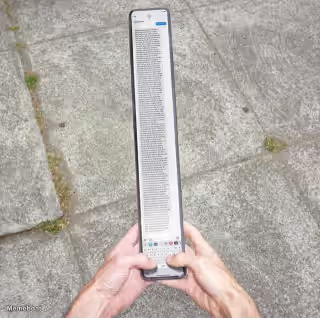
Great for jokes about overthinking a text message, writing an unhinged group chat essay, or pretending your grocery list is Shakespearean prose. Slap your own words next to the quill and let history do the comedic heavy lifting.
Popular Shakespeare writing a message caption ideas
Dear kind sir or madame, I am writing to inform you that I have found your meme rather amusing. I will, therefore, be saving said meme into the device I am writing this message from. In return, I have given you a like or upvote as payment.
ME WRITING A 3-PARAGRAPH APOLOGY FOR BEING 2 MINUTES LATE
SHAKESPEARE DRAFTING HIS FINAL TEXT TO ROMEO BEFORE THE BALCONY SCENE
WHEN YOU TURN A ONE-WORD REPLY INTO AN ESSAY
Templates similar to Shakespeare writing a message





Shakespeare writing a message meme FAQ
How do I make a Shakespeare writing a message meme?
Scroll up to the Shakespeare writing a message template, type your caption into the text box in the editor above, adjust the font, size and color if you like, then click download. Your finished Shakespeare writing a message meme is ready to share in seconds.
Can I use the Shakespeare writing a message template for free?
Yes. The Shakespeare writing a message template is completely free to use — no signup and no limits on how many memes you create or where you share them.
How do I download my Shakespeare writing a message meme?
Click the download button under the editor once your Shakespeare writing a message meme looks right. It saves straight to your device as a high-quality PNG or JPEG image.
How do I download the blank Shakespeare writing a message template?
Use the "Download blank template" button in the blank Shakespeare writing a message template section above to save the original, un-captioned image — handy if you'd rather caption it in another app or keep a copy.