
Adorno Meme Generator
Create Your Adorno Meme
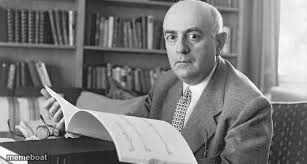
A serious black-and-white photo of philosopher Theodor Adorno at his desk, pen in hand — perfect for deep-thoughts and overanalyzing memes. Free to caption.
Blank Adorno meme template
Download the blank Adorno template to caption it yourself, or add your text right here in the editor above and download the finished meme.
When to use the Adorno meme
- Overanalyzing a text message for three hours
- Turning a simple meme into a critique of late capitalism
- The friend who has a philosophical theory about everything
- Writing a 500-word essay about a group chat argument
Adorno template facts
- Featuring
- Theodor Adorno
- Dimensions
- 307 × 164 px
- Format
- JPG
- Text boxes
- 2
- Added
- 2025
About the Adorno meme template
Theodor Adorno, mid-thought, pen raised like he's about to drop a devastating critique of society (or your group chat take). The photo has that unmistakable 'serious academic disapproves of your vibes' energy.
Perfect for captions about overthinking simple things, pretentious hot takes, or roasting anyone who turns a casual conversation into a philosophy lecture. Bonus points if your caption is deliberately way too deep for the situation.
Popular Adorno caption ideas
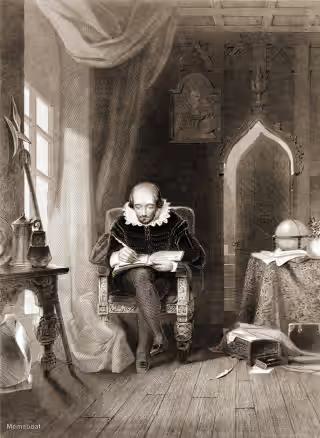
when someone asks why you're overthinking a group chat message · 'let me explain'

Adorno meme FAQ
How do I make a Adorno meme?
Scroll up to the Adorno template, type your caption into the 2 text boxes in the editor above, adjust the font, size and color if you like, then click download. Your finished Adorno meme is ready to share in seconds.
Can I use the Adorno template for free?
Yes. The Adorno template is completely free to use — no signup and no limits on how many memes you create or where you share them.
How do I download my Adorno meme?
Click the download button under the editor once your Adorno meme looks right. It saves straight to your device as a high-quality PNG or JPEG image.
How do I download the blank Adorno template?
Use the "Download blank template" button in the blank Adorno template section above to save the original, un-captioned image — handy if you'd rather caption it in another app or keep a copy.