Loading...
Loading...
The classic Nvidia RTX On/Off comparison labels — perfect for any dramatic before-and-after joke. Add your own images and captions, free to download.
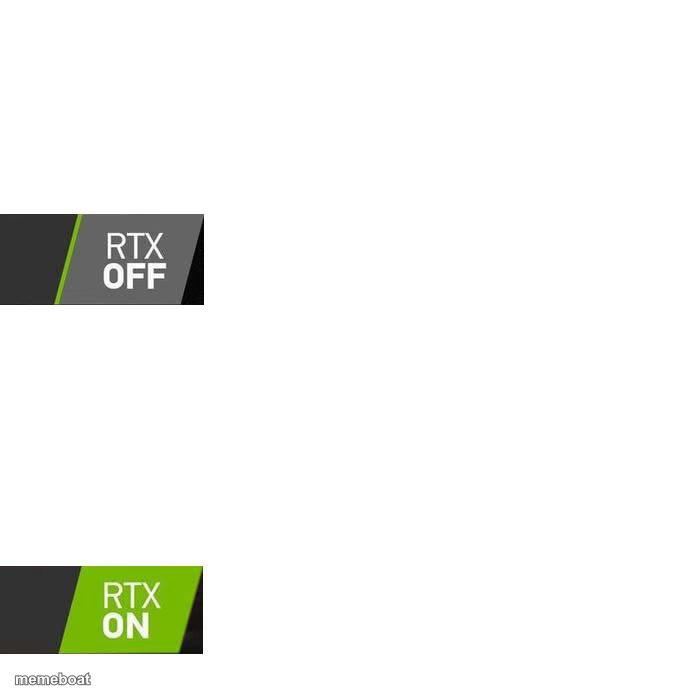
Download the blank RTX On Off Comparison template to caption it yourself, or add your text right here in the editor above and download the finished meme.
Nvidia's iconic 'RTX OFF' vs 'RTX ON' labels, originally used to show off ray-traced graphics, now hijacked by the internet for every possible before-and-after comparison that has nothing to do with graphics cards.
Drop in two images or two captions under each label to show a dramatic (or dramatically unimpressive) upgrade — glow-ups, mood swings, 'before coffee' vs 'after coffee,' whatever transformation you want to sell as a graphics settings toggle.
Before coffee · After coffee
My room when parents visit · My room normally
Me before payday · Me after payday
Scroll up to the RTX On Off Comparison template, type your caption into the 2 text boxes in the editor above, adjust the font, size and color if you like, then click download. Your finished RTX On Off Comparison meme is ready to share in seconds.
Yes. The RTX On Off Comparison template is completely free to use — no signup and no limits on how many memes you create or where you share them.
Click the download button under the editor once your RTX On Off Comparison meme looks right. It saves straight to your device as a high-quality PNG or JPEG image.
Use the "Download blank template" button in the blank RTX On Off Comparison template section above to save the original, un-captioned image — handy if you'd rather caption it in another app or keep a copy.