
Roi Wassabi Meme Generator
Create Your Roi Wassabi Meme
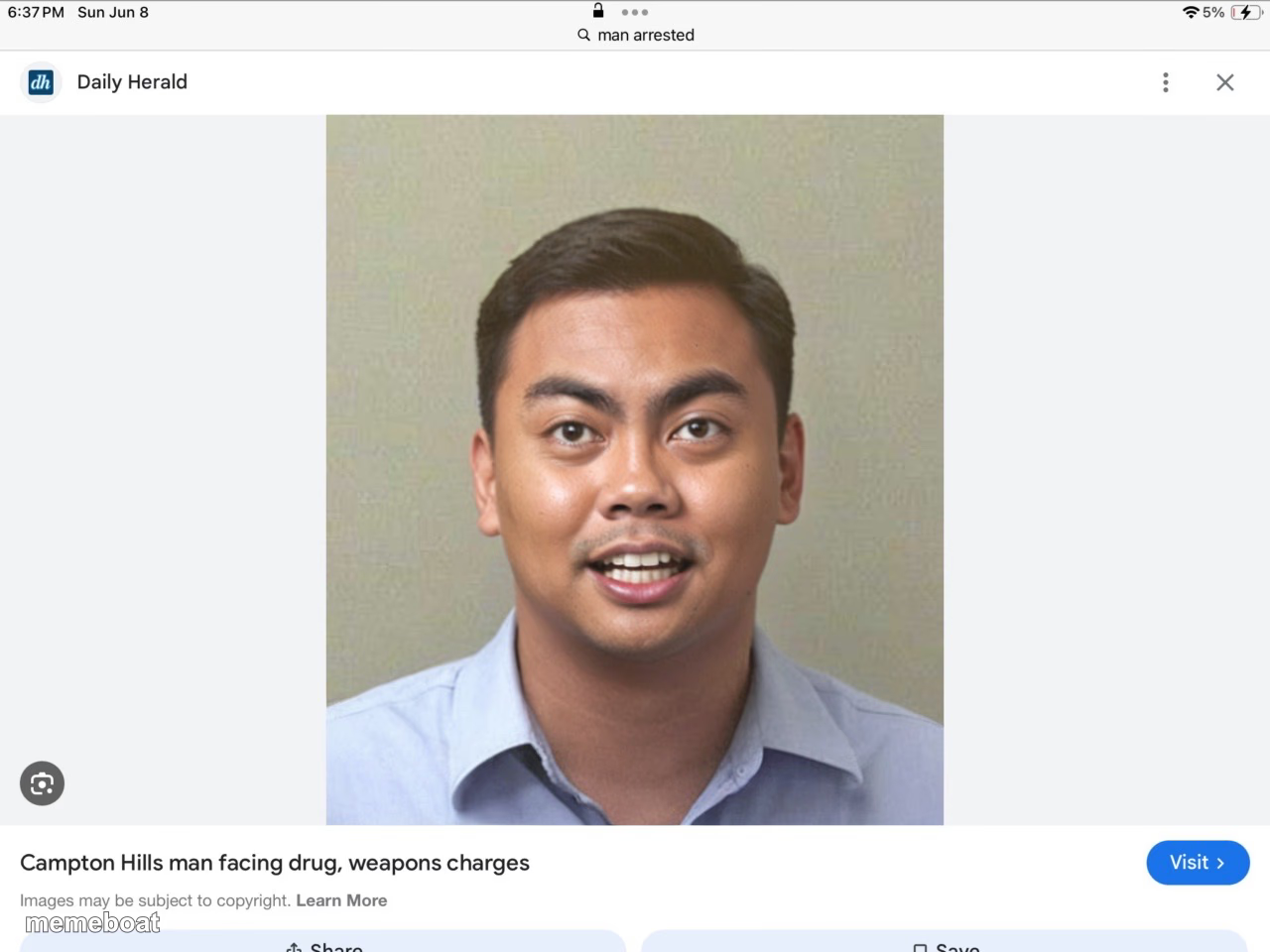
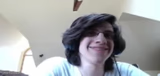
A guy smiling awkwardly in what looks like a mugshot-style photo, caught mid-search-result. Perfect for suspicious-but-cheerful captions. Caption free.
Blank Roi Wassabi meme template
Download the blank Roi Wassabi template to caption it yourself, or add your text right here in the editor above and download the finished meme.
When to use the Roi Wassabi meme
- Getting caught red-handed but still smiling for the camera
- That one coworker who seems way too happy after a screwup
- When you get 'caught in 4k' but you're not even mad about it
- Posting your court date photo like it's a LinkedIn headshot
Roi Wassabi template facts
- Dimensions
- 1280 × 960 px
- Format
- JPG
- Added
- 2025
About the Roi Wassabi meme template
This one's a screenshot of a screenshot: a Google Images search result showing a cheerfully smiling man in what's captioned as a police booking photo from a local news story. He looks way too happy for the headline behind him, which is exactly the energy this template brings.
Use it when someone's grinning through consequences, playing it cool after getting caught, or just radiating 'who, me?' vibes. Drop your own caption on top and it's ready to download free, no sign-up required.
Templates similar to Roi Wassabi



Roi Wassabi meme FAQ
How do I make a Roi Wassabi meme?
Scroll up to the Roi Wassabi template, add your own text boxes in the editor above and type your captions, adjust the font, size and color if you like, then click download. Your finished Roi Wassabi meme is ready to share in seconds.
Can I use the Roi Wassabi template for free?
Yes. The Roi Wassabi template is completely free to use — no signup and no limits on how many memes you create or where you share them.
How do I download my Roi Wassabi meme?
Click the download button under the editor once your Roi Wassabi meme looks right. It saves straight to your device as a high-quality PNG or JPEG image.
How do I download the blank Roi Wassabi template?
Use the "Download blank template" button in the blank Roi Wassabi template section above to save the original, un-captioned image — handy if you'd rather caption it in another app or keep a copy.