
Meme Man Shef Meme Generator
Create Your Meme Man Shef Meme
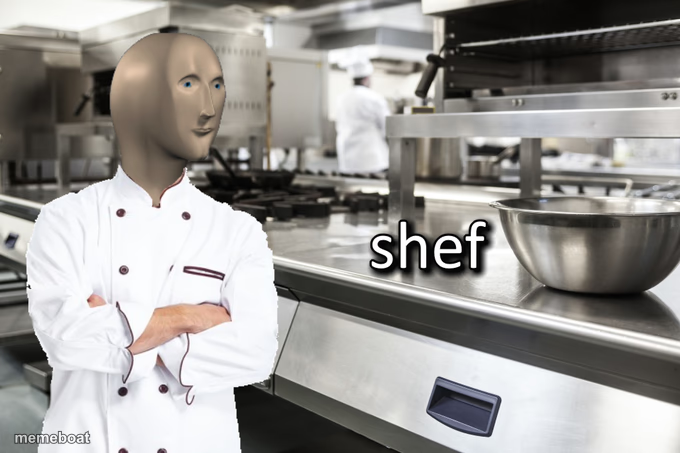
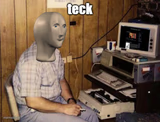
Meme Man dressed as a chef, arms crossed in a professional kitchen, labeled 'shef'. Ideal for cooking fails and kitchen confidence jokes. Free captions.
Blank Meme Man Shef meme template
Download the blank Meme Man Shef template to caption it yourself, or add your text right here in the editor above and download the finished meme.
When to use the Meme Man Shef meme
- Your friend who watched one cooking show and now critiques restaurants
- You after successfully microwaving a burrito
- That guy who insists his instant ramen is 'gourmet'
Meme Man Shef template facts
- Featuring
- Meme Man (Meme Man series)
- Dimensions
- 680 × 453 px
- Format
- PNG
- Added
- 2025
About the Meme Man Shef meme template
Meme Man, that flat-faced deadpan icon, has put on the chef whites and crossed his arms in front of a full commercial kitchen. The label 'shef' (deliberately misspelled, deliberately confident) tells you everything about his skill level.
Use this one for anyone who thinks a single YouTube video makes them a professional, or for the friend who burns toast but calls themselves a foodie. Confidently incompetent energy, guaranteed.
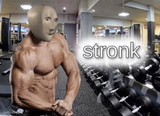
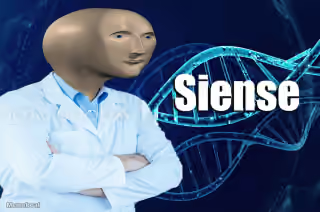
Templates similar to Meme Man Shef
Meme Man Shef meme FAQ
How do I make a Meme Man Shef meme?
Scroll up to the Meme Man Shef template, add your own text boxes in the editor above and type your captions, adjust the font, size and color if you like, then click download. Your finished Meme Man Shef meme is ready to share in seconds.
Can I use the Meme Man Shef template for free?
Yes. The Meme Man Shef template is completely free to use — no signup and no limits on how many memes you create or where you share them.
How do I download my Meme Man Shef meme?
Click the download button under the editor once your Meme Man Shef meme looks right. It saves straight to your device as a high-quality PNG or JPEG image.
How do I download the blank Meme Man Shef template?
Use the "Download blank template" button in the blank Meme Man Shef template section above to save the original, un-captioned image — handy if you'd rather caption it in another app or keep a copy.