
iPhone 17 in a Poor House Meme Generator
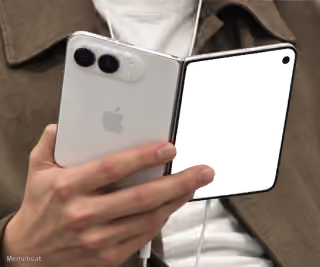
A person's hand holds a hypothetical orange iPhone 17 with three prominent camera lenses and an Apple logo, set against the backdrop of a cluttered and…
Create Your iPhone 17 in a Poor House Meme
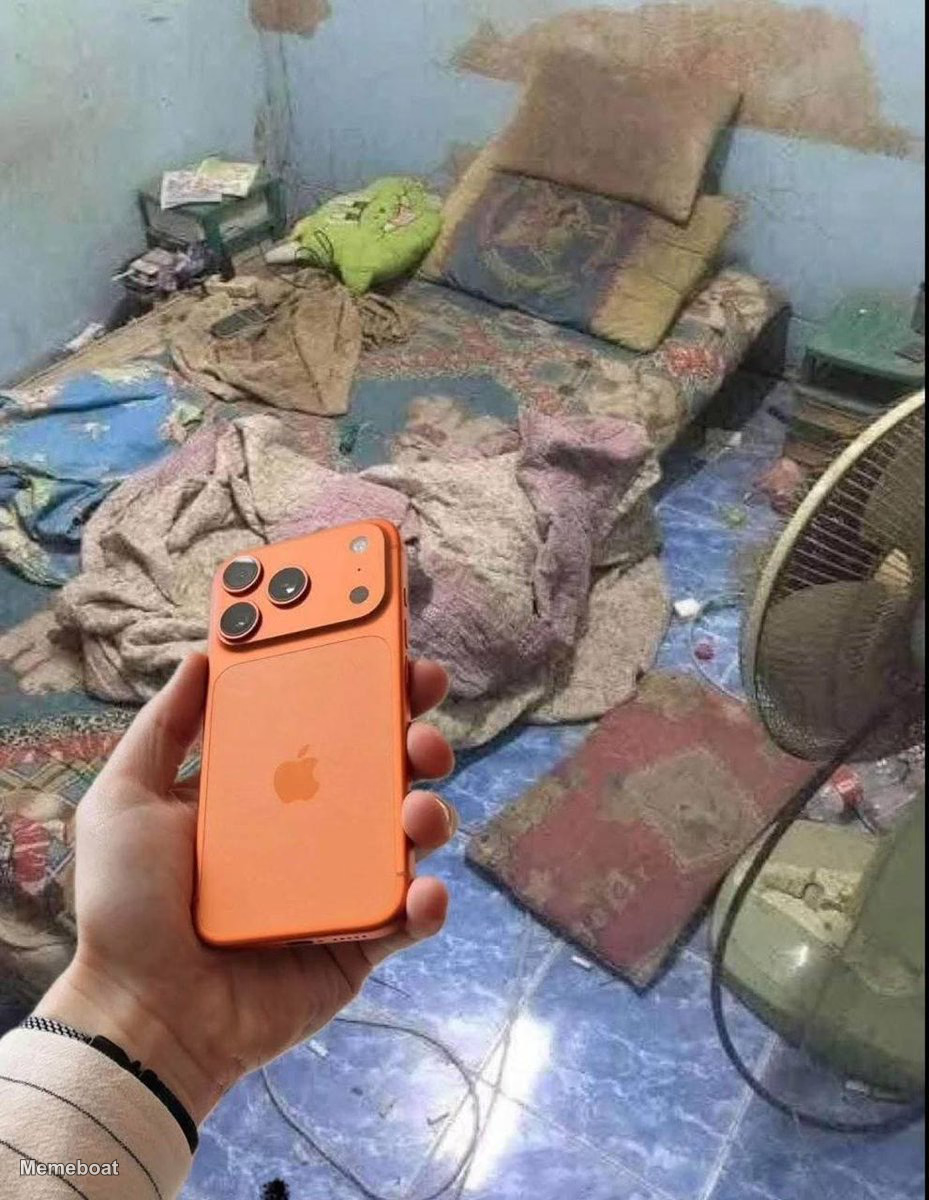
Blank iPhone 17 in a Poor House meme template
Download the blank iPhone 17 in a Poor House template to caption it yourself, or add your text right here in the editor above and download the finished meme.
iPhone 17 in a Poor House template facts
- Dimensions
- 929 × 1200 px
- Format
- JPG
- Text boxes
- 2
- Added
- 2026
About the iPhone 17 in a Poor House meme template
A person's hand holds a hypothetical orange iPhone 17 with three prominent camera lenses and an Apple logo, set against the backdrop of a cluttered and visibly impoverished room. The room contains a dishevelled bed with blankets and pillows, a small table, a floor fan, and a tiled floor, suggesting a stark contrast between the high-end technology and the living conditions.
Popular iPhone 17 in a Poor House caption ideas
Loving my iPhone
thank you @KaitoAI
Templates similar to iPhone 17 in a Poor House
iPhone 17 in a Poor House meme FAQ
How do I make a iPhone 17 in a Poor House meme?
Scroll up to the iPhone 17 in a Poor House template, type your caption into the 2 text boxes in the editor above, adjust the font, size and color if you like, then click download. Your finished iPhone 17 in a Poor House meme is ready to share in seconds.
Can I use the iPhone 17 in a Poor House template for free?
Yes. The iPhone 17 in a Poor House template is completely free to use — no signup and no limits on how many memes you create or where you share them.
How do I download my iPhone 17 in a Poor House meme?
Click the download button under the editor once your iPhone 17 in a Poor House meme looks right. It saves straight to your device as a high-quality PNG or JPEG image.
How do I download the blank iPhone 17 in a Poor House template?
Use the "Download blank template" button in the blank iPhone 17 in a Poor House template section above to save the original, un-captioned image — handy if you'd rather caption it in another app or keep a copy.