
Roaring Fireplace Meme Generator
Create Your Roaring Fireplace Meme
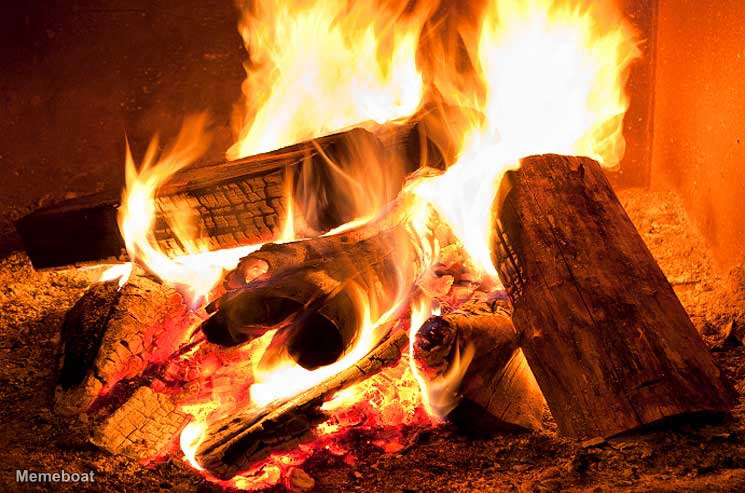
A cozy, roaring fireplace with logs fully ablaze — great for warmth jokes, 'it's fine' fire memes, or dramatic burn reactions. Free to caption and download.
Blank Roaring Fireplace meme template
Download the blank Roaring Fireplace template to caption it yourself, or add your text right here in the editor above and download the finished meme.
When to use the Roaring Fireplace meme
- This is fine energy when everything is on fire
- Cozy night in captions
- Reacting to getting absolutely roasted/burned in an argument
- Winter vibes vs your heating bill
Roaring Fireplace template facts
- Dimensions
- 745 × 493 px
- Format
- JPG
- Added
- 2026
About the Roaring Fireplace meme template
A close-up of logs burning in a fireplace, with tall orange flames rising over split wood and glowing red embers below. Used for a cozy night in, or when something is going up in flames, such as a heated argument or a winter heating bill that has got out of hand.
Popular Roaring Fireplace caption ideas
IT'S ALMOST 2026 · WE LIVE IN HOUSES MADE OF STICKS, MUD AND PLASTIC · AND WE STILL USE FIRE TO HEAT THEM · THAT'S REALLY DISAPPOINTING SOMEHOW
Templates similar to Roaring Fireplace




Roaring Fireplace meme FAQ
How do I make a Roaring Fireplace meme?
Scroll up to the Roaring Fireplace template, add your own text boxes in the editor above and type your captions, adjust the font, size and color if you like, then click download. Your finished Roaring Fireplace meme is ready to share in seconds.
Can I use the Roaring Fireplace template for free?
Yes. The Roaring Fireplace template is completely free to use — no signup and no limits on how many memes you create or where you share them.
How do I download my Roaring Fireplace meme?
Click the download button under the editor once your Roaring Fireplace meme looks right. It saves straight to your device as a high-quality PNG or JPEG image.
How do I download the blank Roaring Fireplace template?
Use the "Download blank template" button in the blank Roaring Fireplace template section above to save the original, un-captioned image — handy if you'd rather caption it in another app or keep a copy.