
Charlie Brown football Meme Generator
Create Your Charlie Brown football Meme

Charlie Brown flying backwards after Lucy yanks the football away again — the ultimate getting-fooled-every-time meme. Caption and download it free.
Blank Charlie Brown football meme template
Download the blank Charlie Brown football template to caption it yourself, or add your text right here in the editor above and download the finished meme.
When to use the Charlie Brown football meme
- Falling for the exact same trick or scam every single time
- Trusting someone one more time even though you know how this ends
- Getting your hopes up right before life pulls the rug out
- Someone promising 'this time is different' and it absolutely isn't
Charlie Brown football template facts
- Featuring
- Charlie Brown (Peanuts)
- Dimensions
- 640 × 480 px
- Format
- JPG
- Added
- 2025
- Memes made
- 2
About the Charlie Brown football meme template
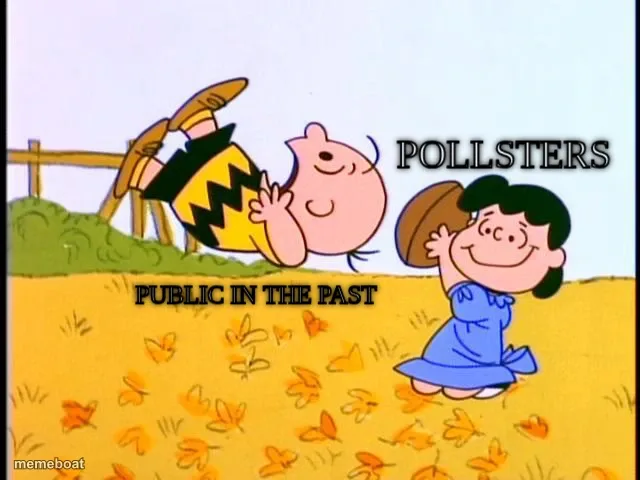
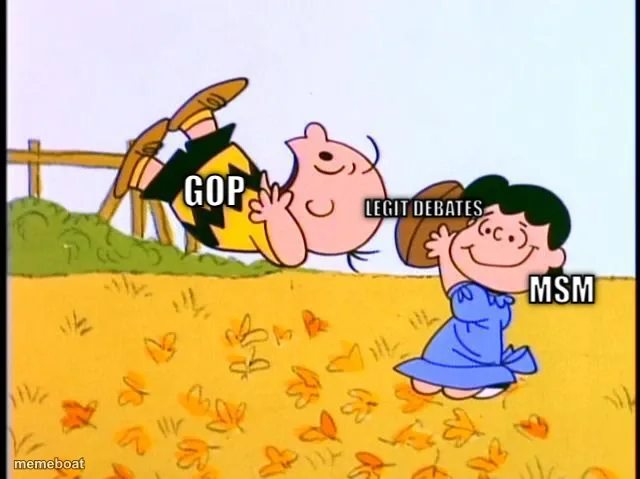
Charlie Brown is airborne mid-flip, arms and legs everywhere, having just whiffed on the football Lucy snatched away at the last second again. She's standing there smug and unbothered, holding the ball like this was never in question.
Templates similar to Charlie Brown football




Charlie Brown football meme FAQ
How do I make a Charlie Brown football meme?
Scroll up to the Charlie Brown football template, add your own text boxes in the editor above and type your captions, adjust the font, size and color if you like, then click download. Your finished Charlie Brown football meme is ready to share in seconds.
Can I use the Charlie Brown football template for free?
Yes. The Charlie Brown football template is completely free to use — no signup and no limits on how many memes you create or where you share them.
How do I download my Charlie Brown football meme?
Click the download button under the editor once your Charlie Brown football meme looks right. It saves straight to your device as a high-quality PNG or JPEG image.
How do I download the blank Charlie Brown football template?
Use the "Download blank template" button in the blank Charlie Brown football template section above to save the original, un-captioned image — handy if you'd rather caption it in another app or keep a copy.