
You think this is funny? Meme Generator
Create Your You think this is funny? Meme
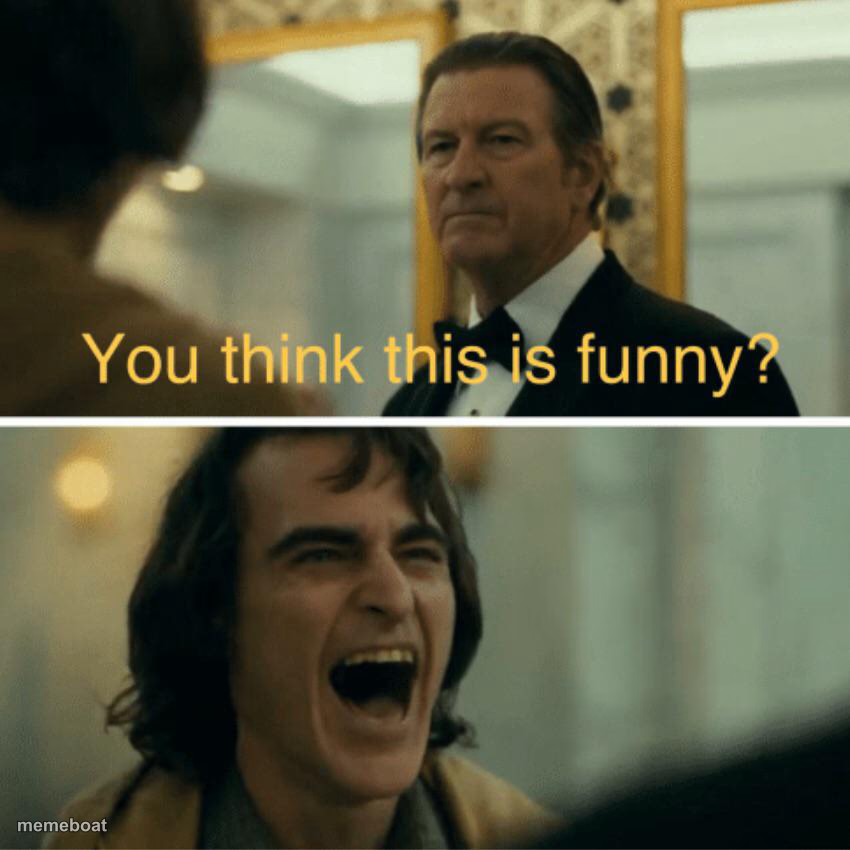
Stern man asks if it's funny, then Joker loses it laughing below. Perfect for calling out something dumb that's secretly hilarious. Free to caption.
Blank You think this is funny? meme template
Download the blank You think this is funny? template to caption it yourself, or add your text right here in the editor above and download the finished meme.
When to use the You think this is funny? meme
- Getting scolded for something that was genuinely funny
- A serious warning followed by your own uncontrollable reaction
- Someone asking if you're taking this seriously while you absolutely are not
You think this is funny? template facts
- Featuring
- Arthur Fleck (Joker (2019))
- Dimensions
- 850 × 850 px
- Format
- JPG
- Added
- 2025
About the You think this is funny? meme template
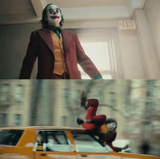
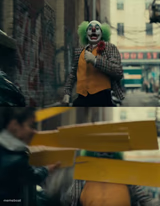
A stern-faced man in a tux glares down asking "you think this is funny?" and cut to Joaquin Phoenix's Joker absolutely losing it laughing. It's the perfect two-beat structure for anything that's technically a problem but also objectively hilarious.
Templates similar to You think this is funny?



You think this is funny? meme FAQ
How do I make a You think this is funny? meme?
Scroll up to the You think this is funny? template, add your own text boxes in the editor above and type your captions, adjust the font, size and color if you like, then click download. Your finished You think this is funny? meme is ready to share in seconds.
Can I use the You think this is funny? template for free?
Yes. The You think this is funny? template is completely free to use — no signup and no limits on how many memes you create or where you share them.
How do I download my You think this is funny? meme?
Click the download button under the editor once your You think this is funny? meme looks right. It saves straight to your device as a high-quality PNG or JPEG image.
How do I download the blank You think this is funny? template?
Use the "Download blank template" button in the blank You think this is funny? template section above to save the original, un-captioned image — handy if you'd rather caption it in another app or keep a copy.