
Giant Burger Tower Meme Generator
Create Your Giant Burger Tower Meme
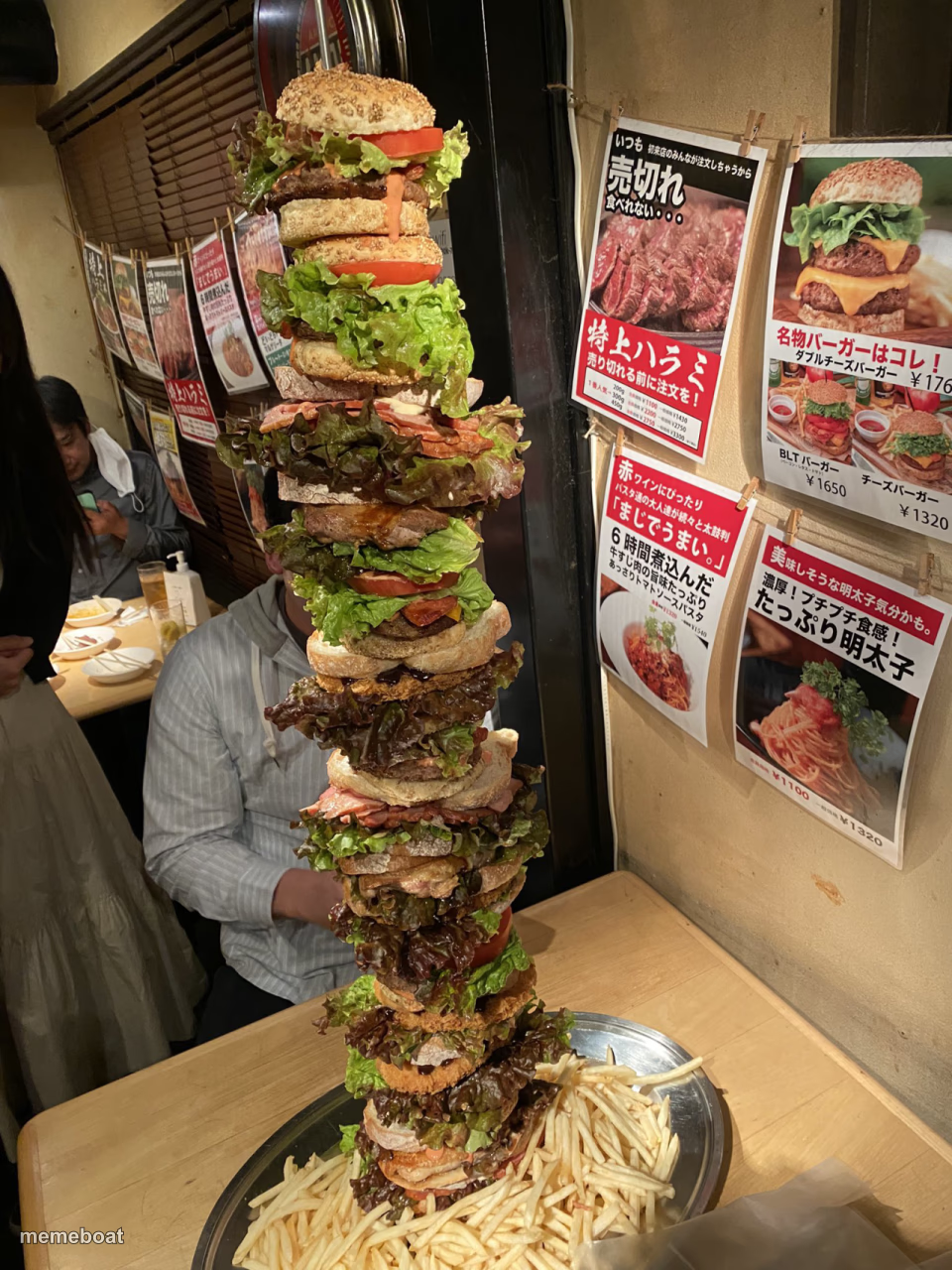
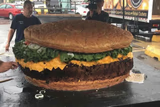
An absurdly tall burger stack towering over a Japanese restaurant table. Perfect for over-the-top food jokes — caption and download free.
Blank Giant Burger Tower meme template
Download the blank Giant Burger Tower template to caption it yourself, or add your text right here in the editor above and download the finished meme.
When to use the Giant Burger Tower meme
- When you said 'just a small snack' and this happened
- Scope creep on a simple work request
- Ordering 'a little extra' and regretting nothing
- Ambition versus what you can actually finish
Giant Burger Tower template facts
- Dimensions
- 960 × 1280 px
- Format
- JPG
- Added
- 2025
About the Giant Burger Tower meme template
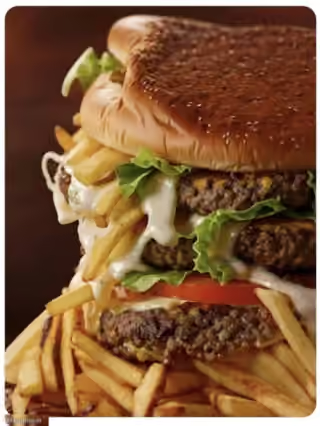
Someone ordered a burger and got a skyscraper instead. This ridiculous stack of patties, lettuce, and buns looms over the table like it's about to file a restraining order against gravity.
Great for any 'I only wanted a little' joke, food-portion memes, or exaggerating how out of hand something got. Works especially well as a top-text setup with a modest ask on the bottom.
Templates similar to Giant Burger Tower
Giant Burger Tower meme FAQ
How do I make a Giant Burger Tower meme?
Scroll up to the Giant Burger Tower template, add your own text boxes in the editor above and type your captions, adjust the font, size and color if you like, then click download. Your finished Giant Burger Tower meme is ready to share in seconds.
Can I use the Giant Burger Tower template for free?
Yes. The Giant Burger Tower template is completely free to use — no signup and no limits on how many memes you create or where you share them.
How do I download my Giant Burger Tower meme?
Click the download button under the editor once your Giant Burger Tower meme looks right. It saves straight to your device as a high-quality PNG or JPEG image.
How do I download the blank Giant Burger Tower template?
Use the "Download blank template" button in the blank Giant Burger Tower template section above to save the original, un-captioned image — handy if you'd rather caption it in another app or keep a copy.