
What Da Dog Doin Meme Generator
Create Your What Da Dog Doin Meme
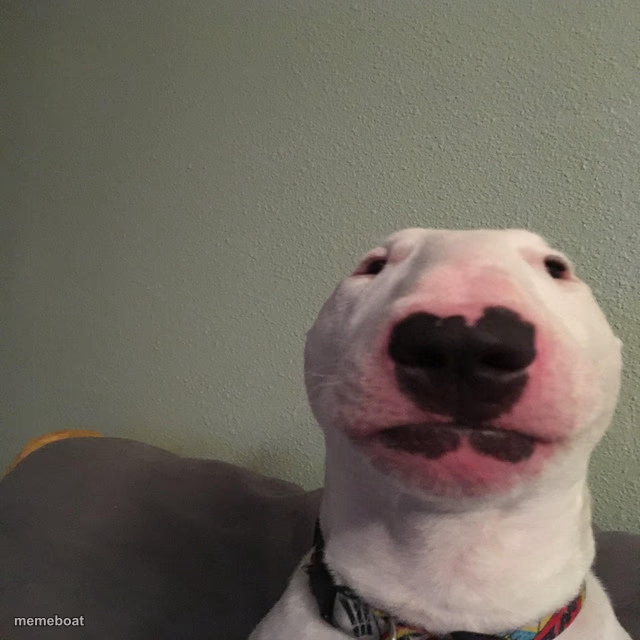
The classic close-up bull terrier with that unmistakable suspicious smirk — perfect for calling out shady behavior. Caption and download this dog free.
Blank What Da Dog Doin meme template
Download the blank What Da Dog Doin template to caption it yourself, or add your text right here in the editor above and download the finished meme.
When to use the What Da Dog Doin meme
- Catching your dog mid-crime with zero remorse
- That face you make when you get caught doing something you shouldn't
- Calling out a friend's suspicious behavior in the group chat
What Da Dog Doin template facts
- Featuring
- Bull Terrier (What Da Dog Doin meme)
- Dimensions
- 640 × 640 px
- Format
- JPG
- Text boxes
- 1
- Added
- 2025
About the What Da Dog Doin meme template
That face. That knowing, slightly guilty, fully judgmental bull terrier smirk that's been catching people in the act across the internet for years. He's not doing anything wrong, he's just built like he's always about to get caught.
Popular What Da Dog Doin caption ideas
What da dog doin
Me pretending I didn't hear my name called from the kitchen
When someone asks who ate the last slice
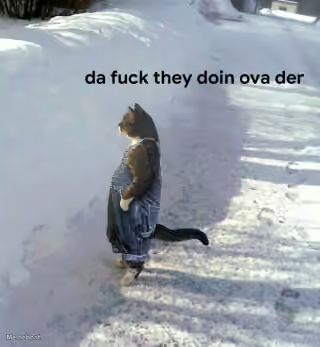
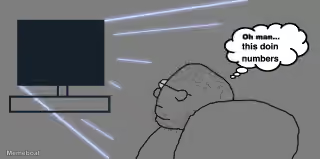
Templates similar to What Da Dog Doin

What Da Dog Doin meme FAQ
How do I make a What Da Dog Doin meme?
Scroll up to the What Da Dog Doin template, type your caption into the text box in the editor above, adjust the font, size and color if you like, then click download. Your finished What Da Dog Doin meme is ready to share in seconds.
Can I use the What Da Dog Doin template for free?
Yes. The What Da Dog Doin template is completely free to use — no signup and no limits on how many memes you create or where you share them.
How do I download my What Da Dog Doin meme?
Click the download button under the editor once your What Da Dog Doin meme looks right. It saves straight to your device as a high-quality PNG or JPEG image.
How do I download the blank What Da Dog Doin template?
Use the "Download blank template" button in the blank What Da Dog Doin template section above to save the original, un-captioned image — handy if you'd rather caption it in another app or keep a copy.