
Vegetables Meme Generator
Create Your Vegetables Meme
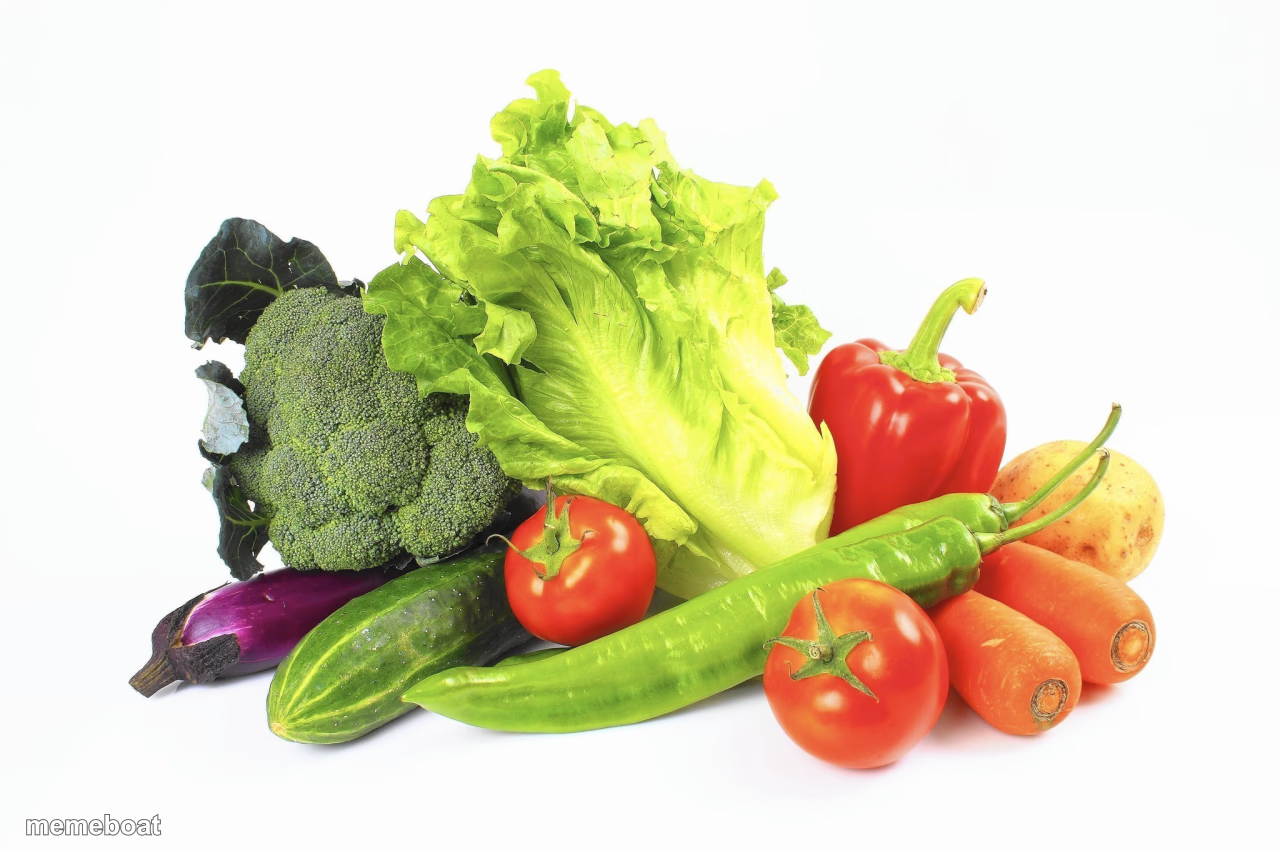
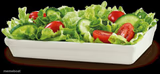
A colorful arrangement of fresh vegetables on a white background — great for health, diet, and 'eat your greens' jokes. Caption and download free.
Blank Vegetables meme template
Download the blank Vegetables template to caption it yourself, or add your text right here in the editor above and download the finished meme.
When to use the Vegetables meme
- Mocking a failed diet or resolution
- What your fridge looks like in your dreams vs reality
- Being forced to eat healthy at a family dinner
- Reacting to someone suggesting a salad
Vegetables template facts
- Dimensions
- 1280 × 853 px
- Format
- JPG
- Added
- 2025
About the Vegetables meme template
A studio-perfect pile of vegetables sitting there looking healthy and smug, like it knows you were about to order pizza instead. Broccoli, peppers, tomatoes, the whole squad, judging your life choices in stock-photo lighting.
Great for diet jokes, New Year's resolutions that didn't survive January, or just roasting yourself for what's actually in your fridge versus what's in this picture.
Popular Vegetables caption ideas
THEY ALWAYS UPVOTED A VEGETABLE TO THE FRONT PAGE · WHAT ABOUT VEGETABLES
Templates similar to Vegetables


Vegetables meme FAQ
How do I make a Vegetables meme?
Scroll up to the Vegetables template, add your own text boxes in the editor above and type your captions, adjust the font, size and color if you like, then click download. Your finished Vegetables meme is ready to share in seconds.
Can I use the Vegetables template for free?
Yes. The Vegetables template is completely free to use — no signup and no limits on how many memes you create or where you share them.
How do I download my Vegetables meme?
Click the download button under the editor once your Vegetables meme looks right. It saves straight to your device as a high-quality PNG or JPEG image.
How do I download the blank Vegetables template?
Use the "Download blank template" button in the blank Vegetables template section above to save the original, un-captioned image — handy if you'd rather caption it in another app or keep a copy.