
Toxic Meme Generator
Create Your Toxic Meme
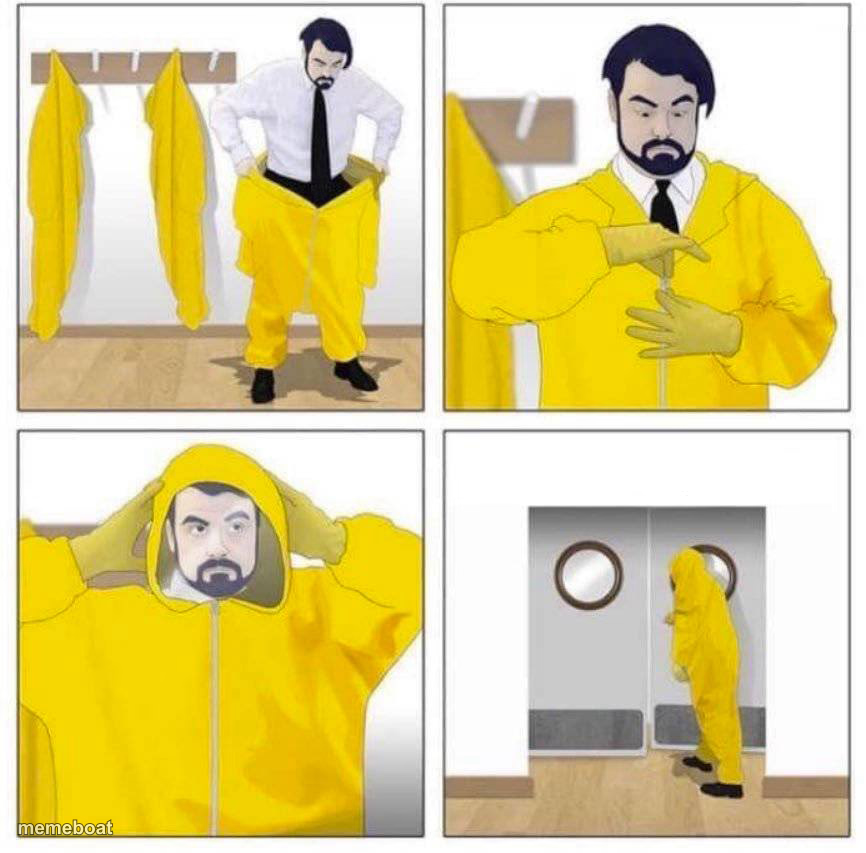
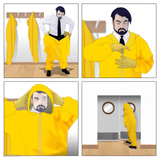
Bearded man in a business suit gears up into a full yellow hazmat suit panel by panel before entering a room. Caption it free and download.
Blank Toxic meme template
Download the blank Toxic template to caption it yourself, or add your text right here in the editor above and download the finished meme.
When to use the Toxic meme
- Walking into a family group chat after ignoring it for a week
- Going to read the comments section
Toxic template facts
- Dimensions
- 866 × 853 px
- Format
- JPG
- Text boxes
- 4
- Added
- 2025
- Memes made
- 1
About the Toxic meme template
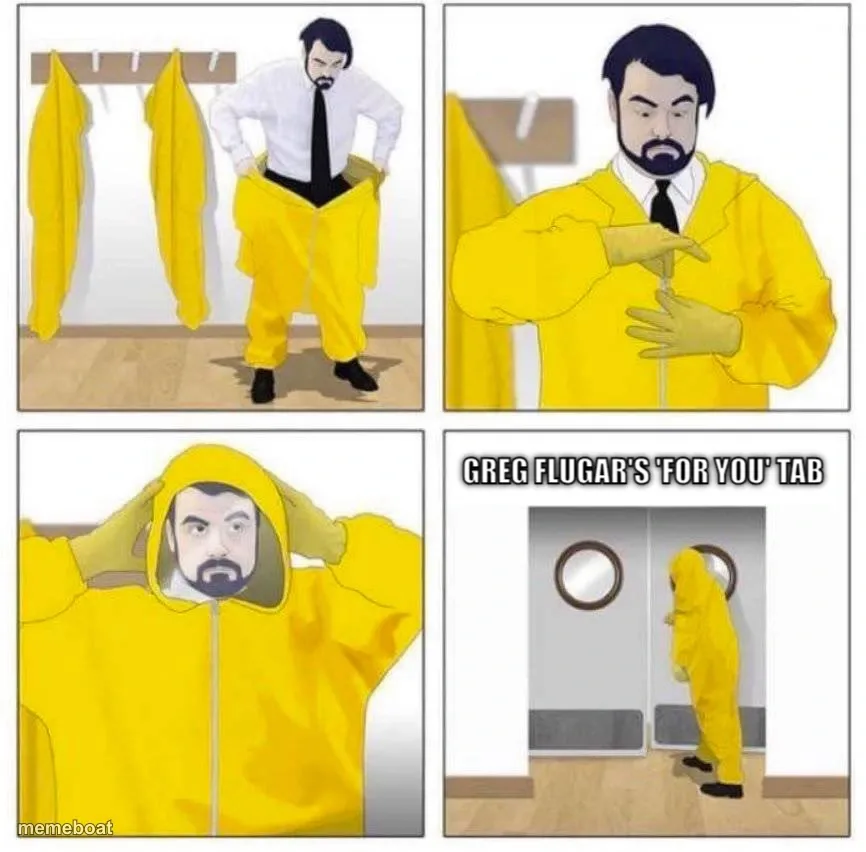
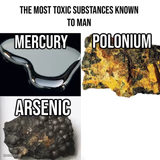
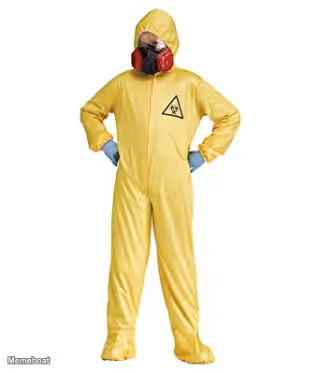
Something's about to go down and this guy is not taking any chances. Four panels: strip off the tie, suit up in bright yellow, seal the hood, and walk through those doors like he's about to defuse a bomb or just open a group chat notification.
Use it for any situation where the only sane response is full protective gear — checking your bank account, opening a reply-all email thread, or walking into a family dinner during an argument. Caption it your way and download it free.
Popular Toxic caption ideas
ME BEFORE OPENING · MY BANK APP · SUITING UP · HERE WE GO
ABOUT TO CHECK · THE GROUP CHAT · PREPARING FOR IMPACT · ENTERING THE CHAT
GOING TO READ · THE COMMENTS · MENTALLY ARMORED UP · OPENING THE THREAD

Toxic meme FAQ
How do I make a Toxic meme?
Scroll up to the Toxic template, type your caption into the 4 text boxes in the editor above, adjust the font, size and color if you like, then click download. Your finished Toxic meme is ready to share in seconds.
Can I use the Toxic template for free?
Yes. The Toxic template is completely free to use — no signup and no limits on how many memes you create or where you share them.
How do I download my Toxic meme?
Click the download button under the editor once your Toxic meme looks right. It saves straight to your device as a high-quality PNG or JPEG image.
How do I download the blank Toxic template?
Use the "Download blank template" button in the blank Toxic template section above to save the original, un-captioned image — handy if you'd rather caption it in another app or keep a copy.