
Tom Brady Meme Generator
Create Your Tom Brady Meme

Create Tom Brady memes with custom text. This template works for setup-punchline jokes about expectations vs reality. Add captions and download free.
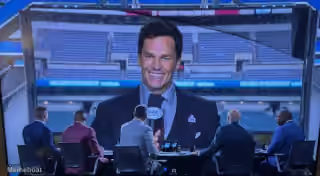
Blank Tom Brady meme template
Download the blank Tom Brady template to caption it yourself, or add your text right here in the editor above and download the finished meme.
Tom Brady template facts
- Dimensions
- 1280 × 720 px
- Format
- JPG
- Added
- 2026
About the Tom Brady meme template
This format follows a classic setup-punchline structure where the top text establishes a confident expectation and the bottom text reveals the reality. The template works well for jokes about overconfidence, premature celebration, or situations where someone gets ahead of themselves.
Captions that contrast bold assumptions with awkward outcomes tend to land well here. Try pairing an overly confident first action with a second line that shows things didn't go as planned. The humor comes from the gap between expectation and reality.
Add your own text to create custom Tom Brady memes and download them free from our meme generator.
Popular Tom Brady caption ideas
ASK YOUR CRUSH TO THE SCHOOL DANCE MAKE A BET WITH YOUR BUDDY · FEEL ALL GOOD THAT SHE'S GONNA SAY YES
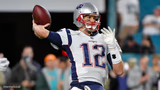
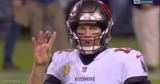
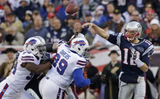
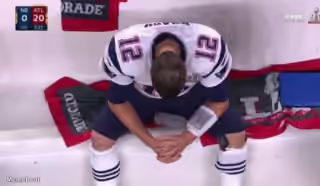
Templates similar to Tom Brady


Tom Brady meme FAQ
How do I make a Tom Brady meme?
Scroll up to the Tom Brady template, add your own text boxes in the editor above and type your captions, adjust the font, size and color if you like, then click download. Your finished Tom Brady meme is ready to share in seconds.
Can I use the Tom Brady template for free?
Yes. The Tom Brady template is completely free to use — no signup and no limits on how many memes you create or where you share them.
How do I download my Tom Brady meme?
Click the download button under the editor once your Tom Brady meme looks right. It saves straight to your device as a high-quality PNG or JPEG image.
How do I download the blank Tom Brady template?
Use the "Download blank template" button in the blank Tom Brady template section above to save the original, un-captioned image — handy if you'd rather caption it in another app or keep a copy.