
TIMOTHÉE CHALAMET cheering Video Meme Generator
Create Your TIMOTHÉE CHALAMET cheering Meme
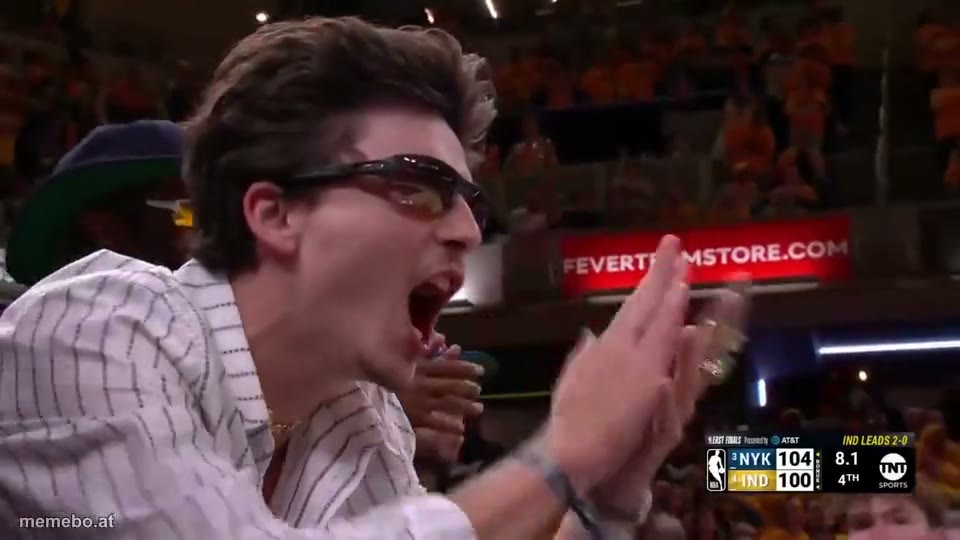
Also known as: Timothe Chalamet Cheering · Timothée Chalamet Hype · Timothée Chalamet Knicks Fan · Timothée Chalamet Courtside
Timothée Chalamet is enthusiastically cheering or yelling with his mouth wide open and hands animatedly raised at a basketball game.
Blank TIMOTHÉE CHALAMET cheering meme template
Download the blank TIMOTHÉE CHALAMET cheering clip to caption it yourself, or add your text right here in the editor above and save the finished meme.
TIMOTHÉE CHALAMET cheering template facts
- Dimensions
- 960 × 540 px
- Format
- MP4
- Text boxes
- 2
- Added
- 2026
About the TIMOTHÉE CHALAMET cheering meme template
Timothée Chalamet is enthusiastically cheering or yelling with his mouth wide open and hands animatedly raised at a basketball game. He is wearing sunglasses and a striped shirt, watching the game intensely. The scoreboard in the background shows a close score between NYK and IND during the 4th quarter of the East Finals, with Indiana leading the series 2-0.
More meme templates

Timothée Chalamet and Ben Stiller cheering up the Knicks - NBA Finals
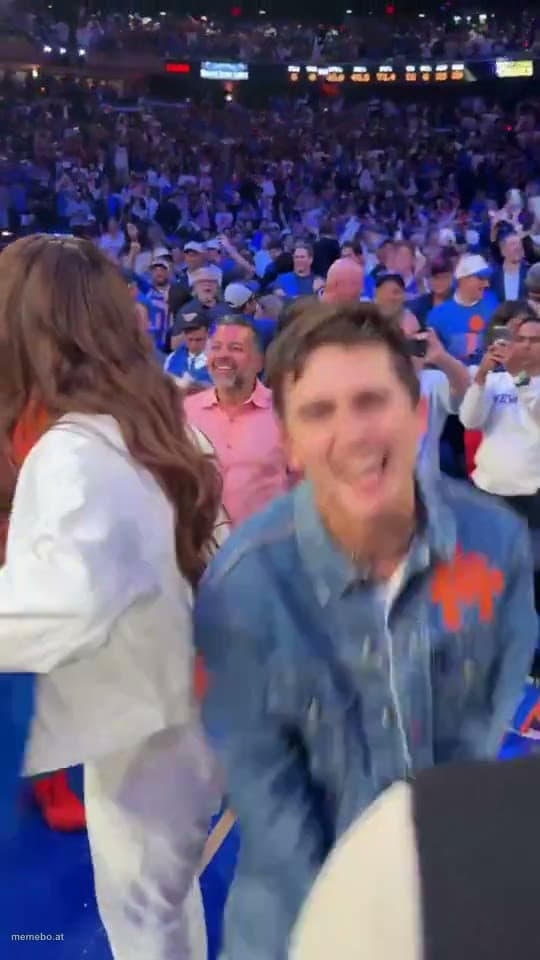
Timothée Chalamet "Knicks in 5 baby"
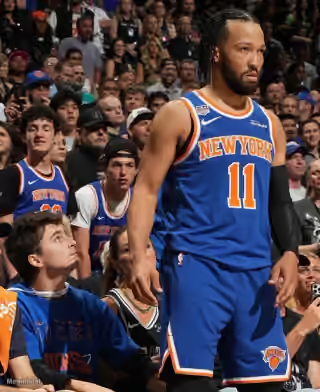
Timothée Chalamet Looking at Jalen Brunson
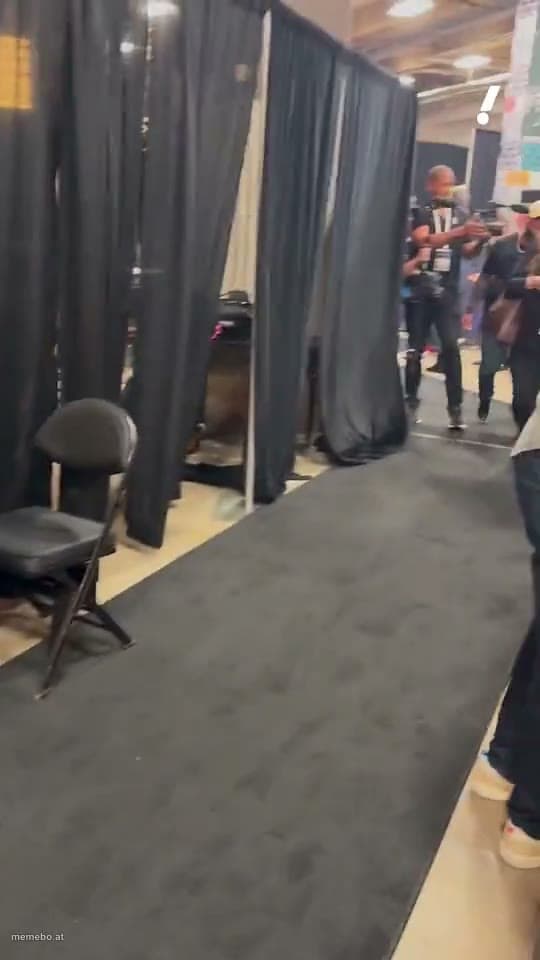
Timothée Chalamet Hyped up after the Knicks Game 2 win

Larry David Celebrating at NBA Finals
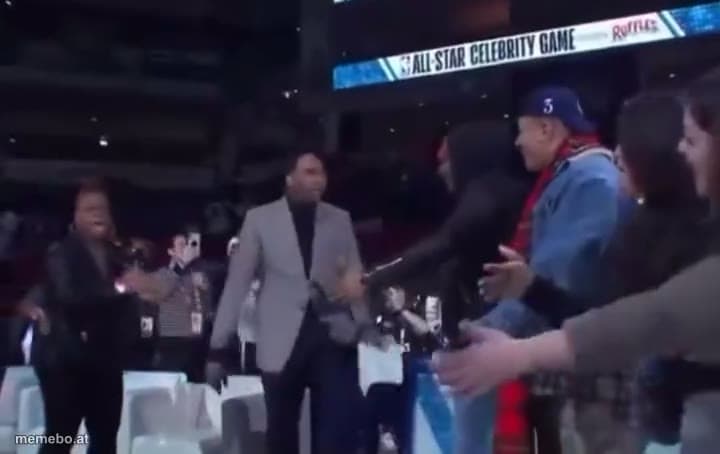
Stephen A Smith celebrating
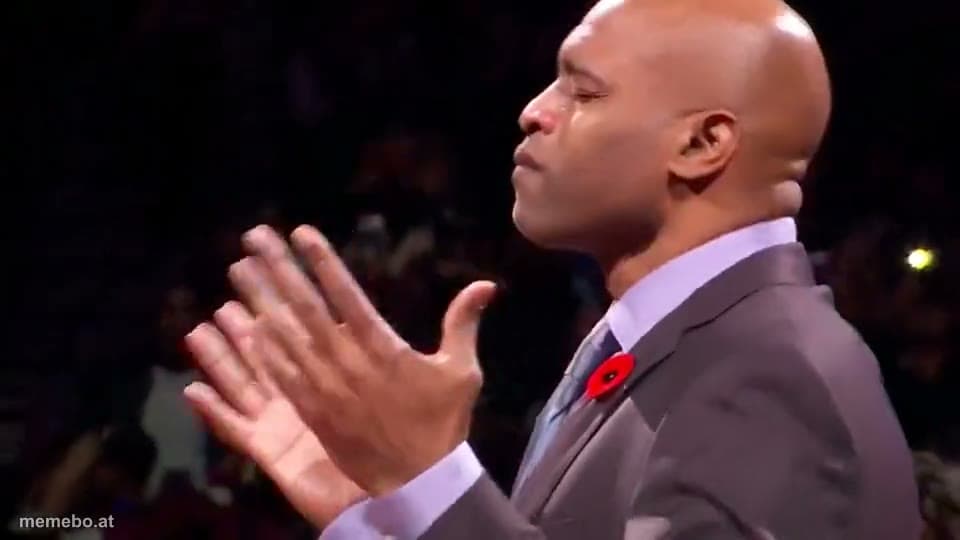
Vince Carter excited
Hyped Fernando Cruz Yelling
TIMOTHÉE CHALAMET cheering meme FAQ
How do I make a TIMOTHÉE CHALAMET cheering meme?
Scroll up to the TIMOTHÉE CHALAMET cheering clip, type your caption into the 2 text boxes in the editor above, adjust the font, size and color if you like, then save it as a GIF or MP4. Your finished TIMOTHÉE CHALAMET cheering meme is ready to share in seconds.
Can I use the TIMOTHÉE CHALAMET cheering template for free?
Yes. The TIMOTHÉE CHALAMET cheering template is completely free to use — no signup and no limits on how many memes you create or where you share them.
How do I download my TIMOTHÉE CHALAMET cheering meme?
Click the download button under the editor once your TIMOTHÉE CHALAMET cheering meme looks right. It saves to your device as a GIF of up to 10 seconds, or as an MP4 video in browsers that can make one.
How do I download the blank TIMOTHÉE CHALAMET cheering template?
Use the "Download blank template" button in the blank TIMOTHÉE CHALAMET cheering template section above to save the original clip as an MP4, without captions.