
Tik Tok Meme Generator
Create Your Tik Tok Meme
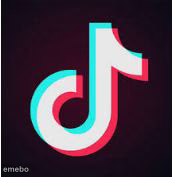
The classic TikTok logo with its glitchy red-and-cyan double exposure — perfect for any joke about the app, going viral, or chronic scrolling. Caption it free.
Blank Tik Tok meme template
Download the blank Tik Tok template to caption it yourself, or add your text right here in the editor above and download the finished meme.
When to use the Tik Tok meme
- Making fun of your own TikTok addiction
- Reacting to a viral trend
- Roasting someone who films everything for content
- Any joke about the algorithm controlling your life
Tik Tok template facts
- Dimensions
- 173 × 177 px
- Format
- JPG
- Text boxes
- 2
- Added
- 2025
About the Tik Tok meme template
The instantly recognizable TikTok music-note logo, glitched out in red and cyan like it's about to start a duet with itself. Simple, iconic, and endlessly memeable for anything app-related.
Great for jokes about doomscrolling, going viral for the wrong reasons, or admitting you've watched the same fifteen-second clip forty times.
Popular Tik Tok caption ideas
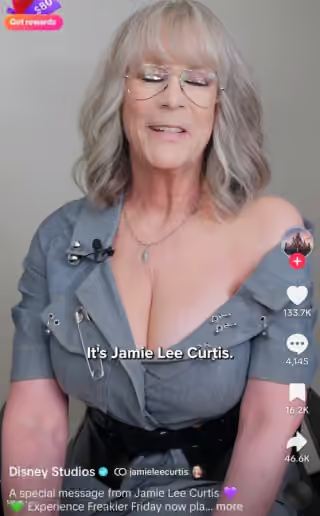
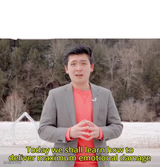
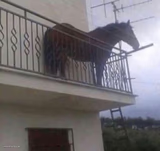
TIK TOK · HOW ABOUT I DON’T GIVE A SHIT ABOUT TIK TOK BETTER NOW
OPENS APP FOR '5 MINUTES' · CLOSES IT 3 HOURS LATER
ME: I'M NOT ADDICTED · ALSO ME: WATCHES SAME VIDEO 12 TIMES
THE ALGORITHM KNOWS ME BETTER · THAN MY OWN THERAPIST

Tik Tok meme FAQ
How do I make a Tik Tok meme?
Scroll up to the Tik Tok template, type your caption into the 2 text boxes in the editor above, adjust the font, size and color if you like, then click download. Your finished Tik Tok meme is ready to share in seconds.
Can I use the Tik Tok template for free?
Yes. The Tik Tok template is completely free to use — no signup and no limits on how many memes you create or where you share them.
How do I download my Tik Tok meme?
Click the download button under the editor once your Tik Tok meme looks right. It saves straight to your device as a high-quality PNG or JPEG image.
How do I download the blank Tik Tok template?
Use the "Download blank template" button in the blank Tik Tok template section above to save the original, un-captioned image — handy if you'd rather caption it in another app or keep a copy.