
Thanos Beheaded Meme Generator
Create Your Thanos Beheaded Meme
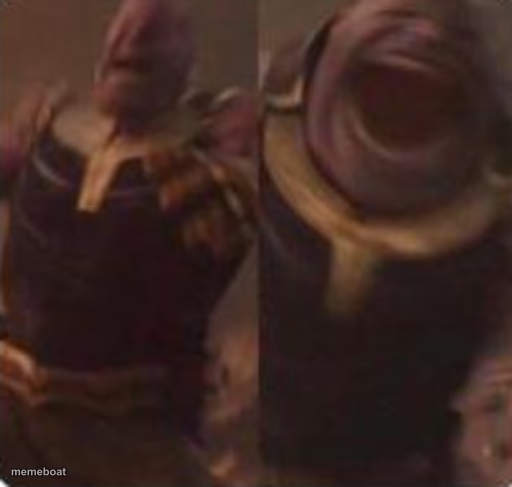
Thanos with his head lopped clean off — the brutal blink-and-you-miss-it Endgame moment, perfect for savage 'and then it was over' jokes. Free to caption.
Blank Thanos Beheaded meme template
Download the blank Thanos Beheaded template to caption it yourself, or add your text right here in the editor above and download the finished meme.
When to use the Thanos Beheaded meme
- When an argument ends with one savage comeback and nothing left to say
- A plan that gets cut short with zero warning
- The moment a rivalry ends decisively and permanently
Thanos Beheaded template facts
- Featuring
- Thanos (Avengers: Endgame)
- Dimensions
- 512 × 487 px
- Format
- PNG
- Text boxes
- 2
- Added
- 2025
About the Thanos Beheaded meme template
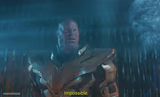
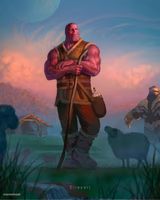
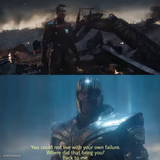
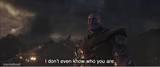
Two dark, grainy panels of Thanos right after Thor's axe did its job — just his armored shoulders and neck, head very much no longer attached. It's abrupt, it's final, it's the ultimate visual for 'that escalated instantly.'
Popular Thanos Beheaded caption ideas
my excuse for being late · after the teacher asked one follow-up question
my weekend plans · one text from my boss
the debate team's confidence · one fact-check later

Thanos Beheaded meme FAQ
How do I make a Thanos Beheaded meme?
Scroll up to the Thanos Beheaded template, type your caption into the 2 text boxes in the editor above, adjust the font, size and color if you like, then click download. Your finished Thanos Beheaded meme is ready to share in seconds.
Can I use the Thanos Beheaded template for free?
Yes. The Thanos Beheaded template is completely free to use — no signup and no limits on how many memes you create or where you share them.
How do I download my Thanos Beheaded meme?
Click the download button under the editor once your Thanos Beheaded meme looks right. It saves straight to your device as a high-quality PNG or JPEG image.
How do I download the blank Thanos Beheaded template?
Use the "Download blank template" button in the blank Thanos Beheaded template section above to save the original, un-captioned image — handy if you'd rather caption it in another app or keep a copy.