
Blursed Plush Closeup Meme Generator
Create Your Blursed Plush Closeup Meme
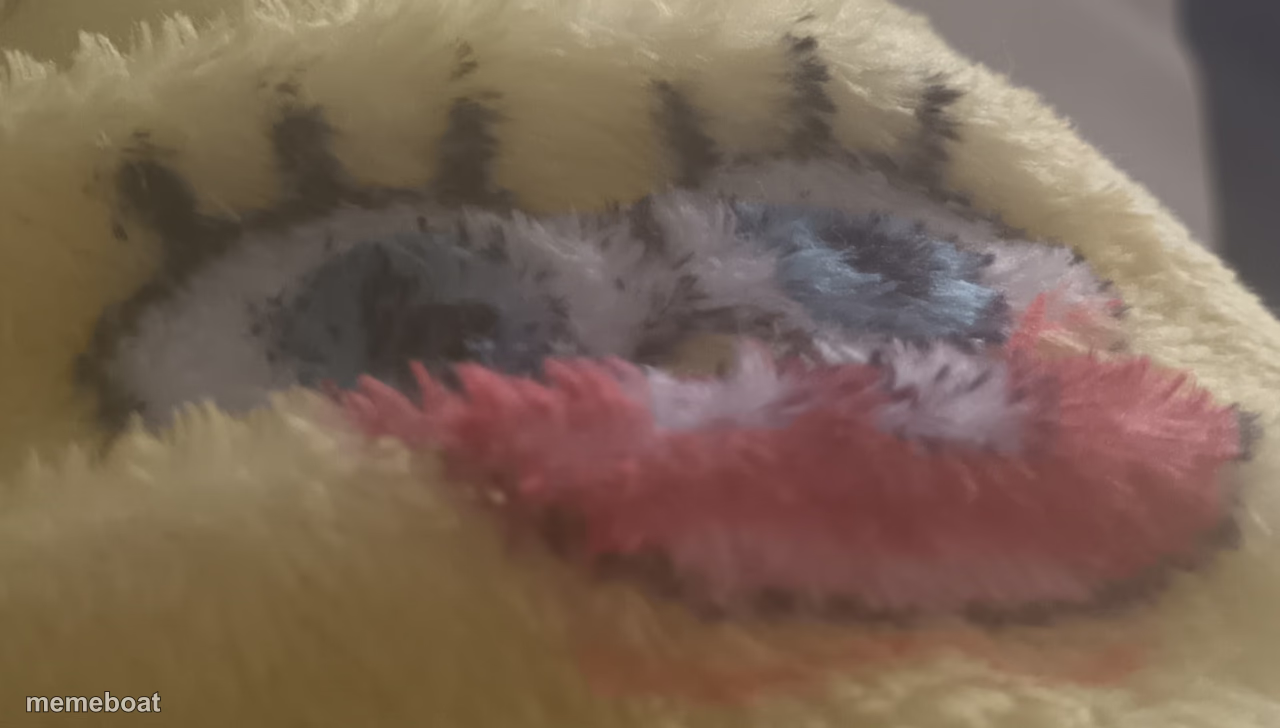
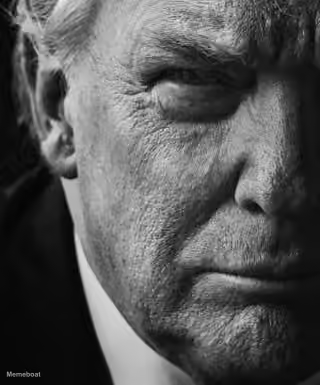
An extreme, blurry macro closeup of a fuzzy yellow plush toy's face, cursed-cute and slightly unsettling. Free to caption and download.
Blank Blursed Plush Closeup meme template
Download the blank Blursed Plush Closeup template to caption it yourself, or add your text right here in the editor above and download the finished meme.
When to use the Blursed Plush Closeup meme
- Dropping a no-context cursed image into the group chat
- Describing something that's cute from far away but horrifying up close
- Reacting to a 'zoom in and enhance' request gone wrong
- The face of your childhood toy after 15 years of love
Blursed Plush Closeup template facts
- Dimensions
- 1280 × 728 px
- Format
- PNG
- Added
- 2025
About the Blursed Plush Closeup meme template
Someone got way too close with the camera to a soft yellow plush toy and the result is somehow both adorable and deeply unsettling — furry texture, one visible eye, a smear of red where a mouth should be.
Popular Blursed Plush Closeup caption ideas
WHEN THE · WHEN THE BOTTOM TEXT JUST SAYS "BOTTOM TEXT"
Templates similar to Blursed Plush Closeup




Blursed Plush Closeup meme FAQ
How do I make a Blursed Plush Closeup meme?
Scroll up to the Blursed Plush Closeup template, add your own text boxes in the editor above and type your captions, adjust the font, size and color if you like, then click download. Your finished Blursed Plush Closeup meme is ready to share in seconds.
Can I use the Blursed Plush Closeup template for free?
Yes. The Blursed Plush Closeup template is completely free to use — no signup and no limits on how many memes you create or where you share them.
How do I download my Blursed Plush Closeup meme?
Click the download button under the editor once your Blursed Plush Closeup meme looks right. It saves straight to your device as a high-quality PNG or JPEG image.
How do I download the blank Blursed Plush Closeup template?
Use the "Download blank template" button in the blank Blursed Plush Closeup template section above to save the original, un-captioned image — handy if you'd rather caption it in another app or keep a copy.