
Slice Master Meme Generator
Create Your Slice Master Meme
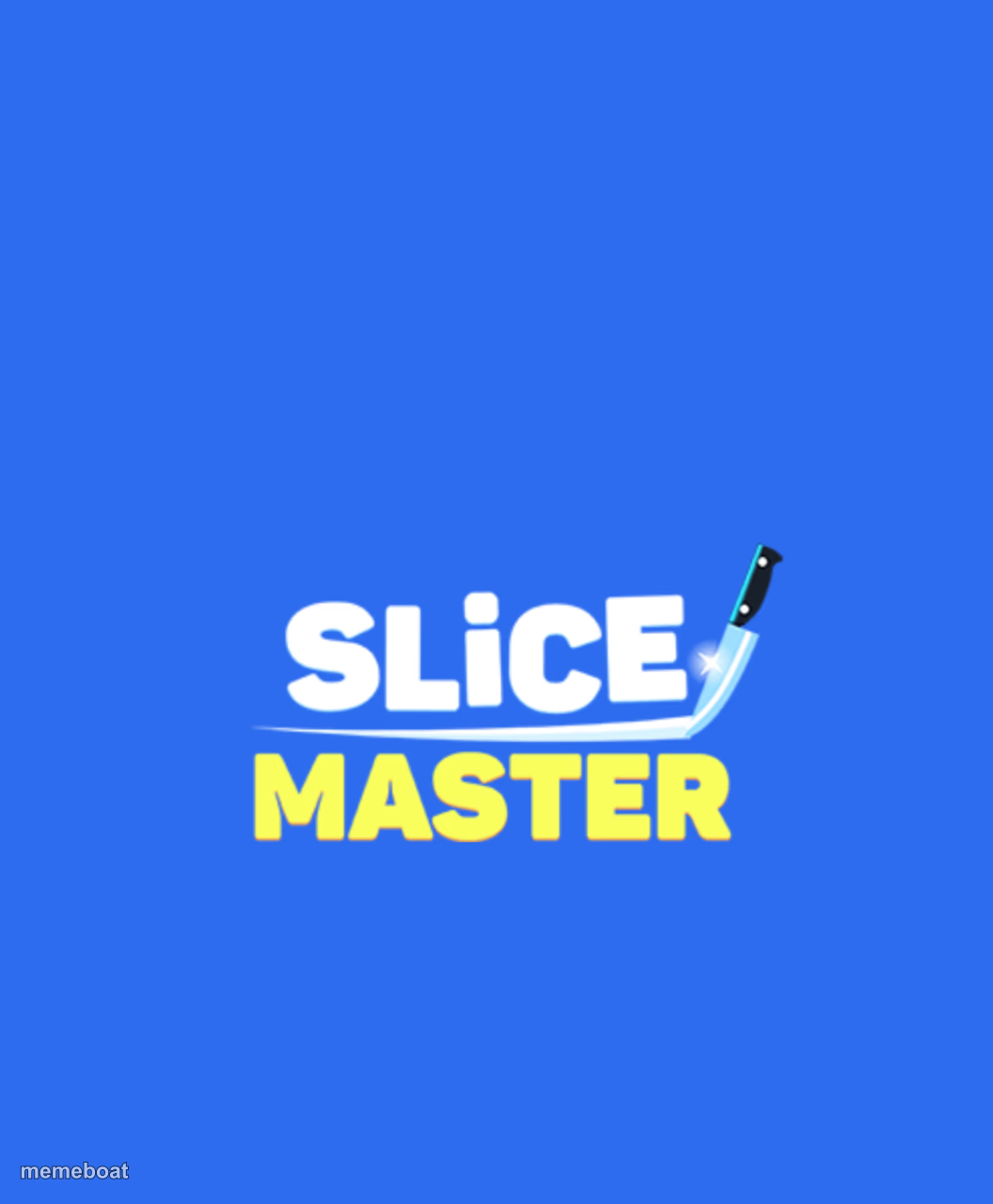
The Slice Master mobile game logo — bold white and yellow text with a knife on blue. Caption it and download your meme free at Memeboat.
Blank Slice Master meme template
Download the blank Slice Master template to caption it yourself, or add your text right here in the editor above and download the finished meme.
When to use the Slice Master meme
- The mobile game ad you see 500 times a day
- 'Just one more level' turning into 2am
- Games that are somehow never actually like the ad
- Rebranding literally any task as a satisfying slicing game
Slice Master template facts
- Featuring
- Slice Master
- Dimensions
- 1056 × 1280 px
- Format
- PNG
- Text boxes
- 1
- Added
- 2025
About the Slice Master meme template
That blocky, ad-everywhere mobile game logo you've seen a thousand times between YouTube videos. The knife swoosh and shouty yellow font practically scream 'one more level.'
Use it for jokes about mobile game ads, addictive time-wasters, or anything that promises 'just one quick round' and steals your whole evening.
Popular Slice Master caption ideas
Downloading it for the ad game. Getting a completely different game.
Me at 1am: just one more round
The game vs the ad: never the same game

Slice Master meme FAQ
How do I make a Slice Master meme?
Scroll up to the Slice Master template, type your caption into the text box in the editor above, adjust the font, size and color if you like, then click download. Your finished Slice Master meme is ready to share in seconds.
Can I use the Slice Master template for free?
Yes. The Slice Master template is completely free to use — no signup and no limits on how many memes you create or where you share them.
How do I download my Slice Master meme?
Click the download button under the editor once your Slice Master meme looks right. It saves straight to your device as a high-quality PNG or JPEG image.
How do I download the blank Slice Master template?
Use the "Download blank template" button in the blank Slice Master template section above to save the original, un-captioned image — handy if you'd rather caption it in another app or keep a copy.