
Skips Sitting Next To Graves Meme Generator
Create Your Skips Sitting Next To Graves Meme

Create Skips Sitting Next To Graves memes with custom text. Add your captions to this meme template and download instantly - completely free to use.
Blank Skips Sitting Next To Graves meme template
Download the blank Skips Sitting Next To Graves template to caption it yourself, or add your text right here in the editor above and download the finished meme.
Skips Sitting Next To Graves template facts
- Dimensions
- 680 × 904 px
- Format
- PNG
- Added
- 2026
About the Skips Sitting Next To Graves meme template
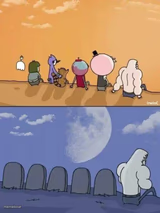
This format works with a two-part structure where your setup goes in one text area and the punchline or reaction in another. The visual suggests a contemplative or somber moment that can be repurposed for various comedic contrasts.
Caption this template when you want to juxtapose serious reflection with unexpected or absurd thoughts. Try pairing profound-sounding setups with mundane concerns, or use it for "thinking about" scenarios where the subject matter doesn't match the grave setting.
For best results, keep your text concise and play with the tension between the solemn visual and your caption's tone. The format works well when there's a clear mismatch between the serious atmosphere and whatever you're actually "contemplating."
Templates similar to Skips Sitting Next To Graves
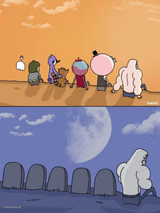
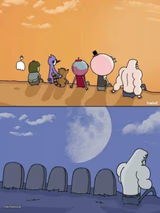
Skips Sitting Next To Graves meme FAQ
How do I make a Skips Sitting Next To Graves meme?
Scroll up to the Skips Sitting Next To Graves template, add your own text boxes in the editor above and type your captions, adjust the font, size and color if you like, then click download. Your finished Skips Sitting Next To Graves meme is ready to share in seconds.
Can I use the Skips Sitting Next To Graves template for free?
Yes. The Skips Sitting Next To Graves template is completely free to use — no signup and no limits on how many memes you create or where you share them.
How do I download my Skips Sitting Next To Graves meme?
Click the download button under the editor once your Skips Sitting Next To Graves meme looks right. It saves straight to your device as a high-quality PNG or JPEG image.
How do I download the blank Skips Sitting Next To Graves template?
Use the "Download blank template" button in the blank Skips Sitting Next To Graves template section above to save the original, un-captioned image — handy if you'd rather caption it in another app or keep a copy.