
ship me with another user Meme Generator
Create Your ship me with another user Meme
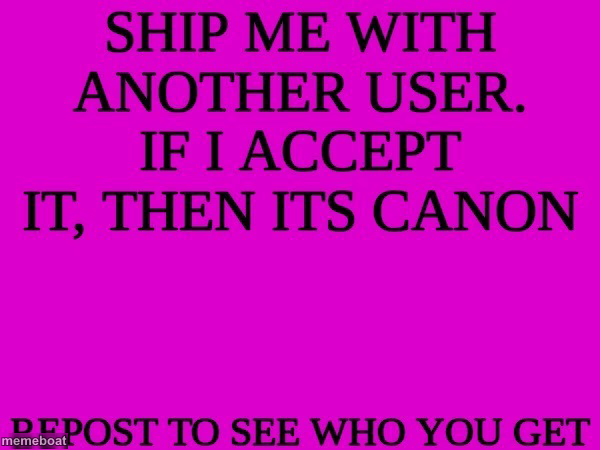
The magenta 'ship me with another user, repost to see who you get' text template — a Tumblr/Twitter roulette game format. Free to edit and download.
Blank ship me with another user meme template
Download the blank ship me with another user template to caption it yourself, or add your text right here in the editor above and download the finished meme.
When to use the ship me with another user meme
- Making your own group-chat version to pair friends together for chaos
- Parodying the original with a fandom-specific or workplace-specific twist
- Posting it ironically when nobody ever replies to your threads
ship me with another user template facts
- Dimensions
- 600 × 450 px
- Format
- JPG
- Added
- 2025
About the ship me with another user meme template
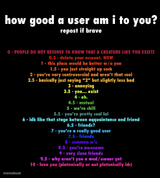
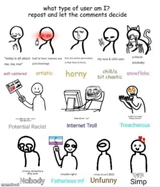
This one's a classic internet chain-post format: a wall of bold black text on a loud magenta background daring people to reply and get randomly 'shipped' with whoever comments next. It's the digital equivalent of a fortune-telling game, except the fortune is your username getting paired with a stranger.
Templates similar to ship me with another user


ship me with another user meme FAQ
How do I make a ship me with another user meme?
Scroll up to the ship me with another user template, add your own text boxes in the editor above and type your captions, adjust the font, size and color if you like, then click download. Your finished ship me with another user meme is ready to share in seconds.
Can I use the ship me with another user template for free?
Yes. The ship me with another user template is completely free to use — no signup and no limits on how many memes you create or where you share them.
How do I download my ship me with another user meme?
Click the download button under the editor once your ship me with another user meme looks right. It saves straight to your device as a high-quality PNG or JPEG image.
How do I download the blank ship me with another user template?
Use the "Download blank template" button in the blank ship me with another user template section above to save the original, un-captioned image — handy if you'd rather caption it in another app or keep a copy.