Ryan Gosling edit Video Meme Generator
Create Your Ryan Gosling edit Meme
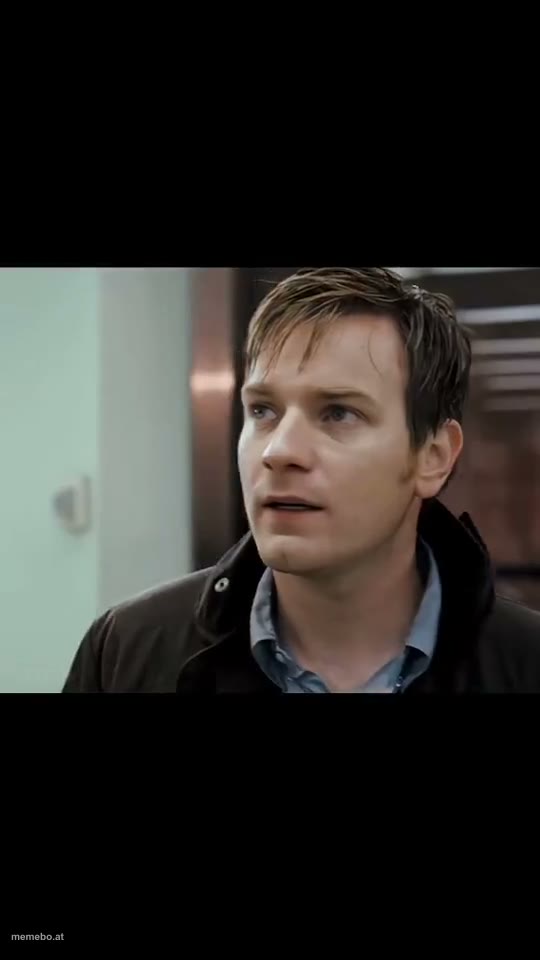
Also known as: Literally Me · Ewan McGregor and Ryan Gosling in Stay · Ryan Gosling Literally Me
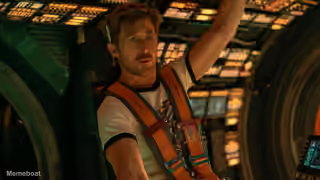
The video opens with Ewan McGregor looking around a public or commercial space with a concerned expression.
Blank Ryan Gosling edit meme template
Download the blank Ryan Gosling edit clip to caption it yourself, or add your text right here in the editor above and save the finished meme.
Ryan Gosling edit template facts
- Dimensions
- 540 × 960 px
- Format
- MP4
- Text boxes
- 2
- Added
- 2026
About the Ryan Gosling edit meme template
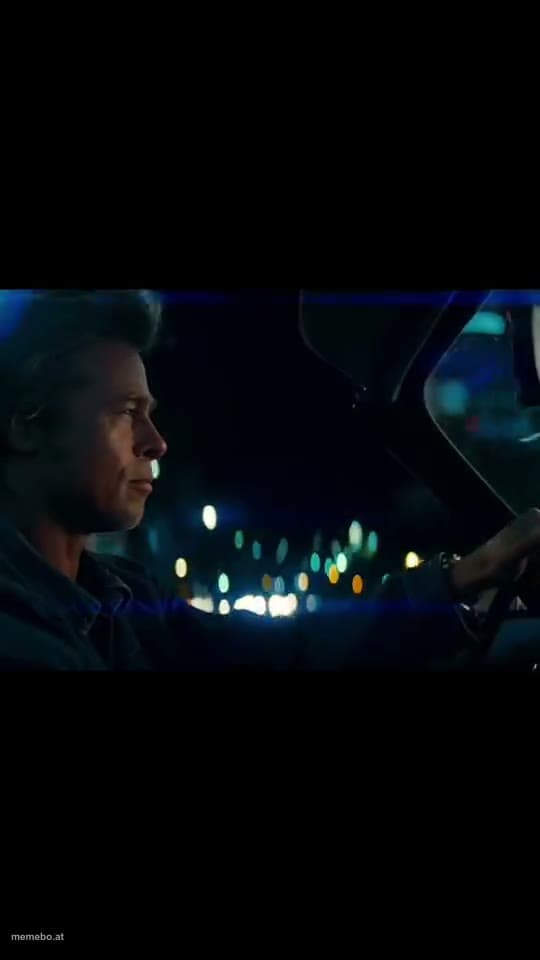
The video opens with Ewan McGregor looking around a public or commercial space with a concerned expression. It then transitions to a dark-haired man on a train or bus at night, looking pensive and intense.


Ryan Gosling edit meme FAQ
How do I make a Ryan Gosling edit meme?
Scroll up to the Ryan Gosling edit clip, type your caption into the 2 text boxes in the editor above, adjust the font, size and color if you like, then save it as a GIF or MP4. Your finished Ryan Gosling edit meme is ready to share in seconds.
Can I use the Ryan Gosling edit template for free?
Yes. The Ryan Gosling edit template is completely free to use — no signup and no limits on how many memes you create or where you share them.
How do I download my Ryan Gosling edit meme?
Click the download button under the editor once your Ryan Gosling edit meme looks right. It saves to your device as a GIF of up to 10 seconds, or as an MP4 video in browsers that can make one.
How do I download the blank Ryan Gosling edit template?
Use the "Download blank template" button in the blank Ryan Gosling edit template section above to save the original clip as an MP4, without captions.