
PLEASE! Meme Generator
Create Your PLEASE! Meme
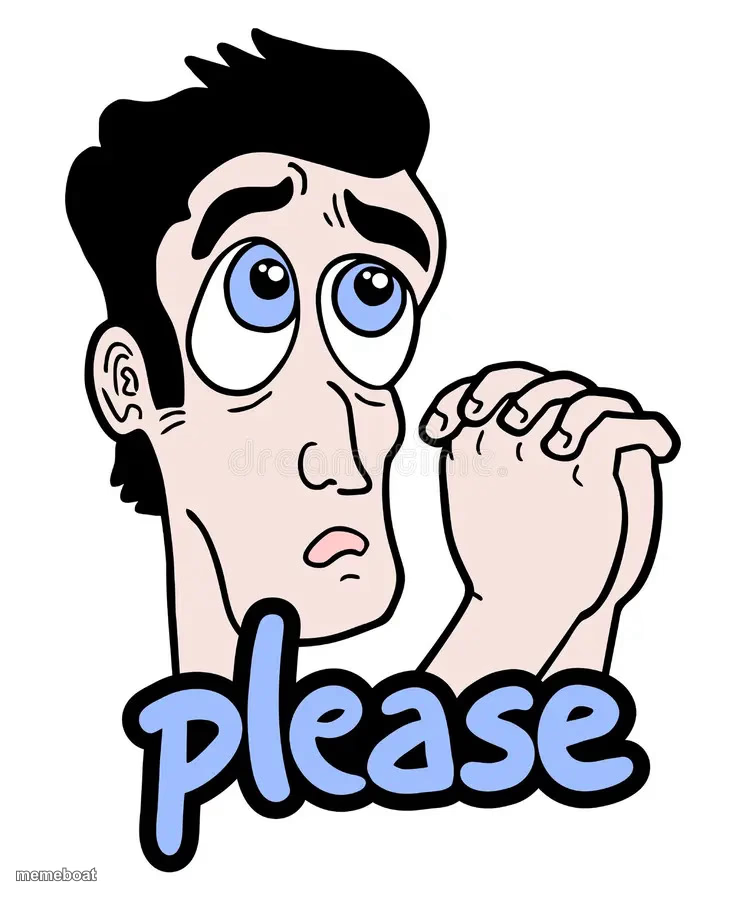
Cartoon man clasping his hands together begging with the word "please" below him. Perfect for desperate requests. Caption it free.
Blank PLEASE! meme template
Download the blank PLEASE! template to caption it yourself, or add your text right here in the editor above and download the finished meme.
When to use the PLEASE! meme
- Begging your boss for one more day on a deadline
- Asking a friend to cover your shift for the third time this month
- Pleading with a parent for the car keys
- Trying to convince your dog to stop barking at 3am
PLEASE! template facts
- Dimensions
- 736 × 900 px
- Format
- JPG
- Text boxes
- 1
- Added
- 2025
About the PLEASE! meme template
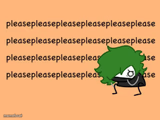
Sometimes words aren't enough — you need clasped hands, wide puppy-dog eyes, and a giant word right underneath spelling it out: please. This cartoon guy is mid-beg, and he is not moving until he gets what he wants.
Use him anytime you're groveling for something you know you don't deserve — a deadline extension, one more episode, your friend to drive tonight. The built-in "please" does half the work, but there's still room up top for exactly what you're desperate for.
Popular PLEASE! caption ideas
me asking for a raise after being here 3 months
can we just skip the meeting and go home
one more chapter, i swear i'll sleep after this one


PLEASE! meme FAQ
How do I make a PLEASE! meme?
Scroll up to the PLEASE! template, type your caption into the text box in the editor above, adjust the font, size and color if you like, then click download. Your finished PLEASE! meme is ready to share in seconds.
Can I use the PLEASE! template for free?
Yes. The PLEASE! template is completely free to use — no signup and no limits on how many memes you create or where you share them.
How do I download my PLEASE! meme?
Click the download button under the editor once your PLEASE! meme looks right. It saves straight to your device as a high-quality PNG or JPEG image.
How do I download the blank PLEASE! template?
Use the "Download blank template" button in the blank PLEASE! template section above to save the original, un-captioned image — handy if you'd rather caption it in another app or keep a copy.