
People In Line Meme Generator
Create Your People In Line Meme
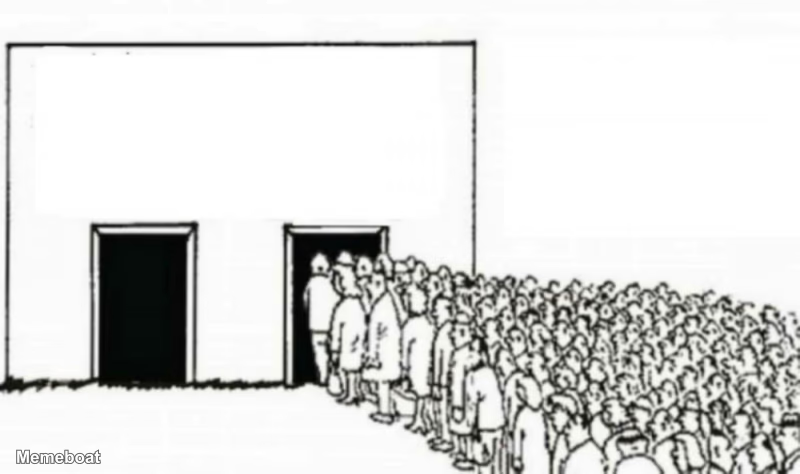
Create People In Line memes with custom text. Perfect for listing movies, shows, or any sequence. Add your captions and download instantly for free.
Blank People In Line meme template
Download the blank People In Line template to caption it yourself, or add your text right here in the editor above and download the finished meme.
People In Line template facts
- Dimensions
- 800 × 474 px
- Format
- JPG
- Added
- 2026
About the People In Line meme template
When you need to list movies you're excited about, shows in your queue, or any items in order of preference, this format gives you a visual way to present your lineup.
The People In Line template works well when your caption treats each person as representing a different item, title, or choice. Based on the captions users create, it's particularly effective for listing entertainment content like movies and shows. Keep your text short and punchy - single words or brief titles work best for each position in the line.
Add your own text to create custom memes, then download your finished image to share anywhere online.
Popular People In Line caption ideas
Hoopers Scream 7 the house maid Goat Ready or Not 2
Templates similar to People In Line

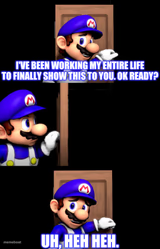
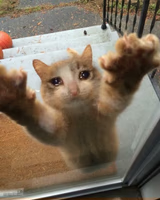

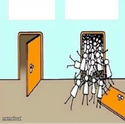
People In Line meme FAQ
How do I make a People In Line meme?
Scroll up to the People In Line template, add your own text boxes in the editor above and type your captions, adjust the font, size and color if you like, then click download. Your finished People In Line meme is ready to share in seconds.
Can I use the People In Line template for free?
Yes. The People In Line template is completely free to use — no signup and no limits on how many memes you create or where you share them.
How do I download my People In Line meme?
Click the download button under the editor once your People In Line meme looks right. It saves straight to your device as a high-quality PNG or JPEG image.
How do I download the blank People In Line template?
Use the "Download blank template" button in the blank People In Line template section above to save the original, un-captioned image — handy if you'd rather caption it in another app or keep a copy.