
Pea Meme Generator
Create Your Pea Meme
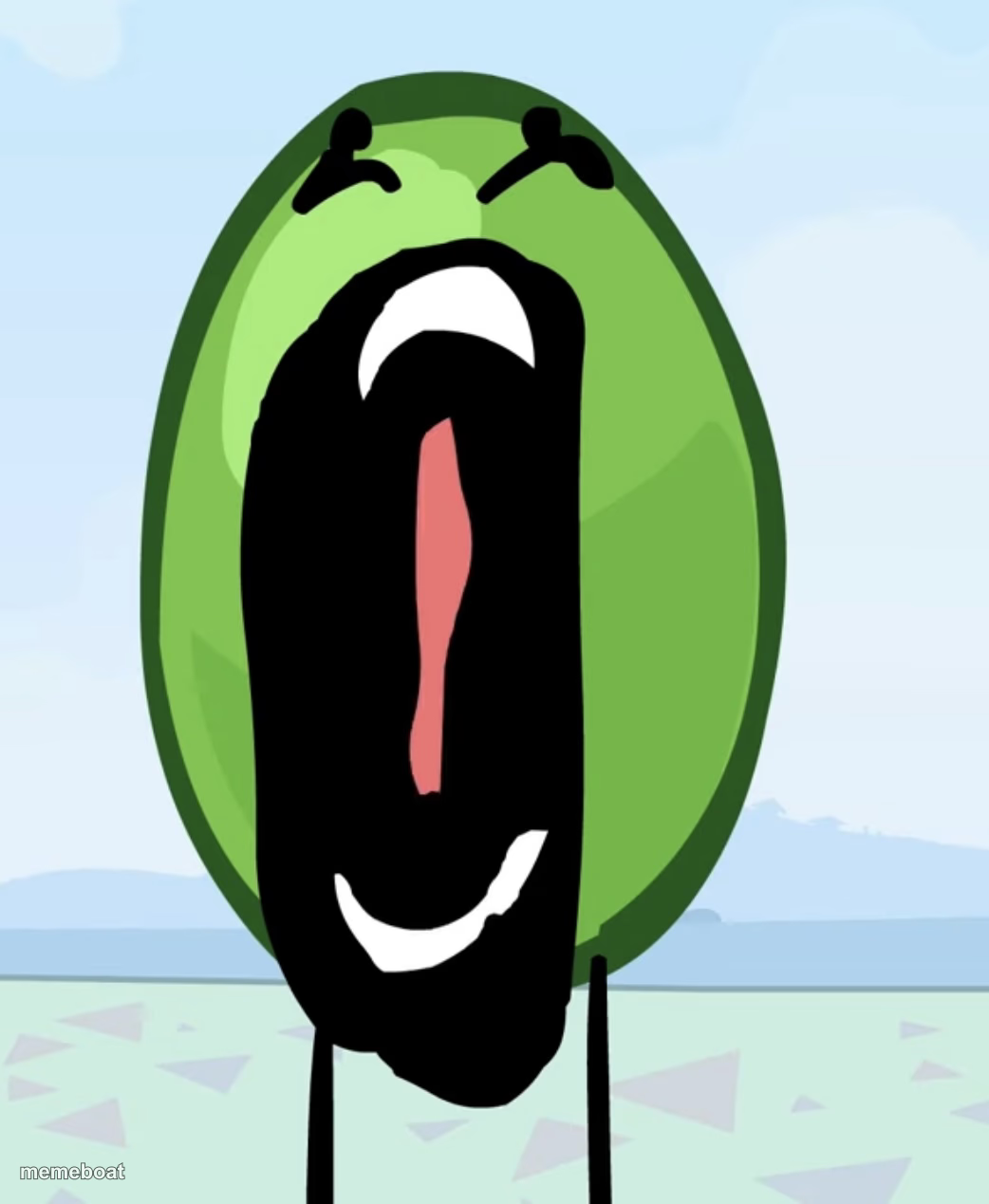
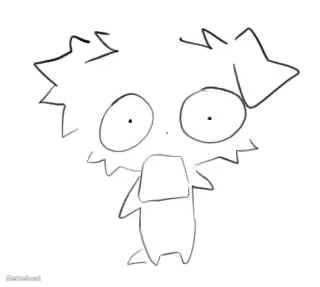
A round green pea-like creature screaming with its mouth wide open. Perfect for pure panic, shock, or dramatic overreaction. Caption it free.
Blank Pea meme template
Download the blank Pea template to caption it yourself, or add your text right here in the editor above and download the finished meme.
When to use the Pea meme
- When you open your bank app after a weekend trip
- Reacting to a group chat message that changes everything
- The exact face you make when autocorrect betrays you in front of your boss
Pea template facts
- Dimensions
- 1042 × 1269 px
- Format
- JPG
- Text boxes
- 2
- Added
- 2025
About the Pea meme template
This screaming green blob has one job and it does it well: pure, unfiltered horror. Whatever just happened, it happened too fast, too loud, or too weird, and this pea-shaped little guy is not okay. Thin stick legs, angry eyebrows, mouth stretched into an abyss — it's the visual equivalent of a record scratch.
Use it for the moment your group chat sends something unhinged, when the deadline hits, or when someone reveals a plot twist nobody asked for. No template captures 'internal screaming, external screaming' quite like this. Add your own caption and download free.
Popular Pea caption ideas
HOW I LOOK LIKE… · WHEN I STUB MY TOE
ME OPENING MY EMAIL · ON A MONDAY
WHEN THE WIFI · DROPS MID-BOSS FIGHT
NOBODY: · MY BRAIN AT 3AM:


Pea meme FAQ
How do I make a Pea meme?
Scroll up to the Pea template, type your caption into the 2 text boxes in the editor above, adjust the font, size and color if you like, then click download. Your finished Pea meme is ready to share in seconds.
Can I use the Pea template for free?
Yes. The Pea template is completely free to use — no signup and no limits on how many memes you create or where you share them.
How do I download my Pea meme?
Click the download button under the editor once your Pea meme looks right. It saves straight to your device as a high-quality PNG or JPEG image.
How do I download the blank Pea template?
Use the "Download blank template" button in the blank Pea template section above to save the original, un-captioned image — handy if you'd rather caption it in another app or keep a copy.