
Sexy Santa Bikini Meme Generator
Create Your Sexy Santa Bikini Meme
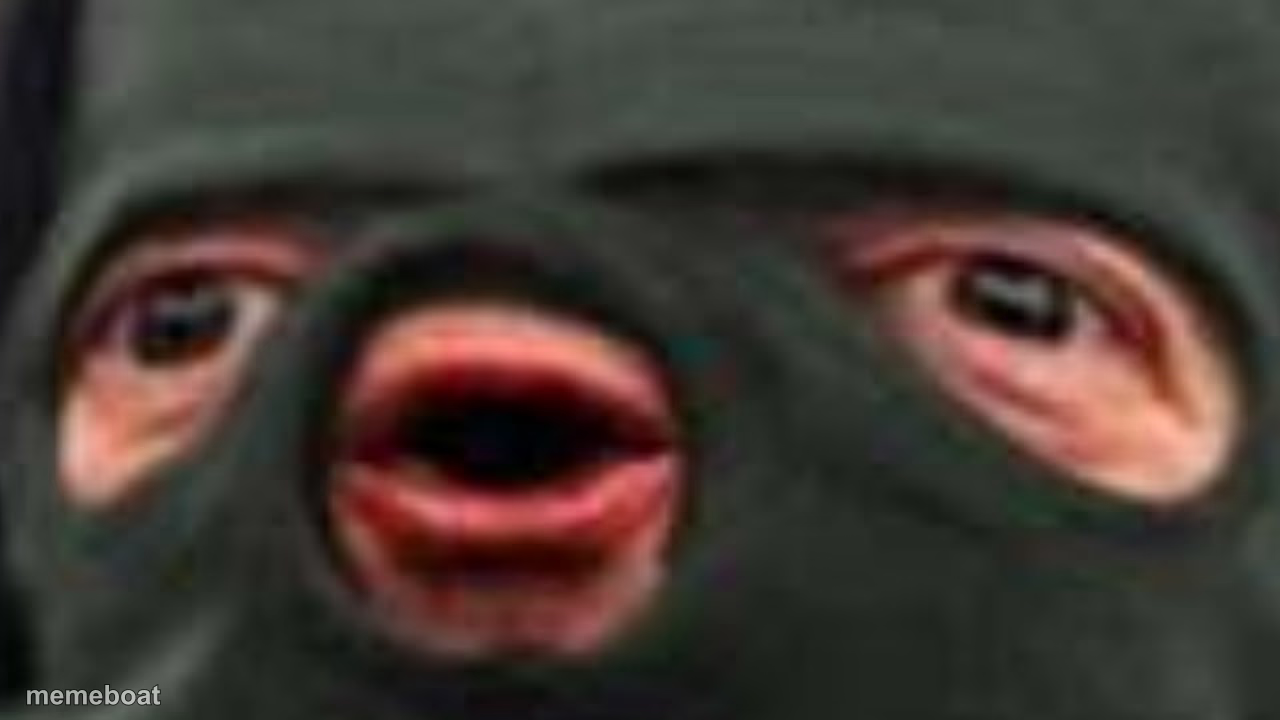
A woman in a white bikini wearing a red fur-trimmed Santa coat in the snow, suited to playful or ironic holiday captions. Caption this festive photo and download it free.
Blank Sexy Santa Bikini meme template
Download the blank Sexy Santa Bikini template to caption it yourself, or add your text right here in the editor above and download the finished meme.
When to use the Sexy Santa Bikini meme
- ironic holiday thirst-trap jokes
- exaggerated holiday spirit
- playful winter humor
- over-the-top festive energy
Sexy Santa Bikini template facts
- Dimensions
- 1280 × 720 px
- Format
- JPG
- Text boxes
- 2
- Added
- 2025
About the Sexy Santa Bikini meme template
The "oof" meme template has become a staple in internet culture, symbolizing moments of awkwardness, failure, or comedic misfortune. Originating from the sound effect in the popular game Roblox around 2017, the "oof" meme quickly evolved into a viral phenomenon across social media platforms like Twitter, Instagram, and TikTok. Its simple yet expressive nature captures relatable moments in everyday life, making it a favorite in meme culture and digital entertainment worldwide.
Knowing how to use the "oof" meme template effectively can elevate your social media content with humor and relatability. Perfect for funny reactions, awkward situations, or playful self-deprecation, this meme fits seamlessly into posts that highlight relatable moments or unexpected fails. Whether you're wondering how to make an "oof" meme or when to post it, this template works well for engaging audiences on platforms like Facebook, Instagram, and Twitter. Using this meme maker, you can customize text to match your unique message, making your content instantly shareable and hilarious.
The "oof" meme remains popular due to its versatility and viral potential. With our easy-to-use online generator, you can create, customize, and personalize your own "oof" memes in seconds—no design skills needed. This instant meme maker delivers quick results, helping you build funny, trending content that resonates with millions. Start generating your own "oof" meme now to join the viral meme culture and boost your social media engagement with shareable, entertaining posts.
Popular Sexy Santa Bikini caption ideas
Dressing for the weather · Dressing for the likes
Templates similar to Sexy Santa Bikini







Sexy Santa Bikini meme FAQ
How do I make a Sexy Santa Bikini meme?
Scroll up to the Sexy Santa Bikini template, type your caption into the 2 text boxes in the editor above, adjust the font, size and color if you like, then click download. Your finished Sexy Santa Bikini meme is ready to share in seconds.
Can I use the Sexy Santa Bikini template for free?
Yes. The Sexy Santa Bikini template is completely free to use — no signup and no limits on how many memes you create or where you share them.
How do I download my Sexy Santa Bikini meme?
Click the download button under the editor once your Sexy Santa Bikini meme looks right. It saves straight to your device as a high-quality PNG or JPEG image.
How do I download the blank Sexy Santa Bikini template?
Use the "Download blank template" button in the blank Sexy Santa Bikini template section above to save the original, un-captioned image — handy if you'd rather caption it in another app or keep a copy.