
Nope Cat Meme Generator
Create Your Nope Cat Meme
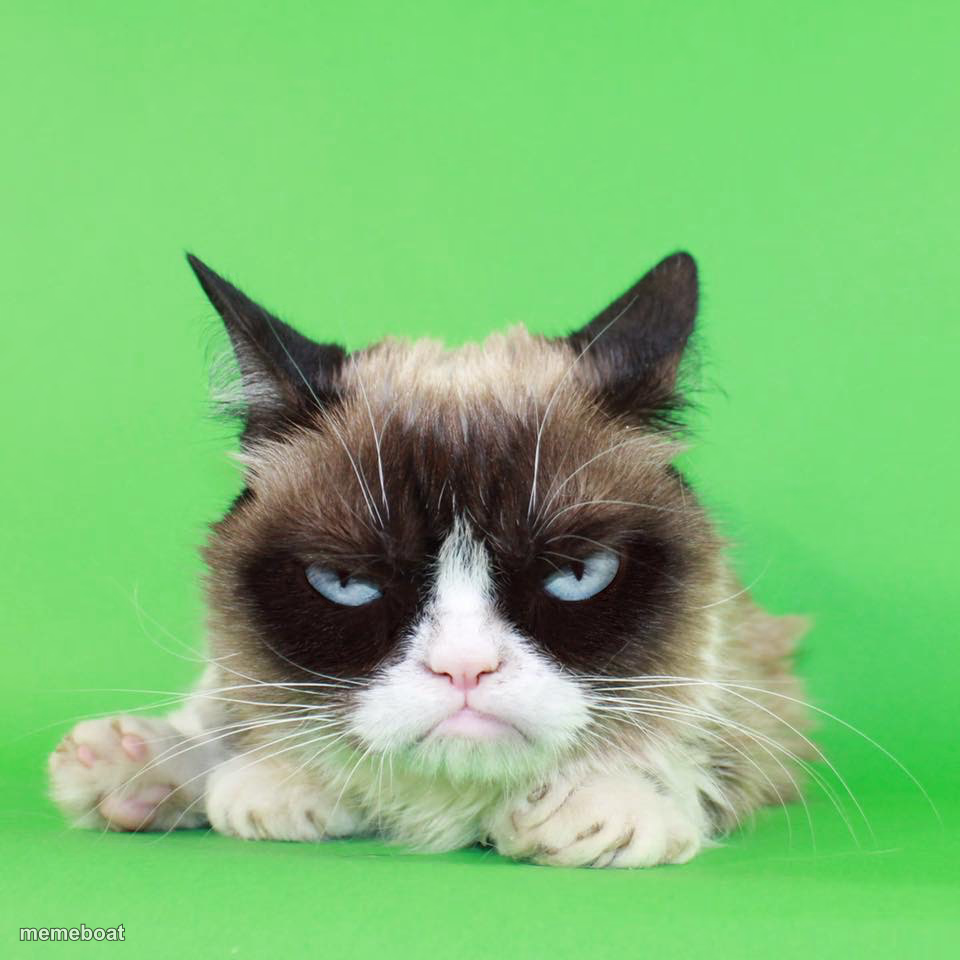
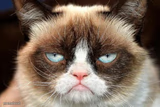
The internet's most famously unimpressed cat, glaring straight at the camera against a bright green background. Ideal for pure disdain captions — caption and download free.
Blank Nope Cat meme template
Download the blank Nope Cat template to caption it yourself, or add your text right here in the editor above and download the finished meme.
When to use the Nope Cat meme
- Reacting to someone's terrible restaurant recommendation
- The face you make when your alarm goes off on a Monday
- Responding to 'just one more meeting' at 5pm on a Friday
- When someone says 'it'll only take five minutes'
Nope Cat template facts
- Featuring
- Grumpy Cat (Grumpy Cat (Tardar Sauce))
- Dimensions
- 960 × 960 px
- Format
- JPG
- Added
- 2025
About the Nope Cat meme template
This is Grumpy Cat, the feline that turned a permanent scowl into a full-blown internet empire. She never looks happy, she never looks convinced, and that's the whole appeal — that flat, judgmental stare works for literally any situation you're unimpressed by.
Use her for shutting down bad ideas, reacting to Mondays, or captioning anything that deserves a silent, withering glare instead of words. If your joke needs zero enthusiasm and maximum side-eye, this is the template.
Templates similar to Nope Cat

Nope Cat meme FAQ
How do I make a Nope Cat meme?
Scroll up to the Nope Cat template, add your own text boxes in the editor above and type your captions, adjust the font, size and color if you like, then click download. Your finished Nope Cat meme is ready to share in seconds.
Can I use the Nope Cat template for free?
Yes. The Nope Cat template is completely free to use — no signup and no limits on how many memes you create or where you share them.
How do I download my Nope Cat meme?
Click the download button under the editor once your Nope Cat meme looks right. It saves straight to your device as a high-quality PNG or JPEG image.
How do I download the blank Nope Cat template?
Use the "Download blank template" button in the blank Nope Cat template section above to save the original, un-captioned image — handy if you'd rather caption it in another app or keep a copy.