
no russian Meme Generator
Create Your no russian Meme
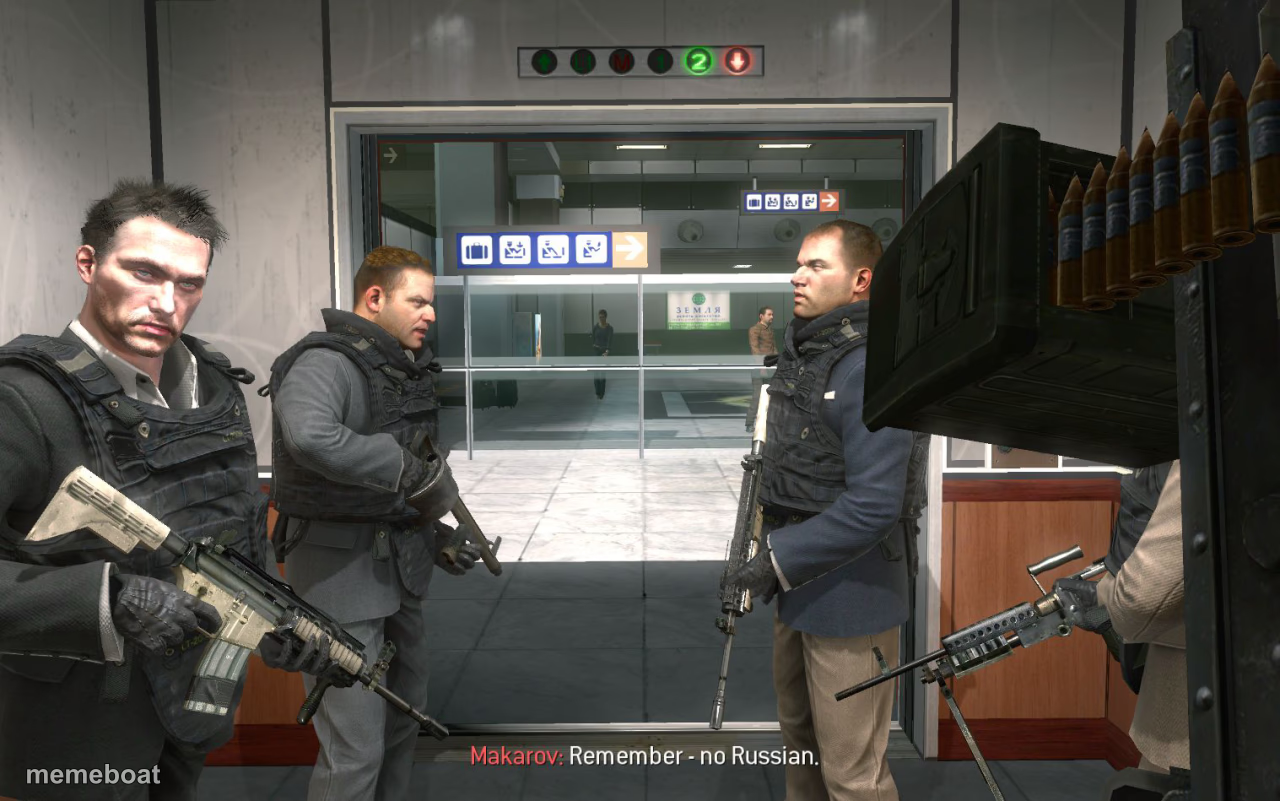
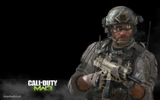
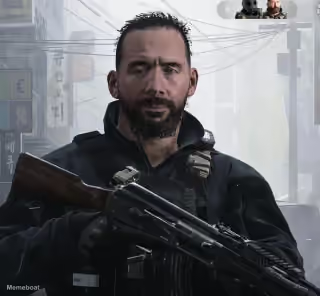
The infamous 'No Russian' airport scene from Call of Duty: MW2, gunmen lined up before the massacre — great for dark gaming humor and dramatic betrayal jokes. Free to caption.
Blank no russian meme template
Download the blank no russian template to caption it yourself, or add your text right here in the editor above and download the finished meme.
When to use the no russian meme
- Setting up a dramatic 'before it all went wrong' moment
- Any joke about a plan that's clearly about to go sideways
- Gaming nostalgia posts about controversial FPS missions
- Group chat energy right before someone spills a secret
no russian template facts
- Featuring
- Makarov (Call of Duty: Modern Warfare 2)
- Dimensions
- 1280 × 801 px
- Format
- JPG
- Text boxes
- 1
- Added
- 2025
About the no russian meme template
This is THE moment from Modern Warfare 2 — Makarov's squad standing in an airport terminal right before things go horribly wrong, with 'Remember - no Russian' hanging in the air like a threat wrapped in a warning label.
Popular no russian caption ideas
When the group project is about to go horribly wrong
Me walking into finals week acting like I studied
The whole squad before someone opens their mouth in the group chat

no russian meme FAQ
How do I make a no russian meme?
Scroll up to the no russian template, type your caption into the text box in the editor above, adjust the font, size and color if you like, then click download. Your finished no russian meme is ready to share in seconds.
Can I use the no russian template for free?
Yes. The no russian template is completely free to use — no signup and no limits on how many memes you create or where you share them.
How do I download my no russian meme?
Click the download button under the editor once your no russian meme looks right. It saves straight to your device as a high-quality PNG or JPEG image.
How do I download the blank no russian template?
Use the "Download blank template" button in the blank no russian template section above to save the original, un-captioned image — handy if you'd rather caption it in another app or keep a copy.