
No but in yellow Meme Generator
Create Your No but in yellow Meme
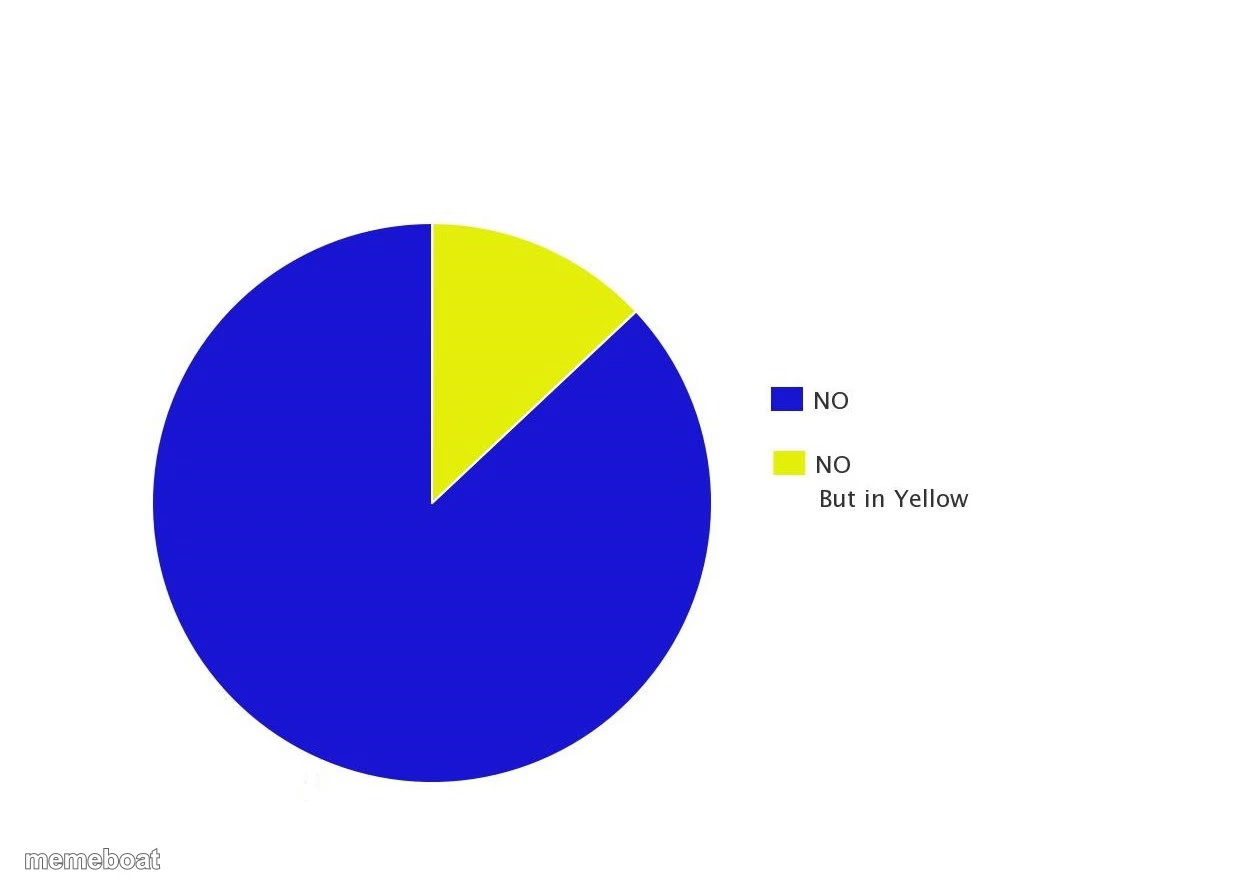
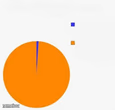
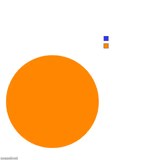
A pie chart labeled 'No' and 'No but in yellow' — a deadpan chart template for mocking fake choices and disguised rejections. Caption and download free.
Blank No but in yellow meme template
Download the blank No but in yellow template to caption it yourself, or add your text right here in the editor above and download the finished meme.
When to use the No but in yellow meme
- When management offers you two options that are secretly the same option
- Fake choices on a customer feedback survey
- Being told you have options when you really don't
- Corporate rebrands that change nothing but the color scheme
No but in yellow template facts
- Dimensions
- 1256 × 888 px
- Format
- JPG
- Added
- 2025
About the No but in yellow meme template
It's just a pie chart, mostly blue, with a small yellow slice — except the legend reveals both slices are just different flavors of 'no.' It's the most honest data visualization ever made, and it's savage in the most understated way possible.
Perfect for calling out fake options, corporate non-answers, or anytime someone dresses up a rejection to make it look like a choice. Basically the chart version of 'we heard you, and the answer is still no.'
Templates similar to No but in yellow


No but in yellow meme FAQ
How do I make a No but in yellow meme?
Scroll up to the No but in yellow template, add your own text boxes in the editor above and type your captions, adjust the font, size and color if you like, then click download. Your finished No but in yellow meme is ready to share in seconds.
Can I use the No but in yellow template for free?
Yes. The No but in yellow template is completely free to use — no signup and no limits on how many memes you create or where you share them.
How do I download my No but in yellow meme?
Click the download button under the editor once your No but in yellow meme looks right. It saves straight to your device as a high-quality PNG or JPEG image.
How do I download the blank No but in yellow template?
Use the "Download blank template" button in the blank No but in yellow template section above to save the original, un-captioned image — handy if you'd rather caption it in another app or keep a copy.