
Top 6 Grid Meme Generator
Create Your Top 6 Grid Meme

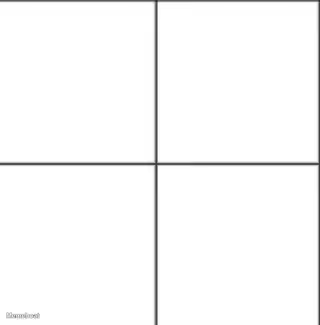
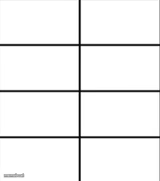
Blank 'Top 6' ranking template with six empty boxes to fill with your own picks. Great for countdowns, rankings, and favorites lists. Free to customize and download.
Blank Top 6 Grid meme template
Download the blank Top 6 Grid template to caption it yourself, or add your text right here in the editor above and download the finished meme.
When to use the Top 6 Grid meme
- Ranking your top 6 favorite anything (movies, snacks, games)
- Making a 'worst 6' hot-take list to start arguments
- Countdown of your top 6 memes of the year
- Ranking coworkers, exes, or roommates (anonymously, hopefully)
Top 6 Grid template facts
- Dimensions
- 782 × 639 px
- Format
- PNG
- Added
- 2026
About the Top 6 Grid meme template
A clean, simple 'Top 6' grid with six blank tiles waiting for your picks — no character, no punchline baked in, just pure ranking-list energy. It's the internet's favorite way to argue about favorites.
Drop in your top games, worst exes, best snacks, most overrated movies, whatever — people love filling these in and love arguing about other people's picks even more.
Popular Top 6 Grid caption ideas
Vtubers that I love
Templates similar to Top 6 Grid


Top 6 Grid meme FAQ
How do I make a Top 6 Grid meme?
Scroll up to the Top 6 Grid template, add your own text boxes in the editor above and type your captions, adjust the font, size and color if you like, then click download. Your finished Top 6 Grid meme is ready to share in seconds.
Can I use the Top 6 Grid template for free?
Yes. The Top 6 Grid template is completely free to use — no signup and no limits on how many memes you create or where you share them.
How do I download my Top 6 Grid meme?
Click the download button under the editor once your Top 6 Grid meme looks right. It saves straight to your device as a high-quality PNG or JPEG image.
How do I download the blank Top 6 Grid template?
Use the "Download blank template" button in the blank Top 6 Grid template section above to save the original, un-captioned image — handy if you'd rather caption it in another app or keep a copy.