
Crying SpongeBob Meme Generator
Create Your Crying SpongeBob Meme

SpongeBob sobbing on the floor, hands trembling — the go-to reaction for pure heartbreak or overreacting to small letdowns. Caption it free.
Blank Crying SpongeBob meme template
Download the blank Crying SpongeBob template to caption it yourself, or add your text right here in the editor above and download the finished meme.
When to use the Crying SpongeBob meme
- Finding out your show got cancelled after one season
- Watching your food order say 'delivered' when nothing arrived
- Realizing the payday you were counting on is still a week away
Crying SpongeBob template facts
- Featuring
- SpongeBob SquarePants
- Dimensions
- 475 × 360 px
- Format
- PNG
- Added
- 2025
About the Crying SpongeBob meme template
SpongeBob is on the floor, tears streaming, hands shaking like he just lost everything. This is the gold standard reaction image for absolute devastation — whether it's real heartbreak or something as small as your favorite snack being sold out.
It works equally well for genuine sadness and comedic overreaction, which is exactly why it's stuck around as a meme staple. Drop in a caption about anything that wrecked you, big or small.
Templates similar to Crying SpongeBob


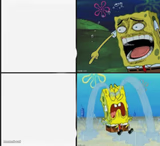

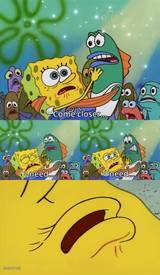



Crying SpongeBob meme FAQ
How do I make a Crying SpongeBob meme?
Scroll up to the Crying SpongeBob template, add your own text boxes in the editor above and type your captions, adjust the font, size and color if you like, then click download. Your finished Crying SpongeBob meme is ready to share in seconds.
Can I use the Crying SpongeBob template for free?
Yes. The Crying SpongeBob template is completely free to use — no signup and no limits on how many memes you create or where you share them.
How do I download my Crying SpongeBob meme?
Click the download button under the editor once your Crying SpongeBob meme looks right. It saves straight to your device as a high-quality PNG or JPEG image.
How do I download the blank Crying SpongeBob template?
Use the "Download blank template" button in the blank Crying SpongeBob template section above to save the original, un-captioned image — handy if you'd rather caption it in another app or keep a copy.