
Dark Room Selfie Kid Meme Generator
Create Your Dark Room Selfie Kid Meme
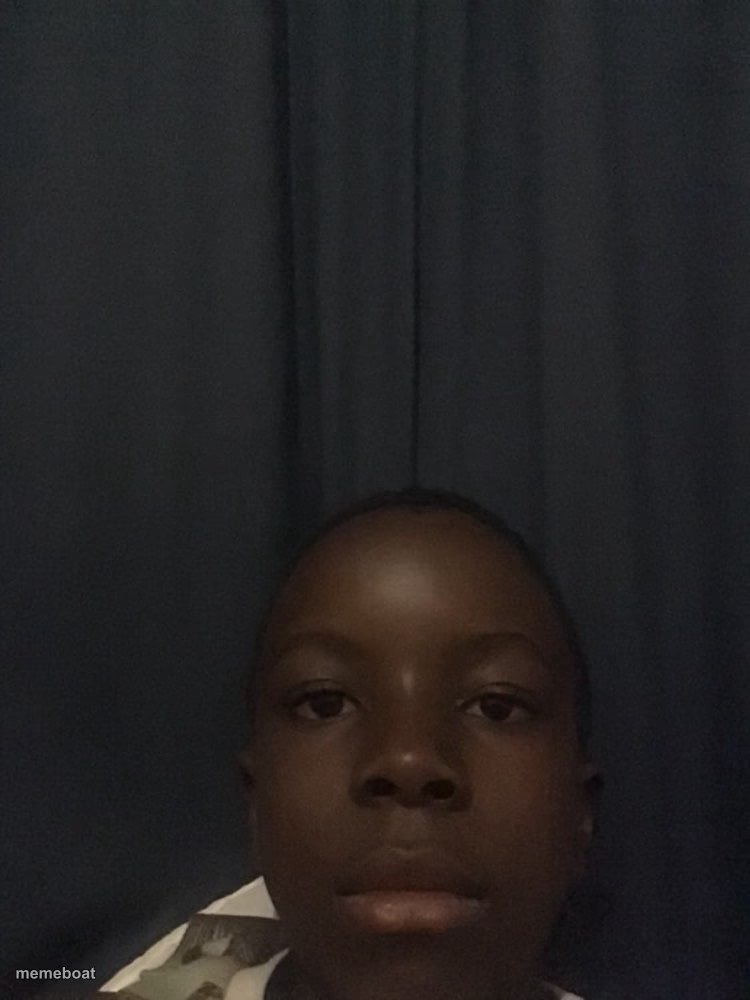
A kid taking a blunt, unimpressed selfie in a dimly lit room with dark curtains behind him. Great deadpan reaction template. Free to caption and download.
Blank Dark Room Selfie Kid meme template
Download the blank Dark Room Selfie Kid template to caption it yourself, or add your text right here in the editor above and download the finished meme.
When to use the Dark Room Selfie Kid meme
- Your face when someone asks 'are you mad?' for the fifth time
- Reacting to a friend's bad excuse with total silence
- The look you give when the WiFi goes out mid-game
- Your expression hearing 'we need to talk' texted at 11pm
Dark Room Selfie Kid template facts
- Dimensions
- 750 × 1000 px
- Format
- JPG
- Added
- 2025
About the Dark Room Selfie Kid meme template
A kid in a dark room, curtains behind him, staring dead into the camera with zero expression like he just got asked to do a chore for the third time. The lighting is doing a lot of the emotional heavy lifting here — it's giving 'I've had enough' energy without a single word.
This one's built for deadpan reactions: the flat stare you give when someone repeats an obvious question, when the group chat says something wild, or when you just don't have the energy to react properly.
Templates similar to Dark Room Selfie Kid

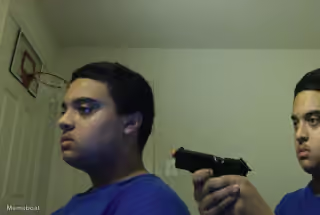
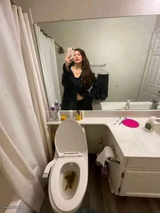
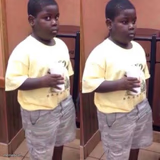
Dark Room Selfie Kid meme FAQ
How do I make a Dark Room Selfie Kid meme?
Scroll up to the Dark Room Selfie Kid template, add your own text boxes in the editor above and type your captions, adjust the font, size and color if you like, then click download. Your finished Dark Room Selfie Kid meme is ready to share in seconds.
Can I use the Dark Room Selfie Kid template for free?
Yes. The Dark Room Selfie Kid template is completely free to use — no signup and no limits on how many memes you create or where you share them.
How do I download my Dark Room Selfie Kid meme?
Click the download button under the editor once your Dark Room Selfie Kid meme looks right. It saves straight to your device as a high-quality PNG or JPEG image.
How do I download the blank Dark Room Selfie Kid template?
Use the "Download blank template" button in the blank Dark Room Selfie Kid template section above to save the original, un-captioned image — handy if you'd rather caption it in another app or keep a copy.