
Hela Smirking Meme Generator
Create Your Hela Smirking Meme
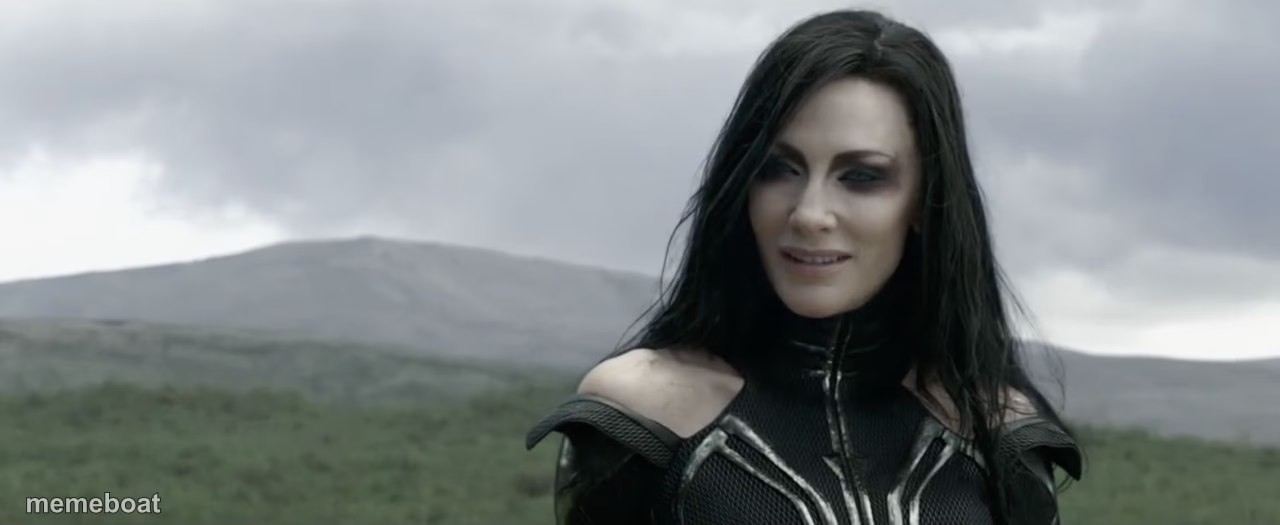
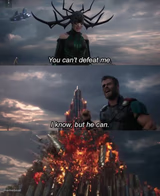
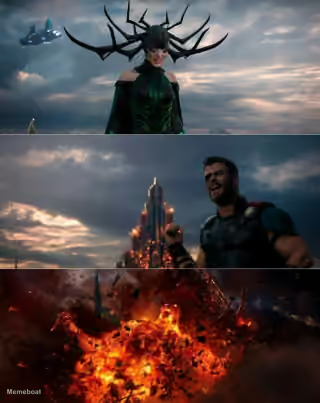
Hela from Thor: Ragnarok giving a smug, knowing smirk on a windswept hillside. Ideal for villain confidence and 'I already won' energy — caption free on Memeboat.
Blank Hela Smirking meme template
Download the blank Hela Smirking template to caption it yourself, or add your text right here in the editor above and download the finished meme.
When to use the Hela Smirking meme
- When your petty plan works perfectly and no one suspects you
- Watching chaos unfold that you secretly caused
- Reacting to someone underestimating you one more time
Hela Smirking template facts
- Featuring
- Hela (Thor: Ragnarok)
- Dimensions
- 1280 × 525 px
- Format
- JPG
- Text boxes
- 2
- Added
- 2025
About the Hela Smirking meme template
Hela isn't yelling or scheming here — she's just standing on a hill with that quiet, 'I already know how this ends' smirk, like she's five moves ahead of everyone else in the room. It's confidence with zero effort behind it.
Popular Hela Smirking caption ideas
WHEN THEY SAY · "THERE'S NO WAY YOU DID THAT"
ME AFTER SENDING · THE PASSIVE AGGRESSIVE EMAIL
WATCHING MY PLAN COME TOGETHER · EXACTLY AS EXPECTED

Hela Smirking meme FAQ
How do I make a Hela Smirking meme?
Scroll up to the Hela Smirking template, type your caption into the 2 text boxes in the editor above, adjust the font, size and color if you like, then click download. Your finished Hela Smirking meme is ready to share in seconds.
Can I use the Hela Smirking template for free?
Yes. The Hela Smirking template is completely free to use — no signup and no limits on how many memes you create or where you share them.
How do I download my Hela Smirking meme?
Click the download button under the editor once your Hela Smirking meme looks right. It saves straight to your device as a high-quality PNG or JPEG image.
How do I download the blank Hela Smirking template?
Use the "Download blank template" button in the blank Hela Smirking template section above to save the original, un-captioned image — handy if you'd rather caption it in another app or keep a copy.