
HeHeHeHaw Meme Generator
Create Your HeHeHeHaw Meme
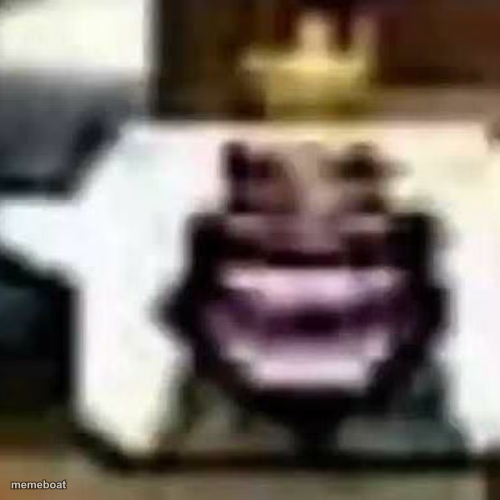
Blurry, low-quality grinning face template known as HeHeHeHaw. Use it for unsettling reaction memes. Caption it free with Memebo, no sign-up.
Blank HeHeHeHaw meme template
Download the blank HeHeHeHaw template to caption it yourself, or add your text right here in the editor above and download the finished meme.
When to use the HeHeHeHaw meme
- Reacting to a chaotic group chat message with unsettling glee
- Captioning a plan that's clearly a bad idea but everyone's onboard anyway
- Responding to cursed or too-real content with a knowing grin
- Screenshotting something someone regrets sending
HeHeHeHaw template facts
- Dimensions
- 500 × 500 px
- Format
- JPG
- Text boxes
- 2
- Added
- 2025
About the HeHeHeHaw meme template
This one's the meme equivalent of squinting at a photo taken through a dirty windshield: a heavily compressed, blown-out close-up of a grinning face that's become a template purely because of how wrong it looks. HeHeHeHaw lives in the same corner of meme culture as "low quality" and "deep fried" formats, where the artifacting and blur ARE the joke.
It's perfect for that "someone forwarded this meme through eleven group chats" energy, or for captioning any moment that feels a little too unhinged to show clearly. Drop your text on it and download free, no account needed.
Popular HeHeHeHaw caption ideas
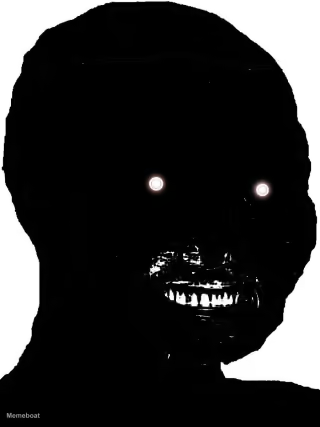
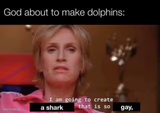
me after sending that text at 2am · no regrets






HeHeHeHaw meme FAQ
How do I make a HeHeHeHaw meme?
Scroll up to the HeHeHeHaw template, type your caption into the 2 text boxes in the editor above, adjust the font, size and color if you like, then click download. Your finished HeHeHeHaw meme is ready to share in seconds.
Can I use the HeHeHeHaw template for free?
Yes. The HeHeHeHaw template is completely free to use — no signup and no limits on how many memes you create or where you share them.
How do I download my HeHeHeHaw meme?
Click the download button under the editor once your HeHeHeHaw meme looks right. It saves straight to your device as a high-quality PNG or JPEG image.
How do I download the blank HeHeHeHaw template?
Use the "Download blank template" button in the blank HeHeHeHaw template section above to save the original, un-captioned image — handy if you'd rather caption it in another app or keep a copy.