
Giving up on Treasure Meme Generator
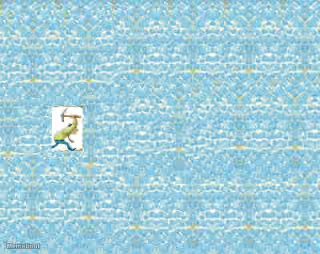
An image depicting a background filled entirely with numerous light blue, sparkling diamonds, suggesting a vast amount of treasure.
Create Your Giving up on Treasure Meme
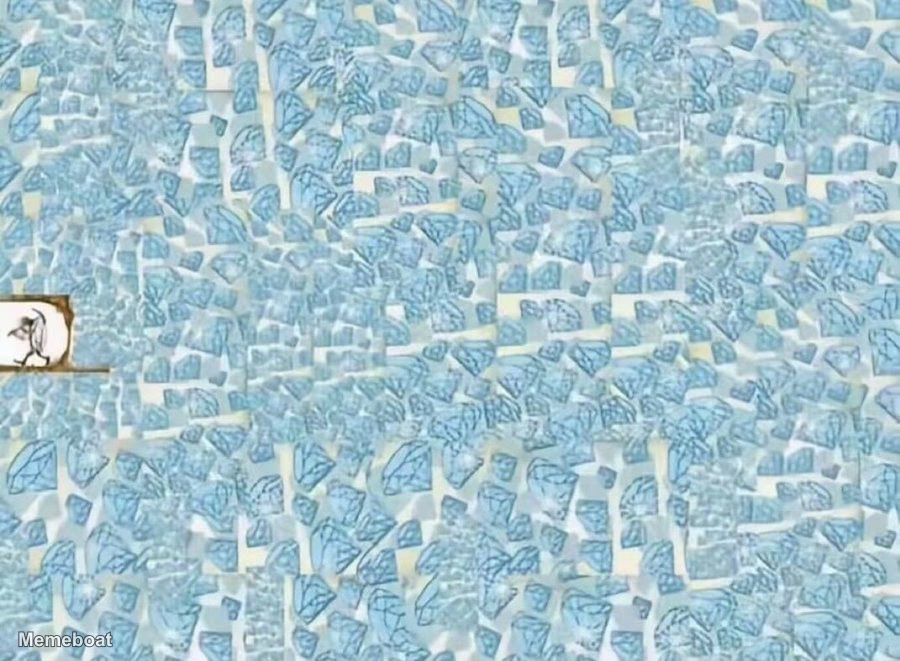
Blank Giving up on Treasure meme template
Download the blank Giving up on Treasure template to caption it yourself, or add your text right here in the editor above and download the finished meme.
Giving up on Treasure template facts
- Dimensions
- 900 × 661 px
- Format
- WEBP
- Text boxes
- 2
- Added
- 2026
About the Giving up on Treasure meme template
An image depicting a background filled entirely with numerous light blue, sparkling diamonds, suggesting a vast amount of treasure. In the top-left corner, there is a small, framed inset image of a cartoon character, possibly a caveman or a troll, shown in a posture that conveys exhaustion or resignation.
Popular Giving up on Treasure caption ideas
I stopped watching Dexter on ep 1 bc it was boring
I don't wanna start YouTube, it's too oversaturated
I stopped playing Wuthering waves in 1.x
those who think Better Call Saul is too slow
How it feels looking for a generational Teg edit
Siege skill gap for new players
Templates similar to Giving up on Treasure
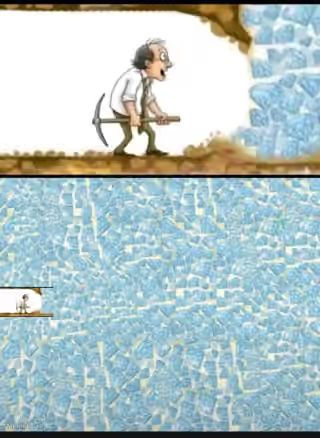

Giving up on Treasure meme FAQ
How do I make a Giving up on Treasure meme?
Scroll up to the Giving up on Treasure template, type your caption into the 2 text boxes in the editor above, adjust the font, size and color if you like, then click download. Your finished Giving up on Treasure meme is ready to share in seconds.
Can I use the Giving up on Treasure template for free?
Yes. The Giving up on Treasure template is completely free to use — no signup and no limits on how many memes you create or where you share them.
How do I download my Giving up on Treasure meme?
Click the download button under the editor once your Giving up on Treasure meme looks right. It saves straight to your device as a high-quality PNG or JPEG image.
How do I download the blank Giving up on Treasure template?
Use the "Download blank template" button in the blank Giving up on Treasure template section above to save the original, un-captioned image — handy if you'd rather caption it in another app or keep a copy.