
EEEEEEEE Meme Generator
Create Your EEEEEEEE Meme

A squishy pink blob character lounges on a football field holding a yellow bat. Caption it free for your sports-fail or lazy-day meme.
Blank EEEEEEEE meme template
Download the blank EEEEEEEE template to caption it yourself, or add your text right here in the editor above and download the finished meme.
When to use the EEEEEEEE meme
- When you show up to practice with the wrong gear and zero motivation
- Reacting to being picked last for the team
- That feeling of sitting down mid-game because you're just done
EEEEEEEE template facts
- Dimensions
- 278 × 219 px
- Format
- PNG
- Text boxes
- 2
- Added
- 2026
About the EEEEEEEE meme template
This one's a mood: a soft, peach-colored blob creature plopped down right in the middle of a football field, legs kicked out, casually gripping a big yellow bat like it just gave up on the game entirely. The stadium seats loom empty in the background, which somehow makes it funnier.
Use it for anything involving zero effort, giving up mid-task, or showing up to a competition with the wrong energy (and the wrong equipment). Add your own text, download it free, and let the blob do the talking.
Popular EEEEEEEE caption ideas
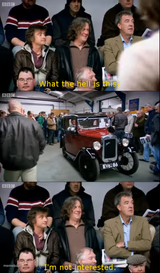
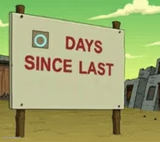
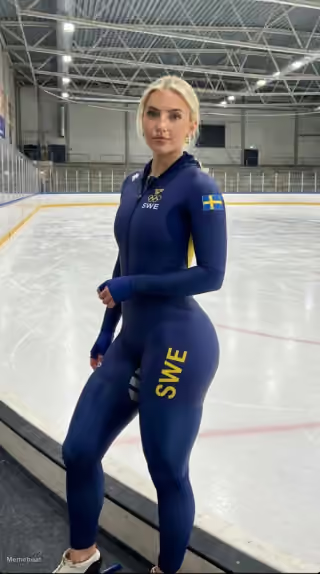
WHAT I LOOK LIKE WARMING UP IN P.E
me showing up to gym class · already sitting down
coach: give me 110% · me:



EEEEEEEE meme FAQ
How do I make a EEEEEEEE meme?
Scroll up to the EEEEEEEE template, type your caption into the 2 text boxes in the editor above, adjust the font, size and color if you like, then click download. Your finished EEEEEEEE meme is ready to share in seconds.
Can I use the EEEEEEEE template for free?
Yes. The EEEEEEEE template is completely free to use — no signup and no limits on how many memes you create or where you share them.
How do I download my EEEEEEEE meme?
Click the download button under the editor once your EEEEEEEE meme looks right. It saves straight to your device as a high-quality PNG or JPEG image.
How do I download the blank EEEEEEEE template?
Use the "Download blank template" button in the blank EEEEEEEE template section above to save the original, un-captioned image — handy if you'd rather caption it in another app or keep a copy.