
Dixie Meme Generator
Create Your Dixie Meme
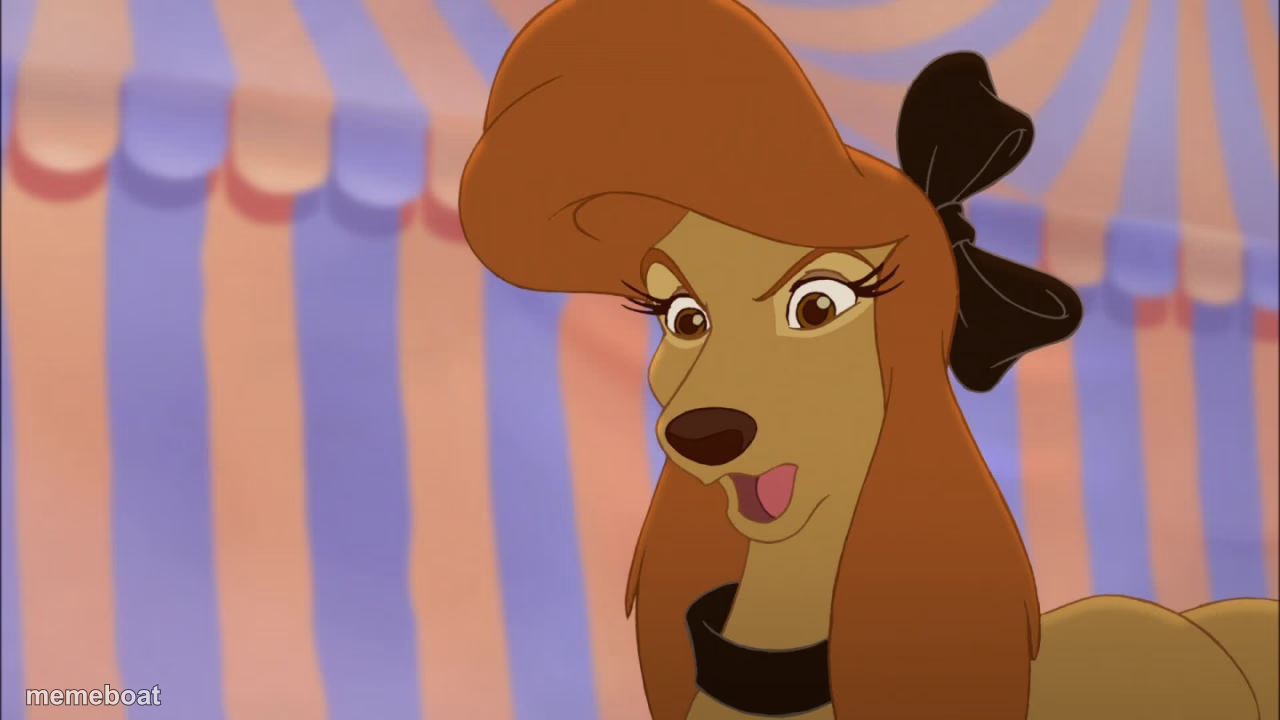
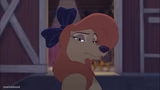
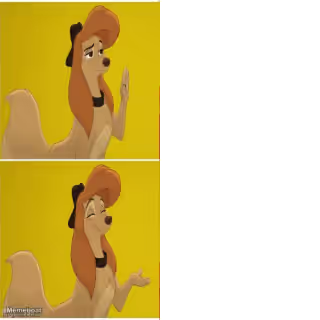
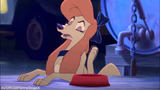
Dixie the sassy show-dog from The Fox and the Hound 2, giving a smug side-eye look. Caption it and download free.
Blank Dixie meme template
Download the blank Dixie template to caption it yourself, or add your text right here in the editor above and download the finished meme.
When to use the Dixie meme
- When you clap back with the perfect comeback
- Reacting to your own genius plan going off without a hitch
- The face you make walking away from a mic-drop moment
Dixie template facts
- Featuring
- Dixie (The Fox and the Hound 2)
- Dimensions
- 1280 × 720 px
- Format
- JPG
- Text boxes
- 2
- Added
- 2025
About the Dixie meme template
That look on Dixie's face is pure attitude — the confident, tongue-out smirk of a show dog who knows she's the star of the tent. She's from The Fox and the Hound 2, but honestly this expression works for anyone who just won an argument, nailed a comeback, or is about to say something they shouldn't.
Use this template whenever you need a smug, self-satisfied reaction shot with a little bit of sass baked in. Add your own caption, download it free, and let Dixie do the talking.
Popular Dixie caption ideas
When you win the argument · and you know it
Me after one (1) good comeback · for the rest of the week
That's what I thought · now say thank you
Templates similar to Dixie


Dixie meme FAQ
How do I make a Dixie meme?
Scroll up to the Dixie template, type your caption into the 2 text boxes in the editor above, adjust the font, size and color if you like, then click download. Your finished Dixie meme is ready to share in seconds.
Can I use the Dixie template for free?
Yes. The Dixie template is completely free to use — no signup and no limits on how many memes you create or where you share them.
How do I download my Dixie meme?
Click the download button under the editor once your Dixie meme looks right. It saves straight to your device as a high-quality PNG or JPEG image.
How do I download the blank Dixie template?
Use the "Download blank template" button in the blank Dixie template section above to save the original, un-captioned image — handy if you'd rather caption it in another app or keep a copy.