
Smile Then Confused Meme Generator
Create Your Smile Then Confused Meme
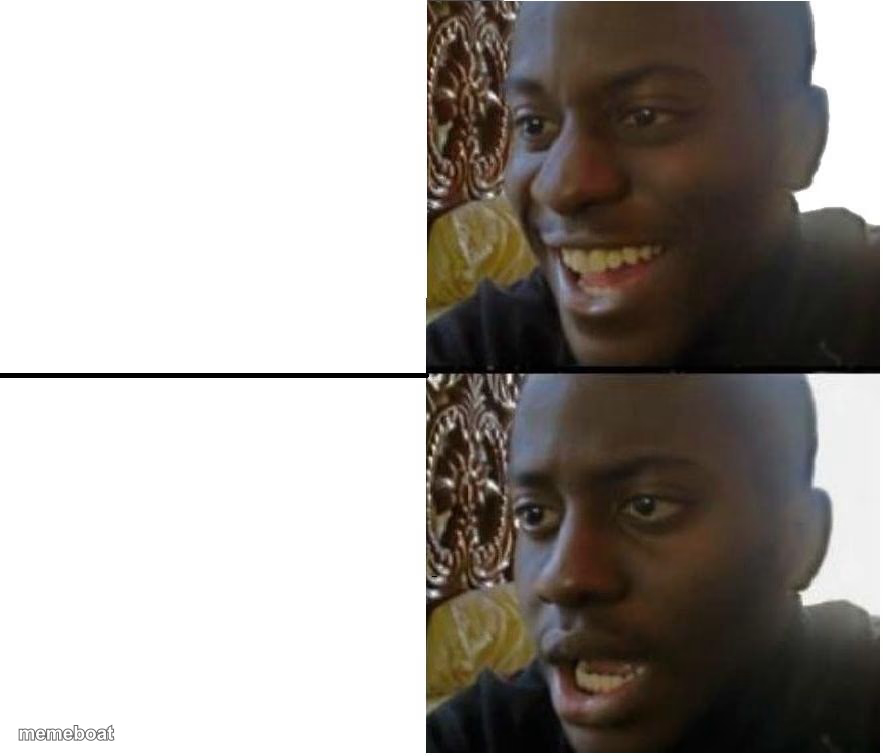
Two-panel reaction template: a guy smiling big on top, then visibly confused and less thrilled on the bottom. Great for expectation-vs-reality jokes, free to edit.
Blank Smile Then Confused meme template
Download the blank Smile Then Confused template to caption it yourself, or add your text right here in the editor above and download the finished meme.
When to use the Smile Then Confused meme
- Hearing great news, then hearing the catch
- Getting excited about plans that immediately fall apart
- Your reaction before and after reading the fine print
- First bite of a meal that looked way better than it tastes
Smile Then Confused template facts
- Dimensions
- 883 × 756 px
- Format
- JPG
- Text boxes
- 2
- Added
- 2025
About the Smile Then Confused meme template
Top panel: genuine, ear-to-ear happiness. Bottom panel: same guy, same lighting, but now he's squinting like he just heard something that ruined his whole day. Built for the exact moment good news turns into a 'wait, what?'
Popular Smile Then Confused caption ideas
U ROAST THE POPULAR KID · HE DOESN'T TASTE GOOD
ME: I got the job! · ME: it's commission only
Templates similar to Smile Then Confused


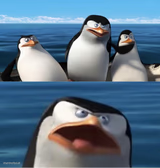

Smile Then Confused meme FAQ
How do I make a Smile Then Confused meme?
Scroll up to the Smile Then Confused template, type your caption into the 2 text boxes in the editor above, adjust the font, size and color if you like, then click download. Your finished Smile Then Confused meme is ready to share in seconds.
Can I use the Smile Then Confused template for free?
Yes. The Smile Then Confused template is completely free to use — no signup and no limits on how many memes you create or where you share them.
How do I download my Smile Then Confused meme?
Click the download button under the editor once your Smile Then Confused meme looks right. It saves straight to your device as a high-quality PNG or JPEG image.
How do I download the blank Smile Then Confused template?
Use the "Download blank template" button in the blank Smile Then Confused template section above to save the original, un-captioned image — handy if you'd rather caption it in another app or keep a copy.