
delete it Meme Generator
Create Your delete it Meme

A close-up of a keyboard's Delete key, ready for whatever you want gone. Caption it and download free, no sign-up needed.
Blank delete it meme template
Download the blank delete it template to caption it yourself, or add your text right here in the editor above and download the finished meme.
When to use the delete it meme
- Wanting to erase an embarrassing text you just sent
- Wishing you could undo a decision from five minutes ago
- Reacting to a bad plot twist or cringe scene
- Venting about 2020, an ex, or a rough memory
delete it template facts
- Dimensions
- 250 × 161 px
- Format
- JPG
- Text boxes
- 1
- Added
- 2026
About the delete it meme template
It's just the Delete key, lit up and staring back at you like it's got a job to do. Simple, blunt, and instantly understood — this template says "get rid of this" without a single extra word.
Great for venting about anything you wish you could erase from existence: an ex, a bad memory, that one group chat message, your browser history. Slap the target in the top box and let the key speak for itself.
Popular delete it caption ideas
IF I HAD TO DELETE ONE THING WITH THIS · IT WOULD BE 67
My browser history before a family member borrows my laptop
That text I sent at 2am
This entire year
Templates similar to delete it
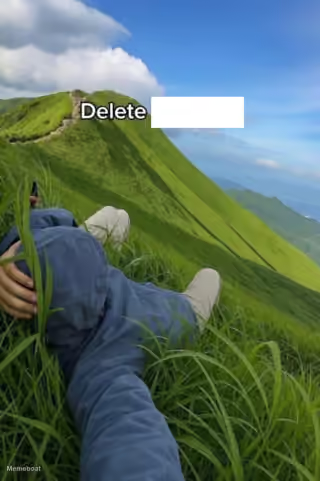



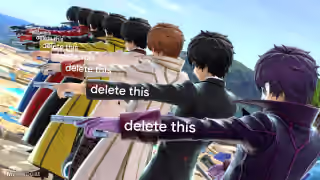
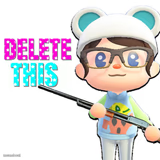
delete it meme FAQ
How do I make a delete it meme?
Scroll up to the delete it template, type your caption into the text box in the editor above, adjust the font, size and color if you like, then click download. Your finished delete it meme is ready to share in seconds.
Can I use the delete it template for free?
Yes. The delete it template is completely free to use — no signup and no limits on how many memes you create or where you share them.
How do I download my delete it meme?
Click the download button under the editor once your delete it meme looks right. It saves straight to your device as a high-quality PNG or JPEG image.
How do I download the blank delete it template?
Use the "Download blank template" button in the blank delete it template section above to save the original, un-captioned image — handy if you'd rather caption it in another app or keep a copy.