
Cynthia Erivo in F1 Car Meme Generator
Carlos Sainz, wearing an Atlassian Williams Racing hoodie and cap, smiles while interacting with Cynthia Erivo, who is seated in the cockpit of a black…
Create Your Cynthia Erivo in F1 Car Meme
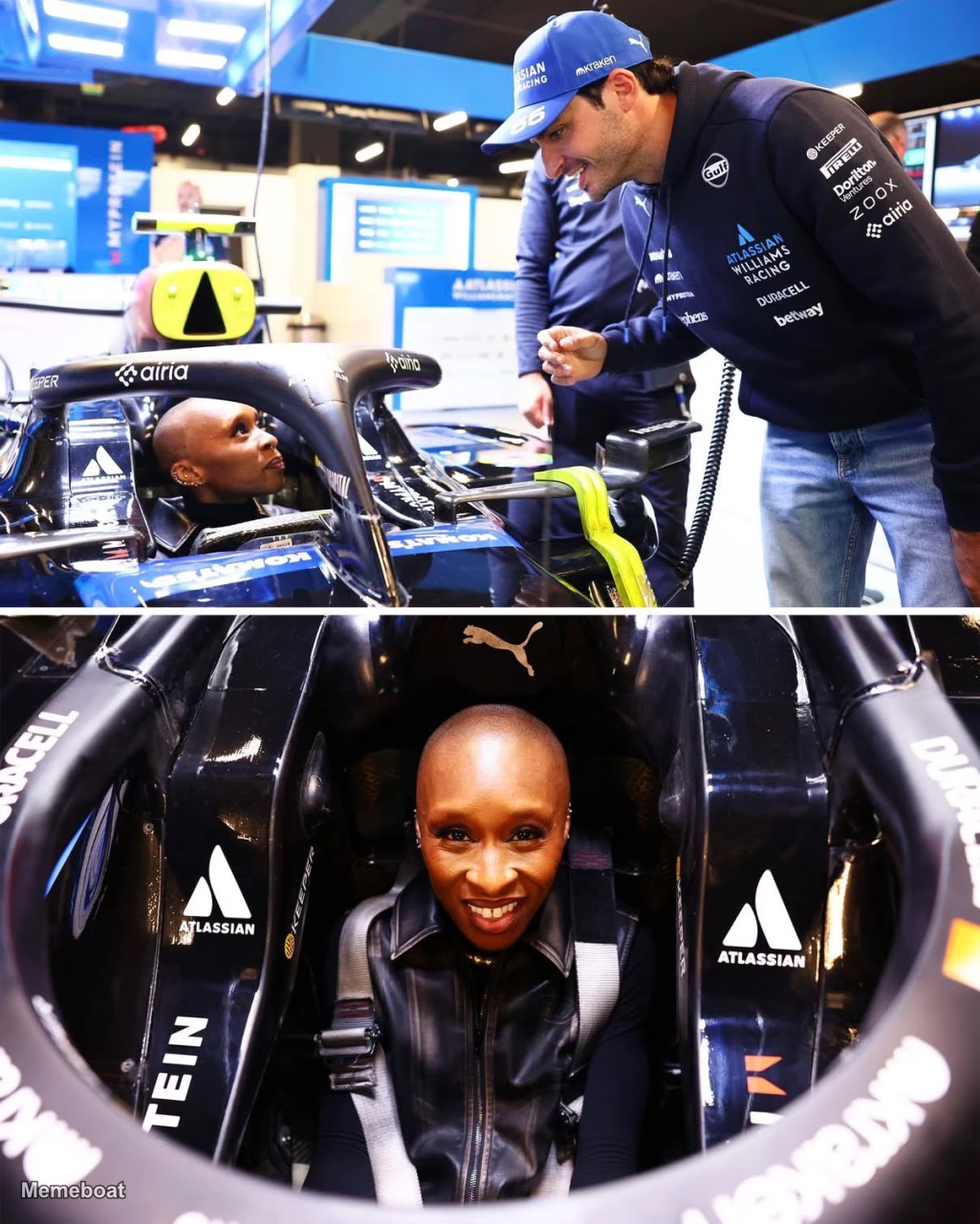
Blank Cynthia Erivo in F1 Car meme template
Download the blank Cynthia Erivo in F1 Car template to caption it yourself, or add your text right here in the editor above and download the finished meme.
Cynthia Erivo in F1 Car template facts
- Dimensions
- 1025 × 1280 px
- Format
- WEBP
- Text boxes
- 2
- Added
- 2026
About the Cynthia Erivo in F1 Car meme template
Carlos Sainz, wearing an Atlassian Williams Racing hoodie and cap, smiles while interacting with Cynthia Erivo, who is seated in the cockpit of a black Formula 1 race car. The top panel shows them talking in what appears to be a pit garage, while the bottom panel is a close-up of Cynthia Erivo smiling broadly directly at the camera while strapped into the car's harness.
Popular Cynthia Erivo in F1 Car caption ideas
DEVELOPING: Carlos Sainz invited Cythina Erivo to test out his F1 car in Las Vegas.
Templates similar to Cynthia Erivo in F1 Car
Jutta Leerdam Tears of Joy
Alysa Liu's Gold Medal Celebration 2026 Winter Olympics

USA Hockey Wins Gold at Winter Olympics
Timothée Chalamet Excited at the Knicks Game
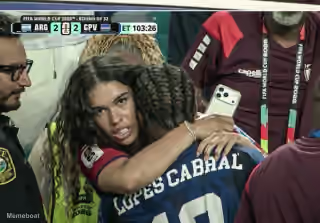
Woman With Intense Look Hugging Lopes Cabral
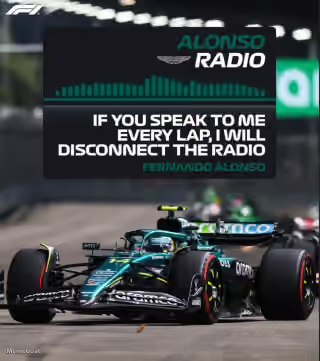
Fernando Alonso "If You Speak to Me Every Lap, I Will Disconnect the Radio"

Justin Herbert Protecting Madison Beer at the Lakers Game

Gumball Yes
Cynthia Erivo in F1 Car meme FAQ
How do I make a Cynthia Erivo in F1 Car meme?
Scroll up to the Cynthia Erivo in F1 Car template, type your caption into the 2 text boxes in the editor above, adjust the font, size and color if you like, then click download. Your finished Cynthia Erivo in F1 Car meme is ready to share in seconds.
Can I use the Cynthia Erivo in F1 Car template for free?
Yes. The Cynthia Erivo in F1 Car template is completely free to use — no signup and no limits on how many memes you create or where you share them.
How do I download my Cynthia Erivo in F1 Car meme?
Click the download button under the editor once your Cynthia Erivo in F1 Car meme looks right. It saves straight to your device as a high-quality PNG or JPEG image.
How do I download the blank Cynthia Erivo in F1 Car template?
Use the "Download blank template" button in the blank Cynthia Erivo in F1 Car template section above to save the original, un-captioned image — handy if you'd rather caption it in another app or keep a copy.