
Cylon Centurion Meme Generator
Create Your Cylon Centurion Meme

The menacing Cylon Centurion from Battlestar Galactica, red eye scanning back and forth. Great for robot-uprising jokes or cold, calculated threats. Free.
Blank Cylon Centurion meme template
Download the blank Cylon Centurion template to caption it yourself, or add your text right here in the editor above and download the finished meme.
When to use the Cylon Centurion meme
- AI taking over your job, but make it dramatic
- The cold, calculating response to a dumb question
- Robot uprising jokes and sci-fi villain reveals
- Someone scanning a room like they're looking for a target
Cylon Centurion template facts
- Featuring
- Cylon Centurion (Battlestar Galactica)
- Dimensions
- 960 × 854 px
- Format
- JPG
- Added
- 2026
About the Cylon Centurion meme template
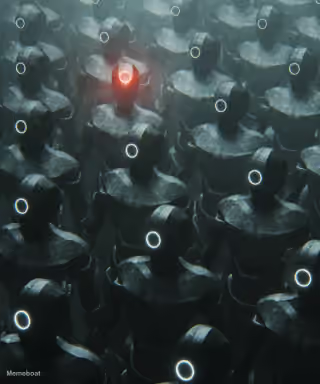
That single red eye sweeping side to side means one thing: the robots have arrived and they are not here to be your friend. This is a Cylon Centurion from Battlestar Galactica, all chrome and menace, radiating pure 'by your command' energy.
Popular Cylon Centurion caption ideas
WHEN YOU TRY TO CANCEL A SLAV ONLINE, AND HE RESPONDS WITH A SQUAT AND A SUNFLOWER SEED.
Templates similar to Cylon Centurion






Cylon Centurion meme FAQ
How do I make a Cylon Centurion meme?
Scroll up to the Cylon Centurion template, add your own text boxes in the editor above and type your captions, adjust the font, size and color if you like, then click download. Your finished Cylon Centurion meme is ready to share in seconds.
Can I use the Cylon Centurion template for free?
Yes. The Cylon Centurion template is completely free to use — no signup and no limits on how many memes you create or where you share them.
How do I download my Cylon Centurion meme?
Click the download button under the editor once your Cylon Centurion meme looks right. It saves straight to your device as a high-quality PNG or JPEG image.
How do I download the blank Cylon Centurion template?
Use the "Download blank template" button in the blank Cylon Centurion template section above to save the original, un-captioned image — handy if you'd rather caption it in another app or keep a copy.