
Four Quadrant Chart Meme Generator
Create Your Four Quadrant Chart Meme
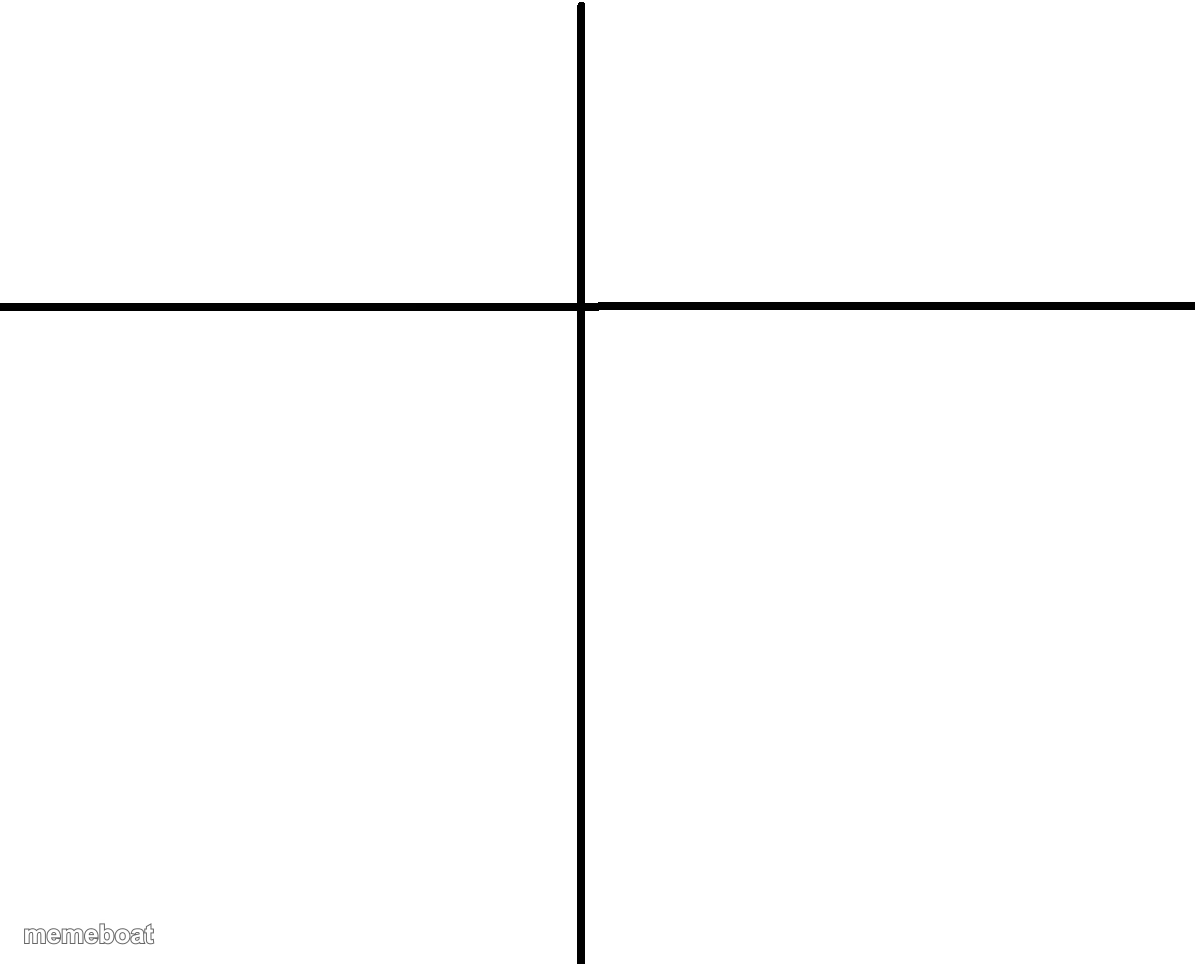
A blank cross-axis graph for plotting anything on two scales. Add your own labels and quadrant jokes. Caption and download free.
Blank Four Quadrant Chart meme template
Download the blank Four Quadrant Chart template to caption it yourself, or add your text right here in the editor above and download the finished meme.
When to use the Four Quadrant Chart meme
- Plotting your friends by chaos level vs loyalty
- Ranking coworkers by effort vs attitude
Four Quadrant Chart template facts
- Dimensions
- 1195 × 964 px
- Format
- PNG
- Text boxes
- 2
- Added
- 2025
About the Four Quadrant Chart meme template
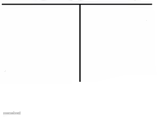
Just a plain white background with one horizontal and one vertical line crossing in the middle — the bare-bones alignment chart / quadrant graph template that lets you plot literally anything against anything.
Popular Four Quadrant Chart caption ideas
PITBULLS NAMED CUPCAKE · PITBULLS NAMED
Effort · Results (spoiler: they don't match)
How much sleep I got · How functional I am today
Confidence · Actual skill level
Templates similar to Four Quadrant Chart



Four Quadrant Chart meme FAQ
How do I make a Four Quadrant Chart meme?
Scroll up to the Four Quadrant Chart template, type your caption into the 2 text boxes in the editor above, adjust the font, size and color if you like, then click download. Your finished Four Quadrant Chart meme is ready to share in seconds.
Can I use the Four Quadrant Chart template for free?
Yes. The Four Quadrant Chart template is completely free to use — no signup and no limits on how many memes you create or where you share them.
How do I download my Four Quadrant Chart meme?
Click the download button under the editor once your Four Quadrant Chart meme looks right. It saves straight to your device as a high-quality PNG or JPEG image.
How do I download the blank Four Quadrant Chart template?
Use the "Download blank template" button in the blank Four Quadrant Chart template section above to save the original, un-captioned image — handy if you'd rather caption it in another app or keep a copy.