
Creepy hank smiling Meme Generator
Create Your Creepy hank smiling Meme
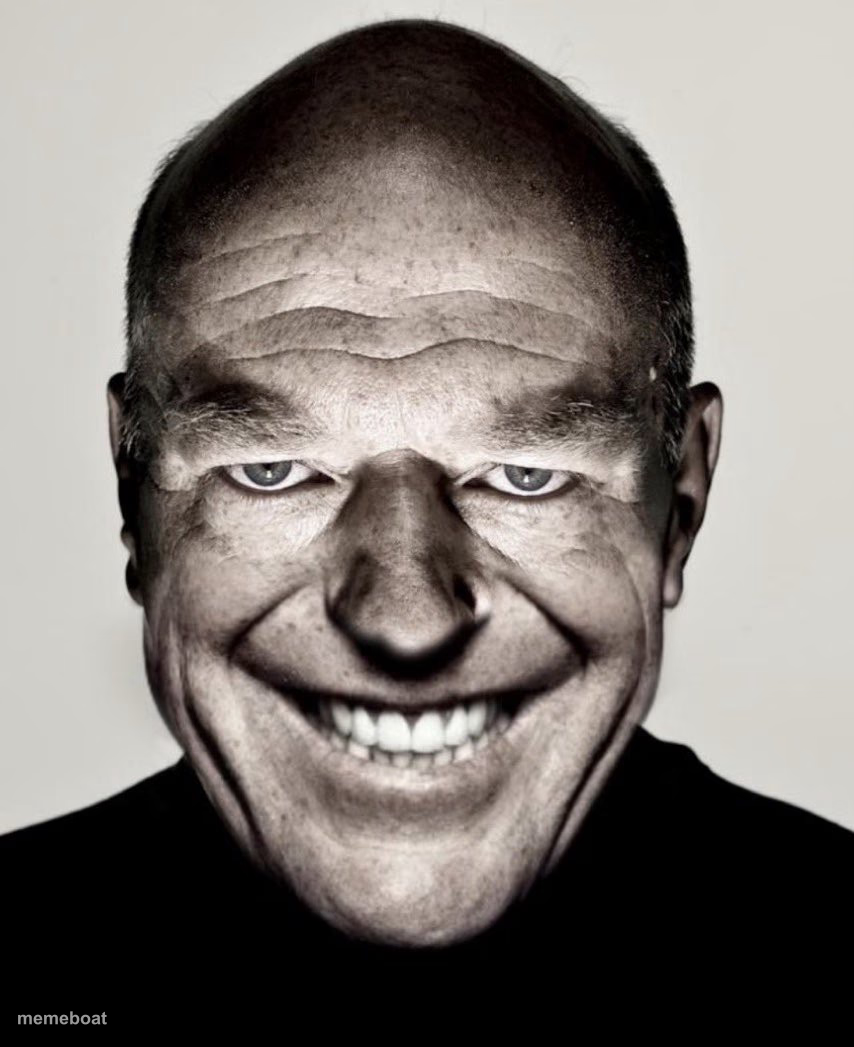
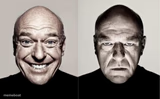
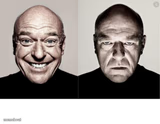
Bald man's unsettling wide-grin close-up portrait, perfect for reacting to fake-nice compliments or forced smiles. Caption it free with Memeboat.
Blank Creepy hank smiling meme template
Download the blank Creepy hank smiling template to caption it yourself, or add your text right here in the editor above and download the finished meme.
When to use the Creepy hank smiling meme
- When your boss says 'great job' right before layoffs
- Reacting to someone's suspiciously generous offer
- That coworker who's way too happy about your resignation
Creepy hank smiling template facts
- Dimensions
- 854 × 1047 px
- Format
- JPG
- Added
- 2025
About the Creepy hank smiling meme template
That grin is doing a lot of work, and none of it is reassuring. A distorted wide-lens close-up turns an ordinary bald guy's smile into pure unease, all bared teeth and narrowed eyes, like he knows something you don't.
Use it whenever someone's being suspiciously friendly, a compliment feels like a threat, or you need to caption the exact moment 'nice' curdles into 'nervous.' Add your own text free and let the creepy carry itself.
Templates similar to Creepy hank smiling


Creepy hank smiling meme FAQ
How do I make a Creepy hank smiling meme?
Scroll up to the Creepy hank smiling template, add your own text boxes in the editor above and type your captions, adjust the font, size and color if you like, then click download. Your finished Creepy hank smiling meme is ready to share in seconds.
Can I use the Creepy hank smiling template for free?
Yes. The Creepy hank smiling template is completely free to use — no signup and no limits on how many memes you create or where you share them.
How do I download my Creepy hank smiling meme?
Click the download button under the editor once your Creepy hank smiling meme looks right. It saves straight to your device as a high-quality PNG or JPEG image.
How do I download the blank Creepy hank smiling template?
Use the "Download blank template" button in the blank Creepy hank smiling template section above to save the original, un-captioned image — handy if you'd rather caption it in another app or keep a copy.