
Confucius says Meme Generator
Create Your Confucius says Meme

Create Confucius Says memes with custom text. This format works for absurd wisdom and unexpected punchlines. Add captions and download free.
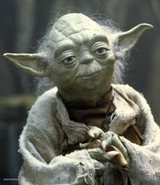
Blank Confucius says meme template
Download the blank Confucius says template to caption it yourself, or add your text right here in the editor above and download the finished meme.
Confucius says template facts
- Dimensions
- 224 × 224 px
- Format
- JPG
- Added
- 2026
About the Confucius says meme template
When you want to deliver an absurd piece of wisdom or set up an unexpected punchline, this format lets you frame it as ancient advice. The template works by starting with the familiar "Confucius says" opening, then subverting expectations with silly or surprising content.
The format shines when your caption builds anticipation in the first line, then delivers an unexpected twist or crude punchline. Keep the tone mock-serious to contrast with whatever ridiculous conclusion you're building toward.
Add your own text to create custom Confucius Says memes and download them instantly.
Popular Confucius says caption ideas
CONFUCIUS SAYS NAKED MAN WHO WALKS THROUGH DOOR SIDEWAYS · GOING TO BANGKOK
Templates similar to Confucius says
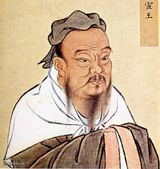


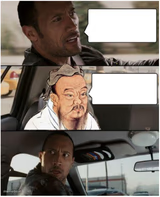
Confucius says meme FAQ
How do I make a Confucius says meme?
Scroll up to the Confucius says template, add your own text boxes in the editor above and type your captions, adjust the font, size and color if you like, then click download. Your finished Confucius says meme is ready to share in seconds.
Can I use the Confucius says template for free?
Yes. The Confucius says template is completely free to use — no signup and no limits on how many memes you create or where you share them.
How do I download my Confucius says meme?
Click the download button under the editor once your Confucius says meme looks right. It saves straight to your device as a high-quality PNG or JPEG image.
How do I download the blank Confucius says template?
Use the "Download blank template" button in the blank Confucius says template section above to save the original, un-captioned image — handy if you'd rather caption it in another app or keep a copy.