
bridge Meme Generator
Create Your bridge Meme

A long low bridge stretching over calm blue water under clear sky — a stretched-out, never-ending visual for slow burns and long roads ahead. Free to caption.
Blank bridge meme template
Download the blank bridge template to caption it yourself, or add your text right here in the editor above and download the finished meme.
When to use the bridge meme
- Describing a Monday that feels like it's never going to end
- The long, slow road to finally finishing a big project
- Waiting out a slow-loading webpage or long commute
- Any situation that feels farther away than it should
bridge template facts
- Dimensions
- 1280 × 720 px
- Format
- JPG
- Text boxes
- 2
- Added
- 2025
About the bridge meme template
It's just a bridge going on and on over still water, nothing dramatic, which is exactly why it works as a stand-in for anything that feels endless. The calm water and empty sky give it a quiet, almost too-peaceful vibe before you drop a caption that ruins it.
Use it for long commutes, drawn-out situations, or the slow crawl toward a deadline. It's also just a solid blank canvas for a top-bottom setup and punchline.
Popular bridge caption ideas
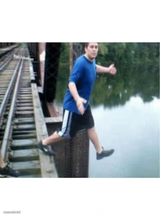
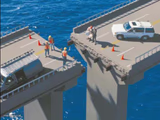
HEY LET'S BUILD A BRIDGE · AND END WOMEN'S SUFFRAGE!
This meeting · that could've been an email
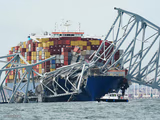
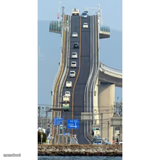

bridge meme FAQ
How do I make a bridge meme?
Scroll up to the bridge template, type your caption into the 2 text boxes in the editor above, adjust the font, size and color if you like, then click download. Your finished bridge meme is ready to share in seconds.
Can I use the bridge template for free?
Yes. The bridge template is completely free to use — no signup and no limits on how many memes you create or where you share them.
How do I download my bridge meme?
Click the download button under the editor once your bridge meme looks right. It saves straight to your device as a high-quality PNG or JPEG image.
How do I download the blank bridge template?
Use the "Download blank template" button in the blank bridge template section above to save the original, un-captioned image — handy if you'd rather caption it in another app or keep a copy.