
beer dog Meme Generator
Create Your beer dog Meme
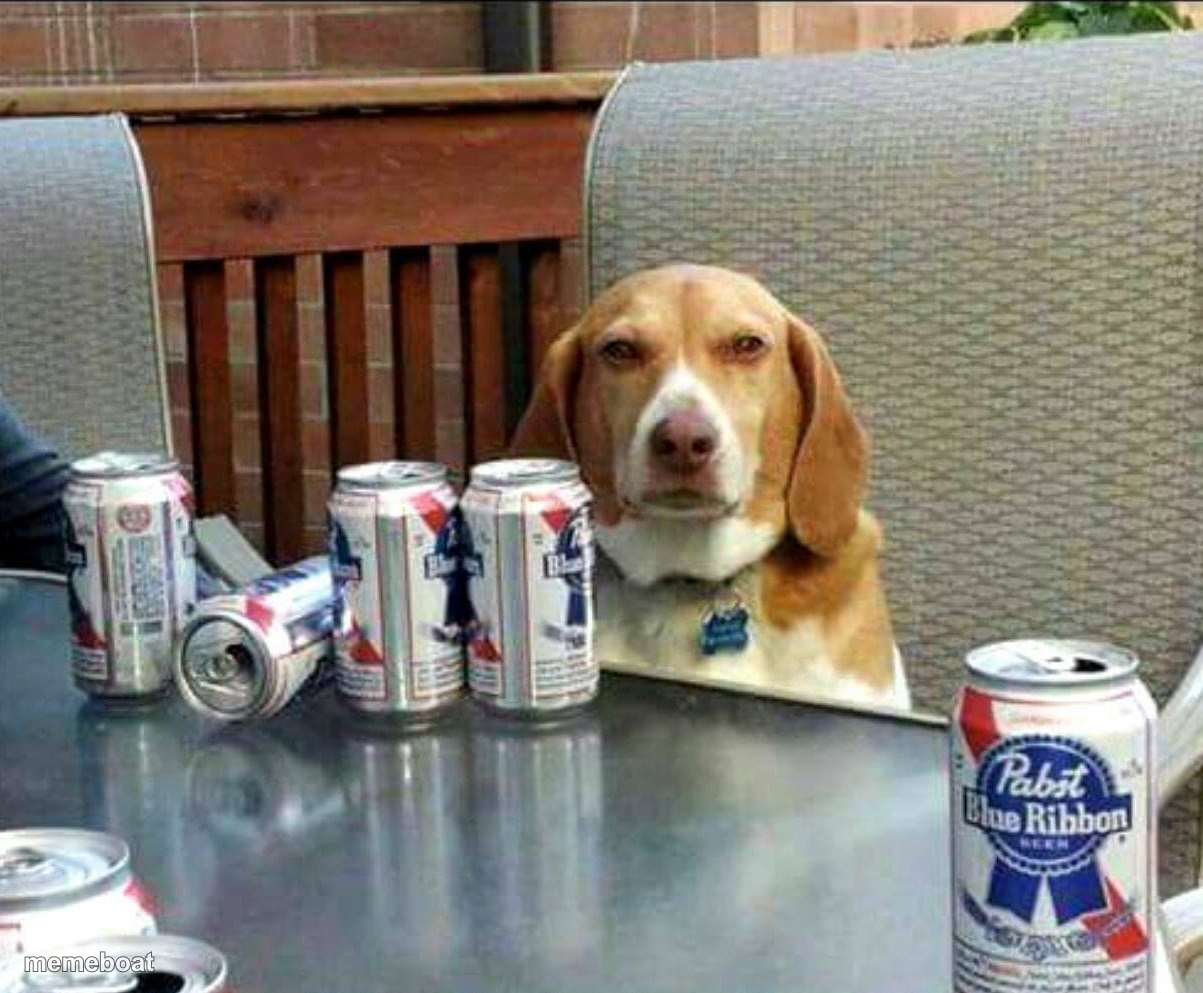
A beagle sitting at a table surrounded by empty beer cans, judging your life choices. Caption and download free.
Blank beer dog meme template
Download the blank beer dog template to caption it yourself, or add your text right here in the editor above and download the finished meme.
When to use the beer dog meme
- The morning-after look of someone who has zero regrets
- Blaming the dog for empty cans nobody wants to admit to
- That one friend who always says 'just one more' and means five more
- Judging you silently for your life choices
beer dog template facts
- Dimensions
- 1203 × 993 px
- Format
- JPG
- Text boxes
- 1
- Added
- 2025
About the beer dog meme template
This beagle is sitting at the table like a regular at the bar, surrounded by a graveyard of empty Pabst Blue Ribbon cans, giving you that unbothered 'yeah I did that' stare.
Use it for morning-after regret, that one friend who always orders 'just one more,' or anything involving questionable decisions and zero remorse.
Popular beer dog caption ideas
MAYBE THE REASON I DRINK · IS BECAUSE YOU KEEP PRETENDING TO THROW THE BALL, JASON
Me explaining to my liver why we're doing this again
Told everyone I was 'just having one'
This dog has more self control than me on a Friday
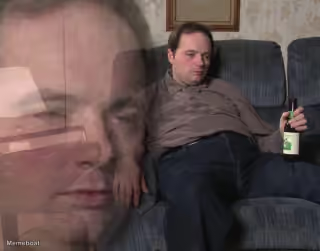
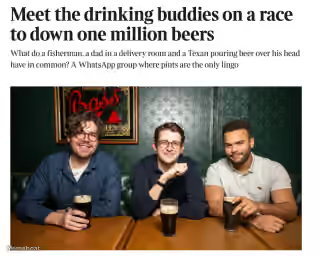
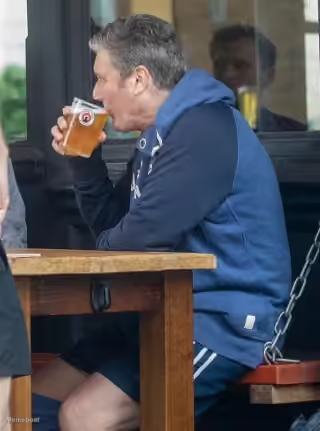
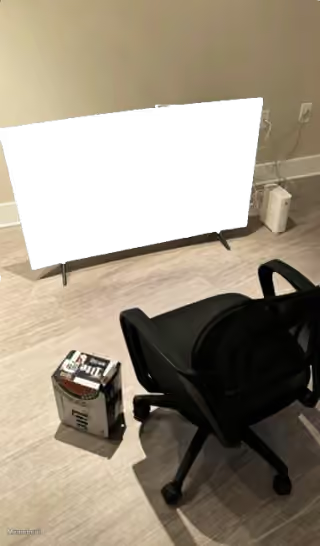

beer dog meme FAQ
How do I make a beer dog meme?
Scroll up to the beer dog template, type your caption into the text box in the editor above, adjust the font, size and color if you like, then click download. Your finished beer dog meme is ready to share in seconds.
Can I use the beer dog template for free?
Yes. The beer dog template is completely free to use — no signup and no limits on how many memes you create or where you share them.
How do I download my beer dog meme?
Click the download button under the editor once your beer dog meme looks right. It saves straight to your device as a high-quality PNG or JPEG image.
How do I download the blank beer dog template?
Use the "Download blank template" button in the blank beer dog template section above to save the original, un-captioned image — handy if you'd rather caption it in another app or keep a copy.