
Arthur Hearing Aid Meme Generator
Create Your Arthur Hearing Aid Meme

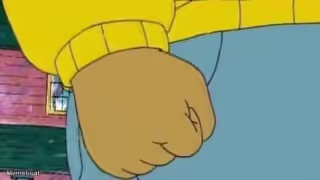
Arthur the aardvark fitted with a comically oversized hearing aid, zoomed in for maximum drama — the go-to template for 'wait, what did you just say?' moments.
Blank Arthur Hearing Aid meme template
Download the blank Arthur Hearing Aid template to caption it yourself, or add your text right here in the editor above and download the finished meme.
When to use the Arthur Hearing Aid meme
- The second you overhear your name in another conversation
- When someone whispers the tea and you suddenly have perfect hearing
- Finding out secondhand information that was definitely not meant for you
Arthur Hearing Aid template facts
- Featuring
- Arthur Read (Arthur (PBS Kids))
- Dimensions
- 758 × 414 px
- Format
- JPG
- Added
- 2025
About the Arthur Hearing Aid meme template
Arthur's getting a hearing aid, and the show zooms in on it like it's a bomb defusal scene. It's become a favorite for that split second where you hear something you absolutely were not supposed to hear.
Great for eavesdropping jokes, gossip reveals, or anytime someone says something wild and you need to show the exact moment it registers.
Templates similar to Arthur Hearing Aid



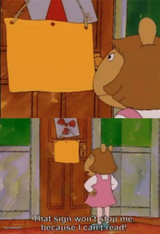
Arthur Hearing Aid meme FAQ
How do I make a Arthur Hearing Aid meme?
Scroll up to the Arthur Hearing Aid template, add your own text boxes in the editor above and type your captions, adjust the font, size and color if you like, then click download. Your finished Arthur Hearing Aid meme is ready to share in seconds.
Can I use the Arthur Hearing Aid template for free?
Yes. The Arthur Hearing Aid template is completely free to use — no signup and no limits on how many memes you create or where you share them.
How do I download my Arthur Hearing Aid meme?
Click the download button under the editor once your Arthur Hearing Aid meme looks right. It saves straight to your device as a high-quality PNG or JPEG image.
How do I download the blank Arthur Hearing Aid template?
Use the "Download blank template" button in the blank Arthur Hearing Aid template section above to save the original, un-captioned image — handy if you'd rather caption it in another app or keep a copy.