
and I took that personally Meme Generator
Create Your and I took that personally Meme
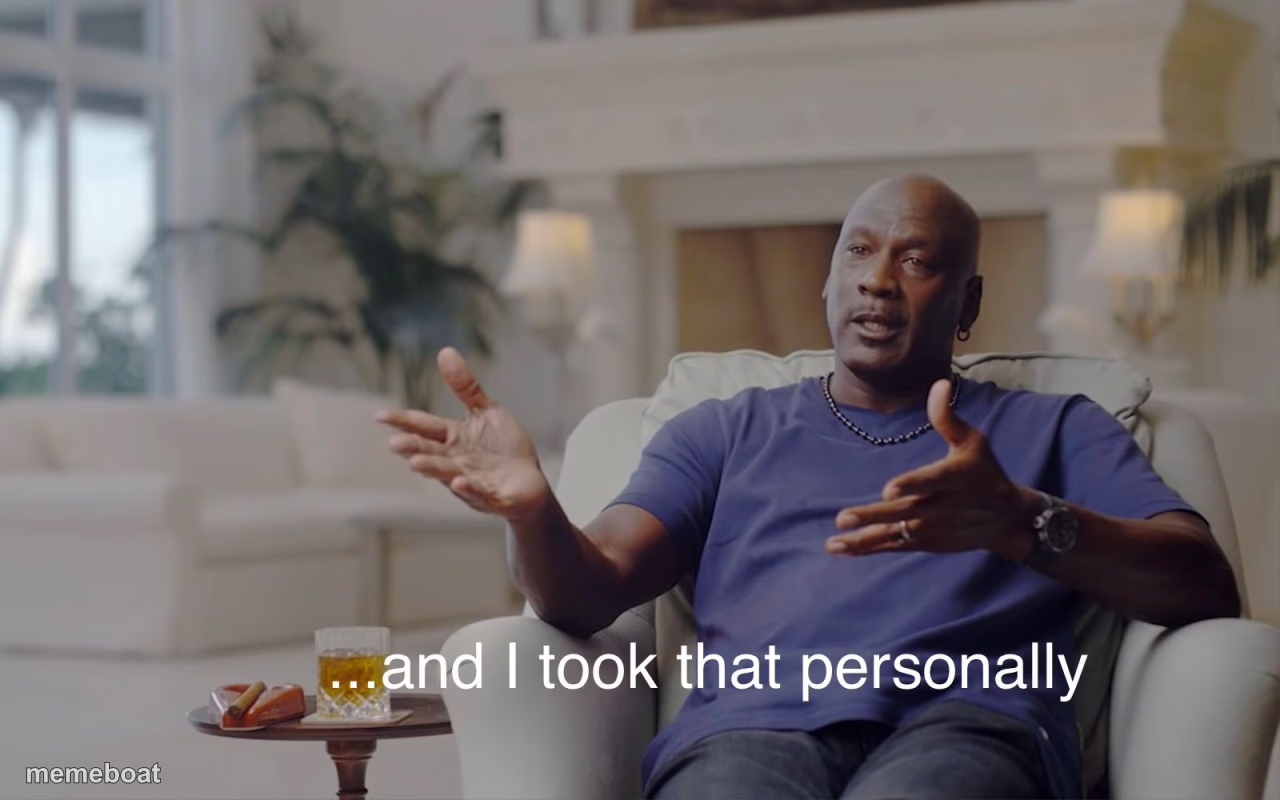
Also known as: Michael Jordan "and I Took That Personally" · Took That Personally · Michael Jordan Personally
A man sits in a plush armchair gesturing while explaining he took something personally — great for exaggerated offense or petty grudges. Free to caption.
Blank and I took that personally meme template
Download the blank and I took that personally template to caption it yourself, or add your text right here in the editor above and download the finished meme.
When to use the and I took that personally meme
- exaggerating being offended
- holding a petty grudge
- reacting to a mild insult
and I took that personally template facts
- Dimensions
- 1280 × 800 px
- Format
- PNG
- Text boxes
- 2
- Added
- 2025
About the and I took that personally meme template
The "And I Took That Personally" meme template originates from a memorable moment in internet culture featuring Michael Jordan's iconic reaction during a 1997 documentary. This viral phenomenon quickly gained traction across social media platforms like Twitter and Reddit, becoming a staple in meme culture for expressing exaggerated personal offense. Its widespread popularity highlights the power of relatable humor and the impact of viral content in digital entertainment.
Knowing how to use the "And I Took That Personally" meme effectively can elevate your social media content with funny reactions and relatable moments. Perfect for conveying humorous personal affronts or playful overreactions, this meme template fits well in posts that engage audiences on platforms such as Instagram, Facebook, TikTok, and Twitter. Whether you're wondering how to make this meme or when to post it, it’s ideal for adding comedic flair to conversations about misunderstandings or unexpected insults.
This meme remains popular because it’s easy to create, customize, and share using our online meme maker. You can generate personalized versions instantly with no design skills needed, making it a top choice for viral content creators. By using our free "And I Took That Personally" meme generator, you can build funny, trending memes that boost social media engagement and laughter. Start creating your own hilarious memes now and join millions who enjoy this entertaining piece of meme culture.
Popular and I took that personally caption ideas
Don't forget about tomatoes
"Pineapple is the only fruit that can go on pizza!" · Tomatoes:
and I took that personally
Child: *Makes any super minor mistake* · Dad:
Mind Over Laughter
Left-brained people when they reply to a non-serious comment: · literally
That sin is unforgivable
Student: *Wears a hoodie* · Schools:
and I took that personally
CHINESE PERSON: *HAS AN OPINION* · THE GOVERNMENT:
I mean everyone has their likes and dislikes but its true
HALF THE U.S POPULATION: · RANDOM GUY: GETS ELECTED PRESIDENT
and I took that personally
Kidnappers: · Nobody:
Don't forget about Dedede
"Kirby is the only one who can inhale things!" · King Dedede:
Ah the internet
Someone: *Likes a fictional character/movie · THE INTERNET
Wings of fire meme 1.0
PROPHECY: *HAPPENS* · TSUNAMI:
Templates similar to and I took that personally


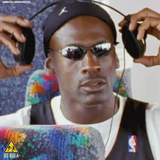
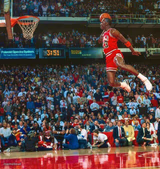
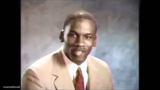
and I took that personally meme FAQ
How do I make a and I took that personally meme?
Scroll up to the and I took that personally template, type your caption into the 2 text boxes in the editor above, adjust the font, size and color if you like, then click download. Your finished and I took that personally meme is ready to share in seconds.
Can I use the and I took that personally template for free?
Yes. The and I took that personally template is completely free to use — no signup and no limits on how many memes you create or where you share them.
How do I download my and I took that personally meme?
Click the download button under the editor once your and I took that personally meme looks right. It saves straight to your device as a high-quality PNG or JPEG image.
How do I download the blank and I took that personally template?
Use the "Download blank template" button in the blank and I took that personally template section above to save the original, un-captioned image — handy if you'd rather caption it in another app or keep a copy.